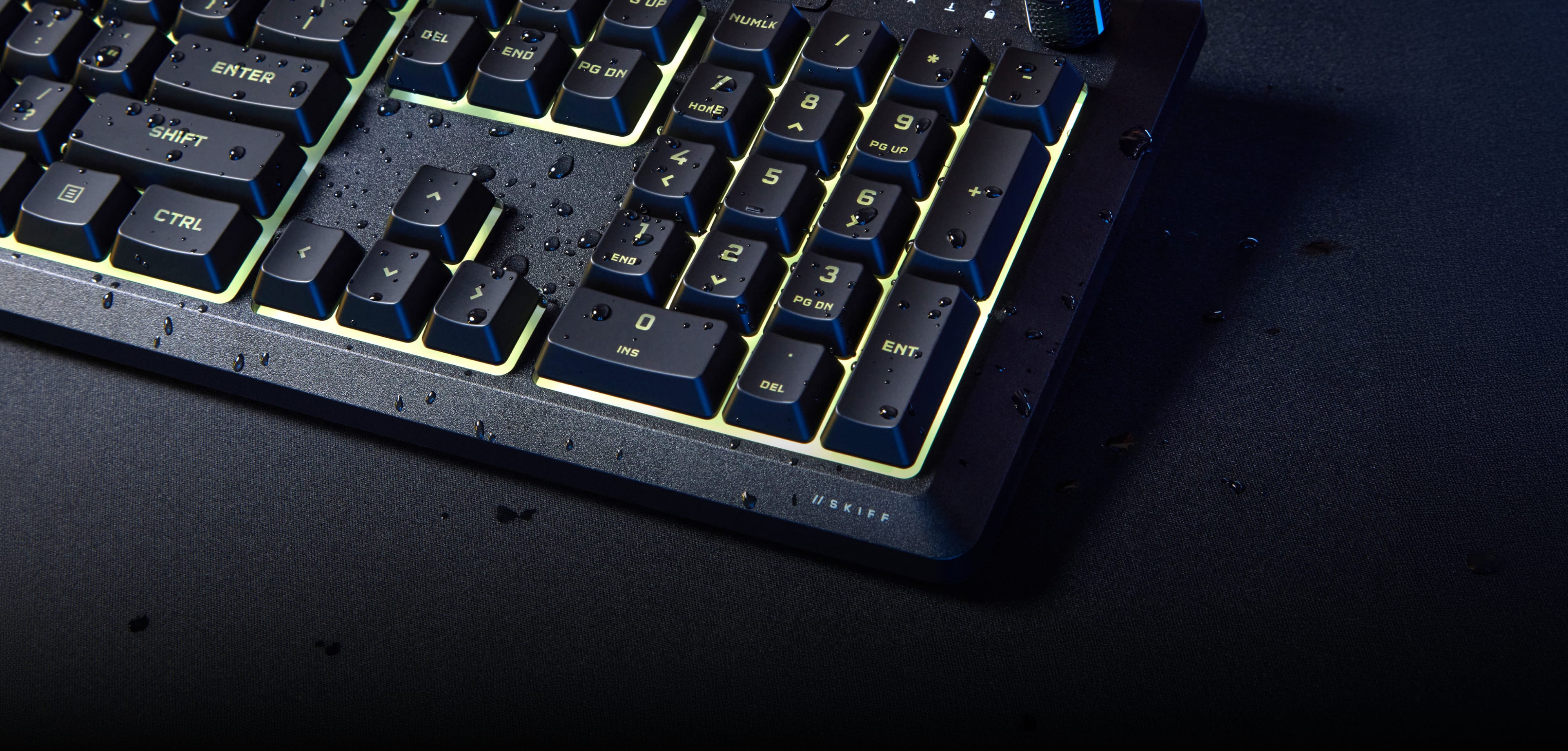
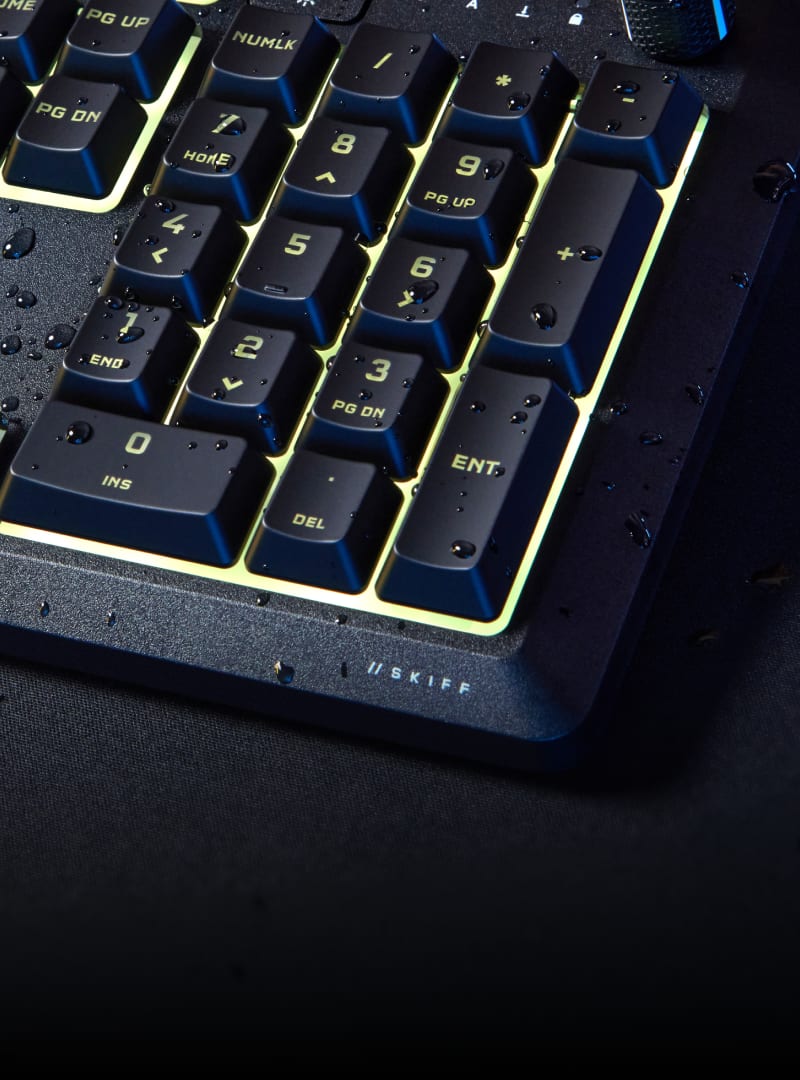
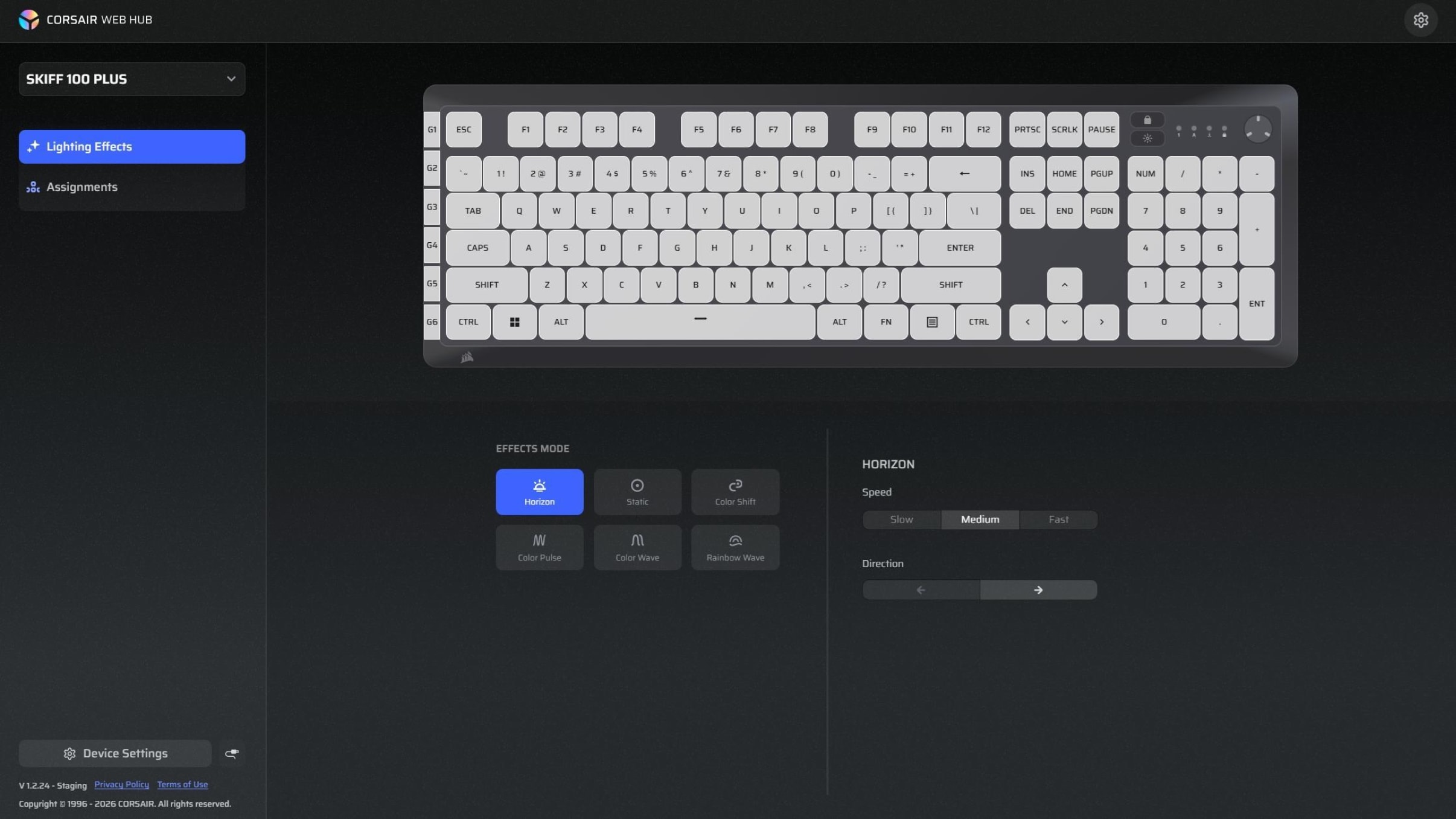
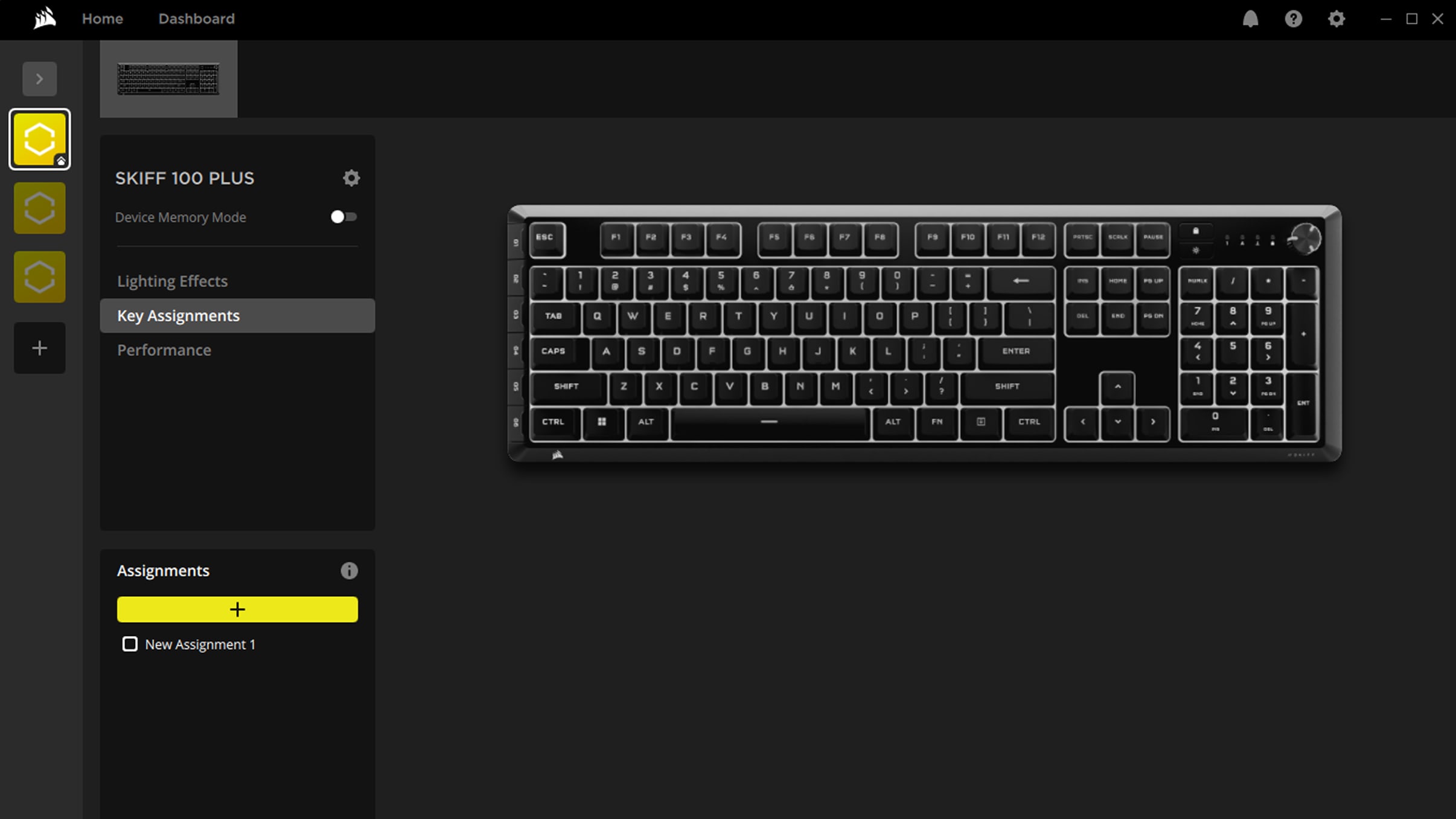
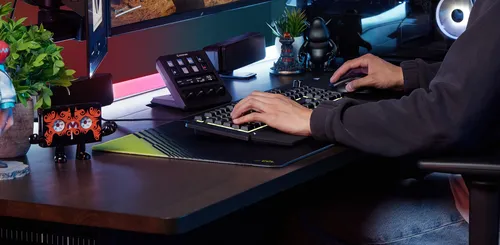
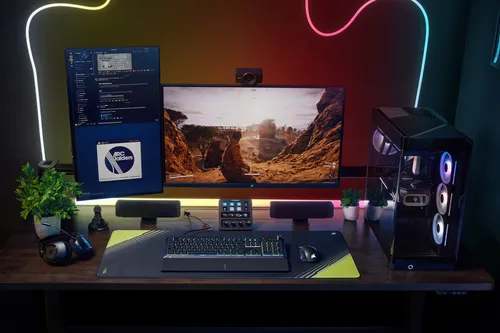
The brilliant 10-zone RGB lighting and dynamic effects make every play a highlight. Customize your style in the lightweight web-based CORSAIR Web Hub and iCUE* software.
*iCUE support available by end of September
BUILT FOR HOW YOU ACTUALLY LIVE
MEET SKIFF 100 PLUS
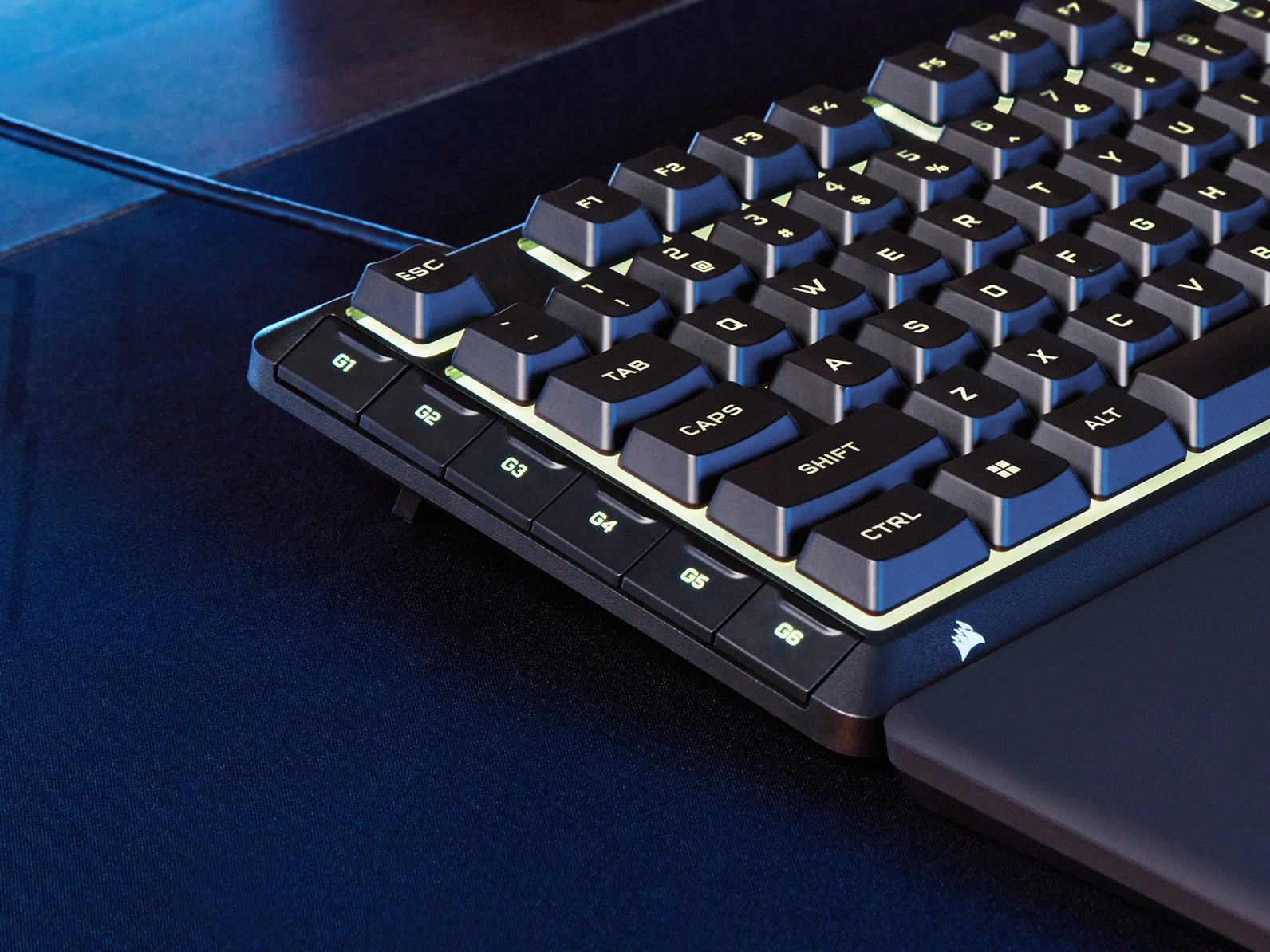
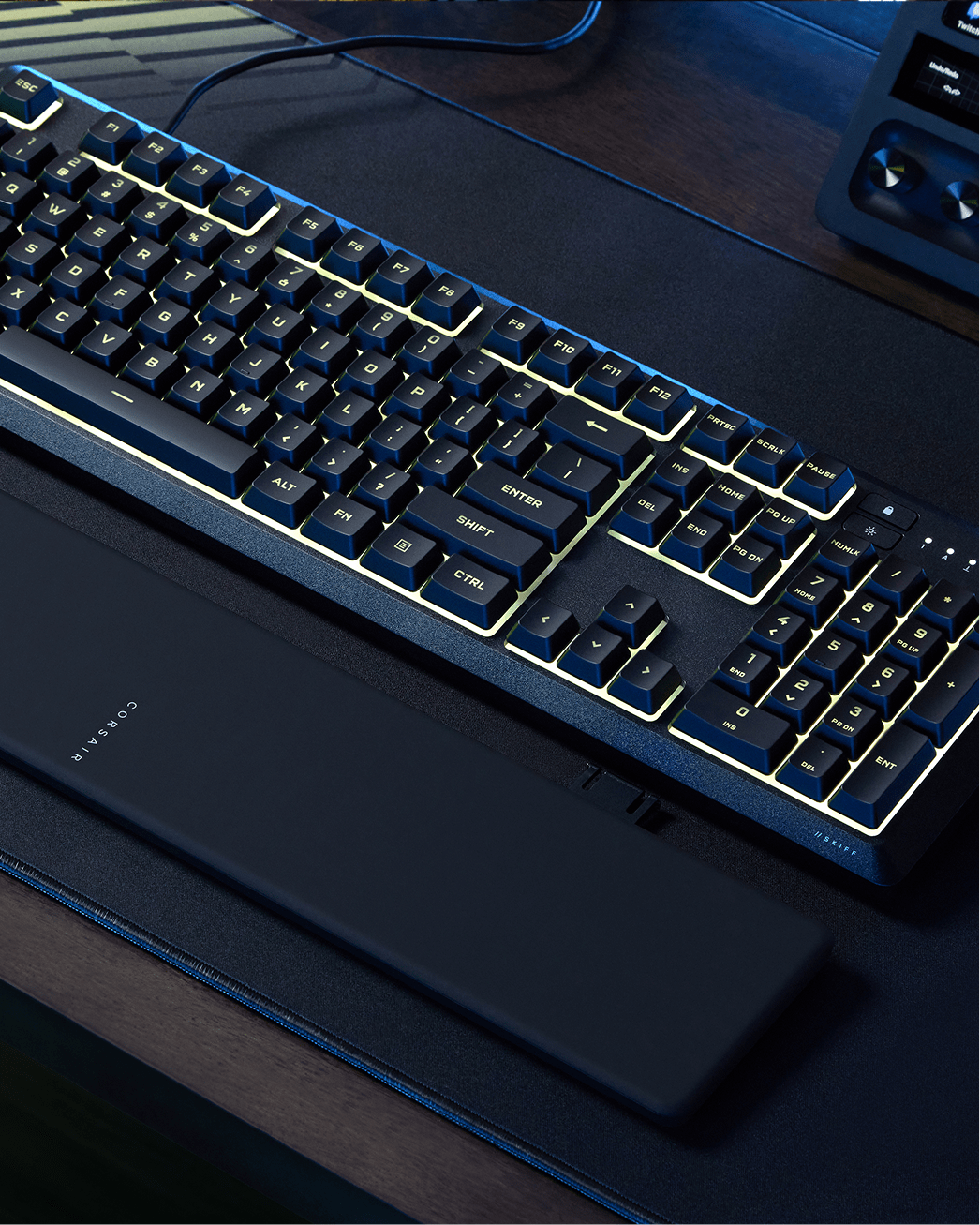
Detachable wrist rest
Soft-touch rubber surface. Easy to detach and store.
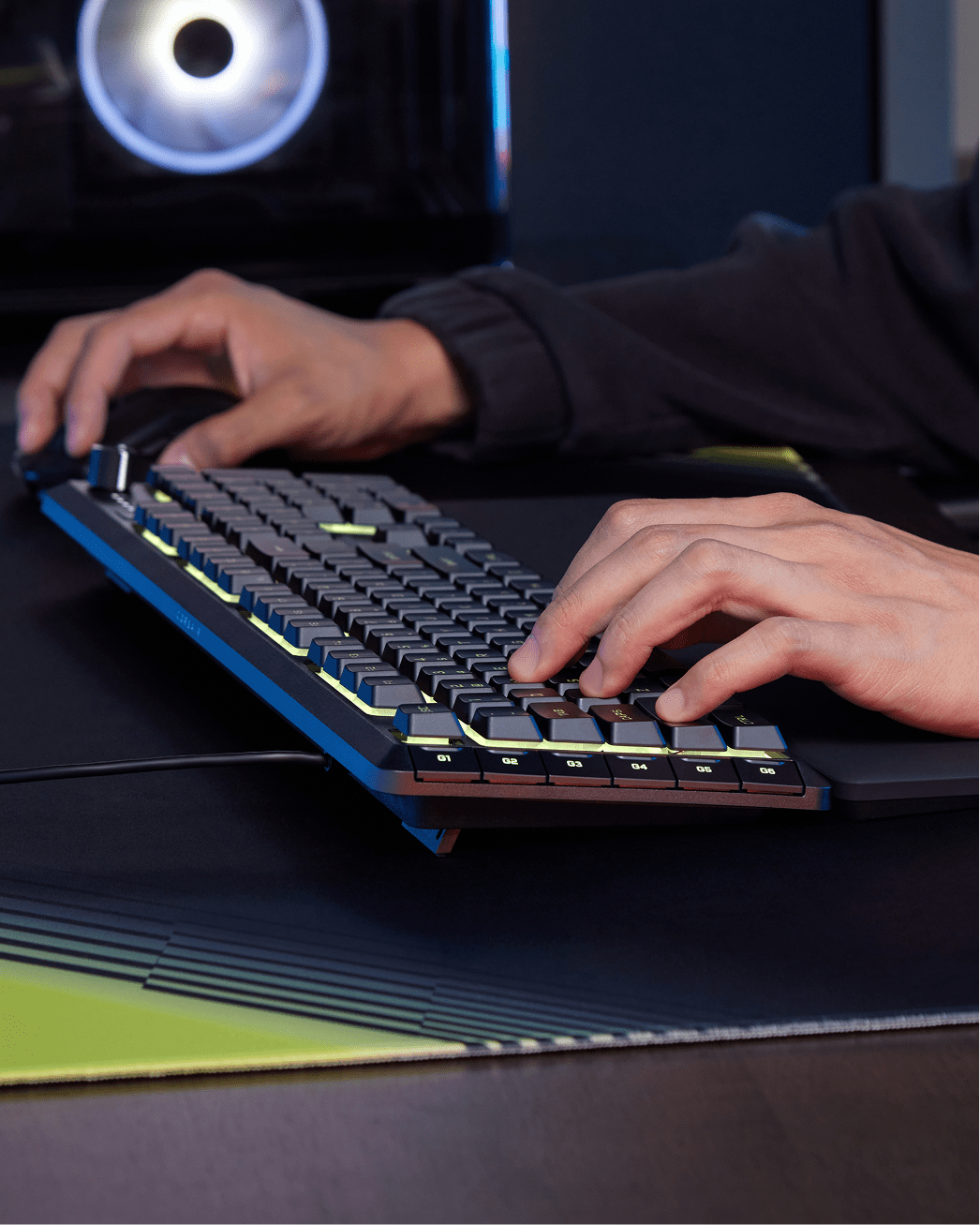
Programmable G-keys
Fast access to macros, streaming commands, and work shortcuts.
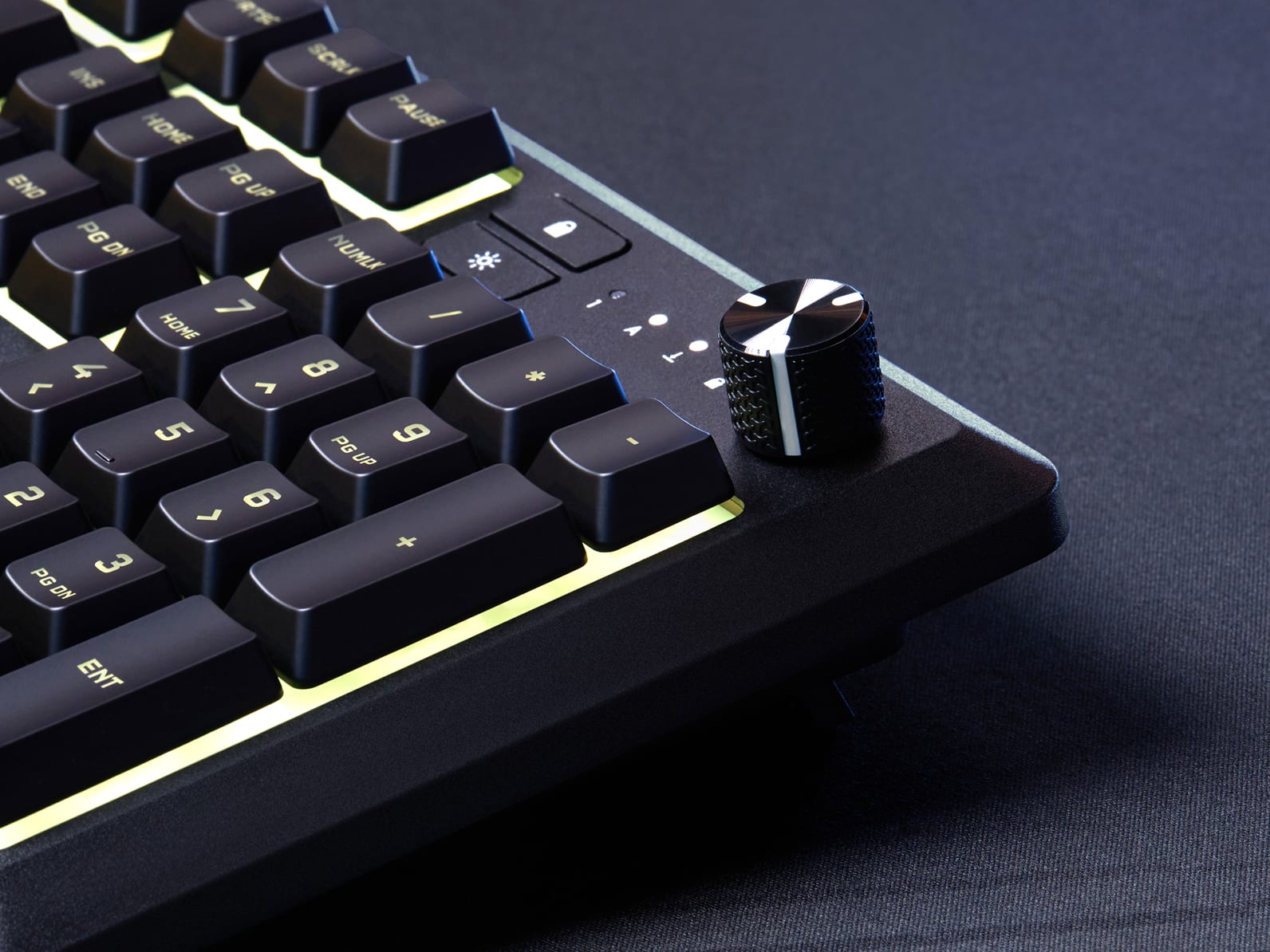
Rotary dial and Media Controls
Adjust volume, navigate tracks, pause playback, and mute.
10-zone RGB Lighting
Makes mesmerizing lighting effects.
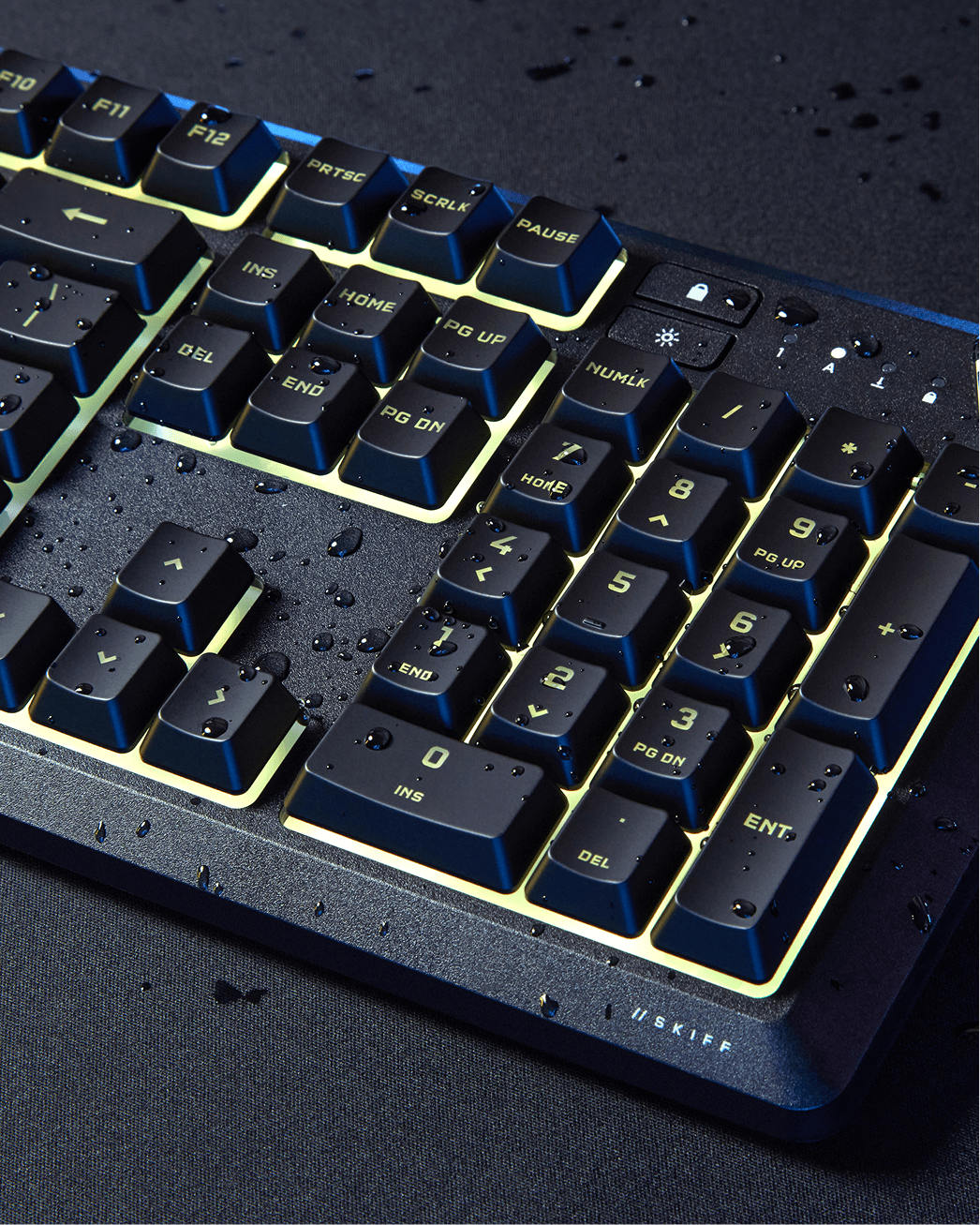
IP53-rated spill resistance
Protection against dust and light water spray.
Membrane keys
Deliver quiet, responsive keypresses.
Detachable wrist rest
Soft-touch rubber surface. Easy to detach and store.
Programmable G-keys
Fast access to macros, streaming commands, and work shortcuts.
Rotary dial and Media Controls
Adjust volume, navigate tracks, pause playback, and mute.
10-zone RGB Lighting
Makes mesmerizing lighting effects.
IP53-rated spill resistance
Protection against dust and light water spray.
Membrane keys
Deliver quiet, responsive keypresses.
Detachable wrist rest
Soft-touch rubber surface. Easy to detach and store.
POWERFUL, INTUITIVE SOFTWARE
CUSTOMIZE YOUR CONTROL
Fine-tune your RGB adjustments directly in your browser. Fast, lightweight, zero installation required.
Tech Specs
Keyboard CUE Software
Supported in iCUE
Media and Volume Controls
Yes
Keyboard Report Rate
1000Hz
Keyboard Color
RGB
On Board Memory
Yes
Adjustable Height
Yes
Wired Connectivity
USB 2.0 Type-A
Keyboard Connectivity
Wired
Keyboard Cable Material
Tangle-free rubber
WIN Lock
Dedicated Hotkey
Media Keys
Dedicated Hotkeys
Key Rollover
12-Key Selective (12KRO)
Keyboard Matrix
104 Keys
Macro Keys
6
Key Switches
Rubber Dome
Keyboard Layout
NA (North America)
Keyboard Compatibility
PC with a USB 2.0 Type-A port|Windows® 10 or macOS® 10.15|Internet connection for iCUE software download
IP53 is a certified international standard for dust and water protection. The first digit (5) indicates protection against dust, while the second digit (3) indicates protection against water, such as light splashes. Together, they help the keyboard better withstand common day-to-day mishaps around your desk. So with IP53, a splash? No problem. Just don't give your keyboard a bath.
Yes. The SKIFF 100 PLUS features dynamic 10-zone RGB lighting with customizable effects. Lighting and effects can be adjusted via CORSAIR Web Hub or iCUE software. Onboard lighting effects can also be cycled through directly on the keyboard via FN shortcuts without any software.
The SKIFF 100 PLUS connects to devices via a fixed wired USB connection.
The SKIFF 100 PLUS offers wide compatibility across PC, Mac, Xbox One / Xbox Series X|S, PS4, and PS5. Please note that some system functions may not be supported on certain platforms.
The intuitive rotary dial provides quick access to volume control and mute. Turn the dial to adjust volume, and press it to mute or unmute. It is not customizable for other functions.
SKIFF 100 PLUS features a media control rotary dial that provides intuitive and quick access to volume control and mute. Turn the dial to adjust the volume, and press it to mute or unmute. You can also use Fn + Rotary Left/Right for previous/next track, and Fn + Pause for play/pause. The rotary dial is not customizable for other functions.
Yes. The SKIFF 100 PLUS supports macro recording via CORSAIR Web Hub and iCUE software. The 6 dedicated G-keys support hardware-based macro recording at launch, with full software-based G-key function assignment and macro recording supported via CORSAIR Web Hub at launch and iCUE.
Yes. The SKIFF 100 PLUS includes onboard memory supporting 1 saved profile, allowing settings to be stored directly on the keyboard for use across different devices without software.
The SKIFF 100 PLUS uses membrane switches, offering quiet and responsive keypresses suited for both gaming and everyday work use. Designed for a quieter typing experience, it is also ideal for shared spaces such as offices, dorm rooms, or home setups.
The SKIFF 100 PLUS comes with ABS keycaps.
457.4 (L) × 142.19 (W) × 40.6 (H) mm.
The SKIFF 100 PLUS supports a 1,000Hz USB polling rate.
The SKIFF 100 PLUS comes with a 2-year warranty.
Yes. The SKIFF 100 PLUS includes a detachable snap-in palm rest with a soft-touch rubber surface for ergonomic support.
To connect the SKIFF 100 PLUS to a PlayStation, plug in via USB cable as normal, then hold FN + Win for 5 seconds to switch to PlayStation mode. The keyboard will blink white 5 times to confirm the switch. To return to standard mode, hold FN + Win for 5 seconds again — two white breathing pulses will confirm the switch.
To perform a factory reset, hold the ESC key for two seconds while the keyboard is plugged in. This will erase all onboard memory profiles and restore the keyboard to its factory default settings.