HOW TO
How to: Set up the HS75 XB Wireless gaming headset for XBOX ONE
This article will teach you how to pair your HS75 XB with your XBOX ONE and enable Dolby Atmos for immersive surround sound when gaming.
Video instructions
Pairing up your headset with your XBOX ONE
Before pairing up your headset, make sure that your HS75 XB is currently turned off.
To pair up your headset:
- Press and hold the pairing button on your XBOX.
- If you are not sure where the pairing button on your XBOX is, check your XBOX user manual.
- Press and hold the power button of your HS75 XB headset for around 10 seconds.
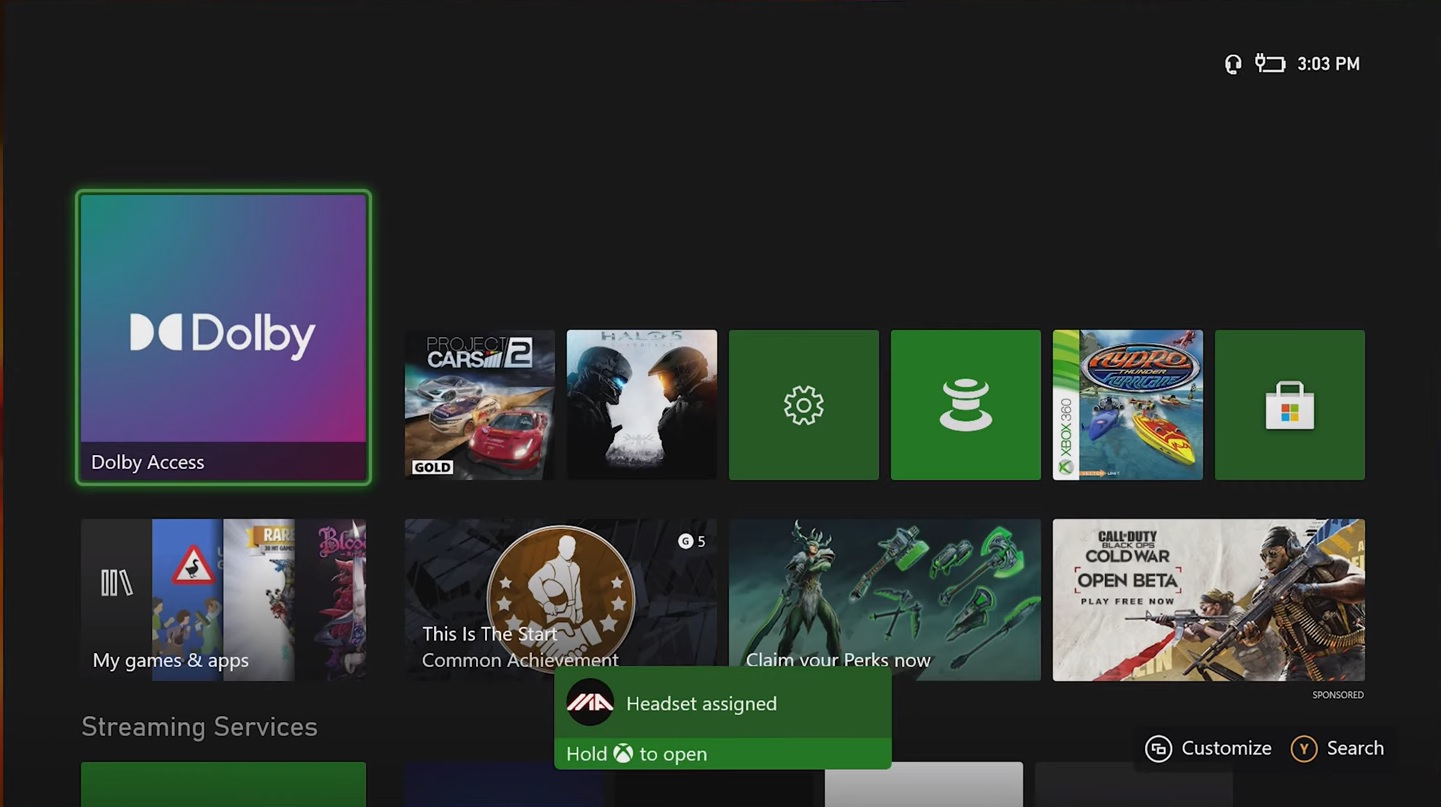
- You should see a “Headset assigned” message if the pairing is successful.
Enabling Dolby Atmos
Make sure that your HS75 XB is paired to your XBOX ONE before enabling Dolby Atmos.
To enable Dolby Atmos:
- Download the free Dolby Access app from the Microsoft Store.
- Launch the Dolby Access app.
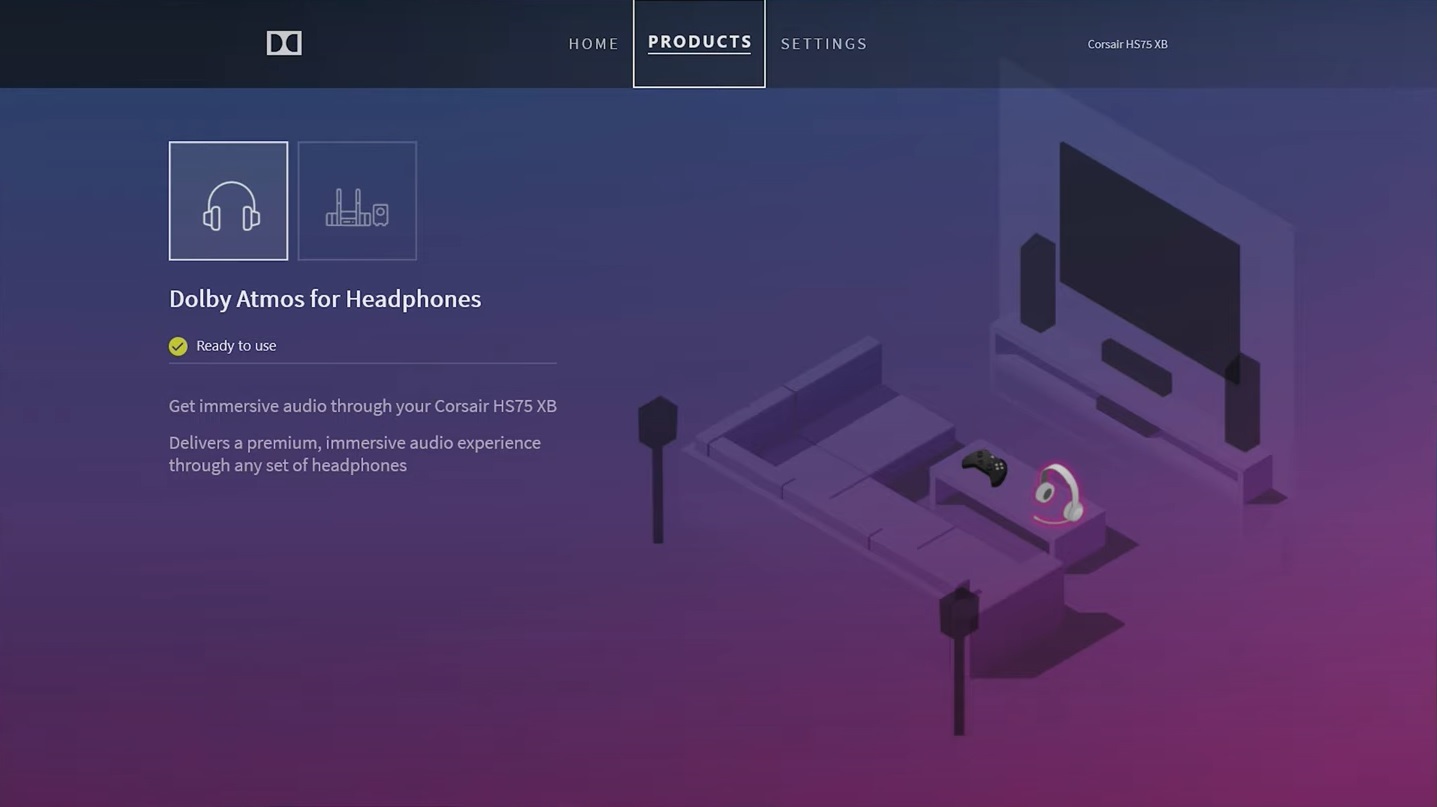
- The app should automatically detect your headset and enable Dolby Atmos.
Updating headset firmware
If you need to update your headset firmware, you can do so through iCUE. You will need to download and install iCUE onto a Windows PC system.
You can download the iCUE installer by going to our iCUE software page and clicking DOWNLOAD NOW.
If you need help installing iCUE, check out our article on how to install iCUE.
Once you have installed iCUE:
- Connect your headset to your PC.
- Open iCUE.
- On the iCUE home screen, move your mouse over your headset and select Device Settings.
- Click the Update Available! button to update your headset firmware.
Stay up to date with CORSAIR. Get our latest News, Guides, and Product Updates in your Google feeds.
Add CORSAIR as a preferred sourceWas this article helpful?
Feedback received
Thanks for helping us improve this article.
JOIN OUR OFFICIAL CORSAIR COMMUNITIES
Join our official CORSAIR Communities! Whether you're new or old to PC Building, have questions about our products, or want to chat about the latest PC, tech, and gaming trends, our community is the place for you.