- 概要
- 技術仕様
- ダウンロード
- ガイド
レガシーを築く
SCIMITAR ELITE WIRELESS SE
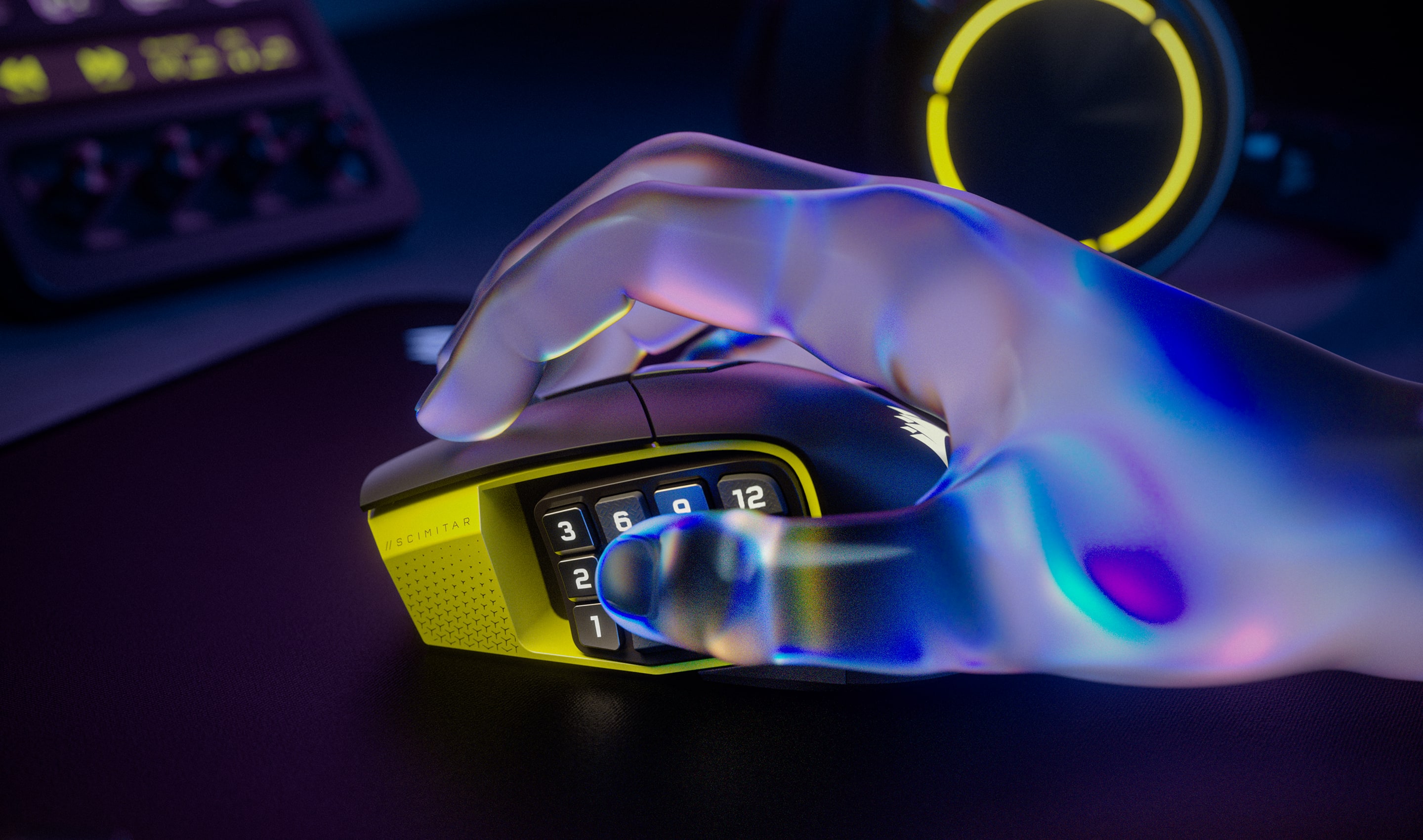
形に機能が加わる



驚異的な正確性
MARKSMAN S 33k DPI 光学式センサーを使えば、クリティカルヒット、マップスキャン、チームメイトへのピン送信が驚くほどの精度で行えます。750 IPS の速度と最大 50G の加速度でトラッキングが可能で、しかも前の世代のモデルよりも消費電力が少なくなっています。
最大
50G
加速度
750 IPS
トラッキング速度
33,000 DPI
光学式センサー

瞬時に反応
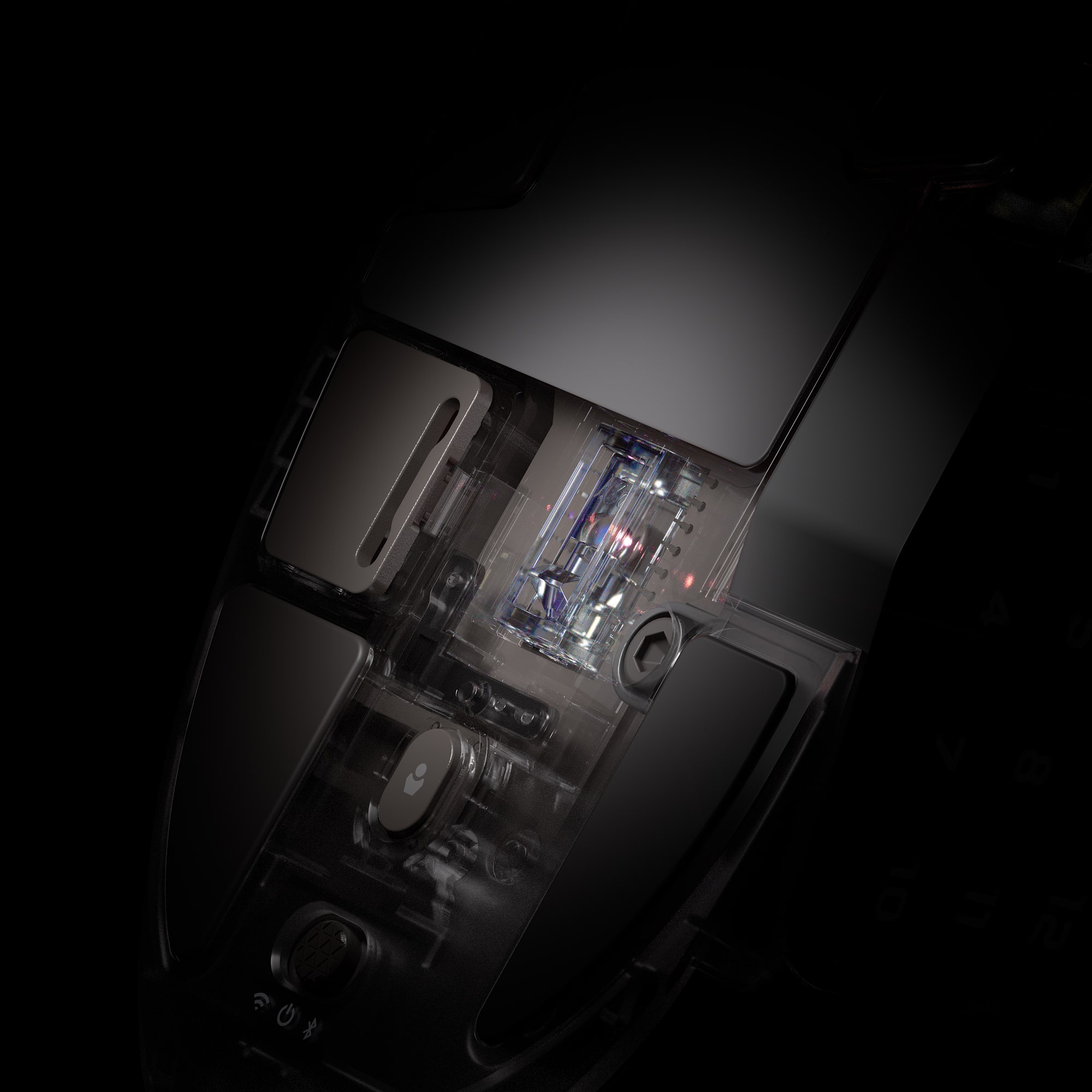
光学スイッチにより、デバウンス遅延がなくなるので、驚くほどのスピードでアタックできるようになり、最大 1 億回クリックできます。

iCUE で広がるイノベーション
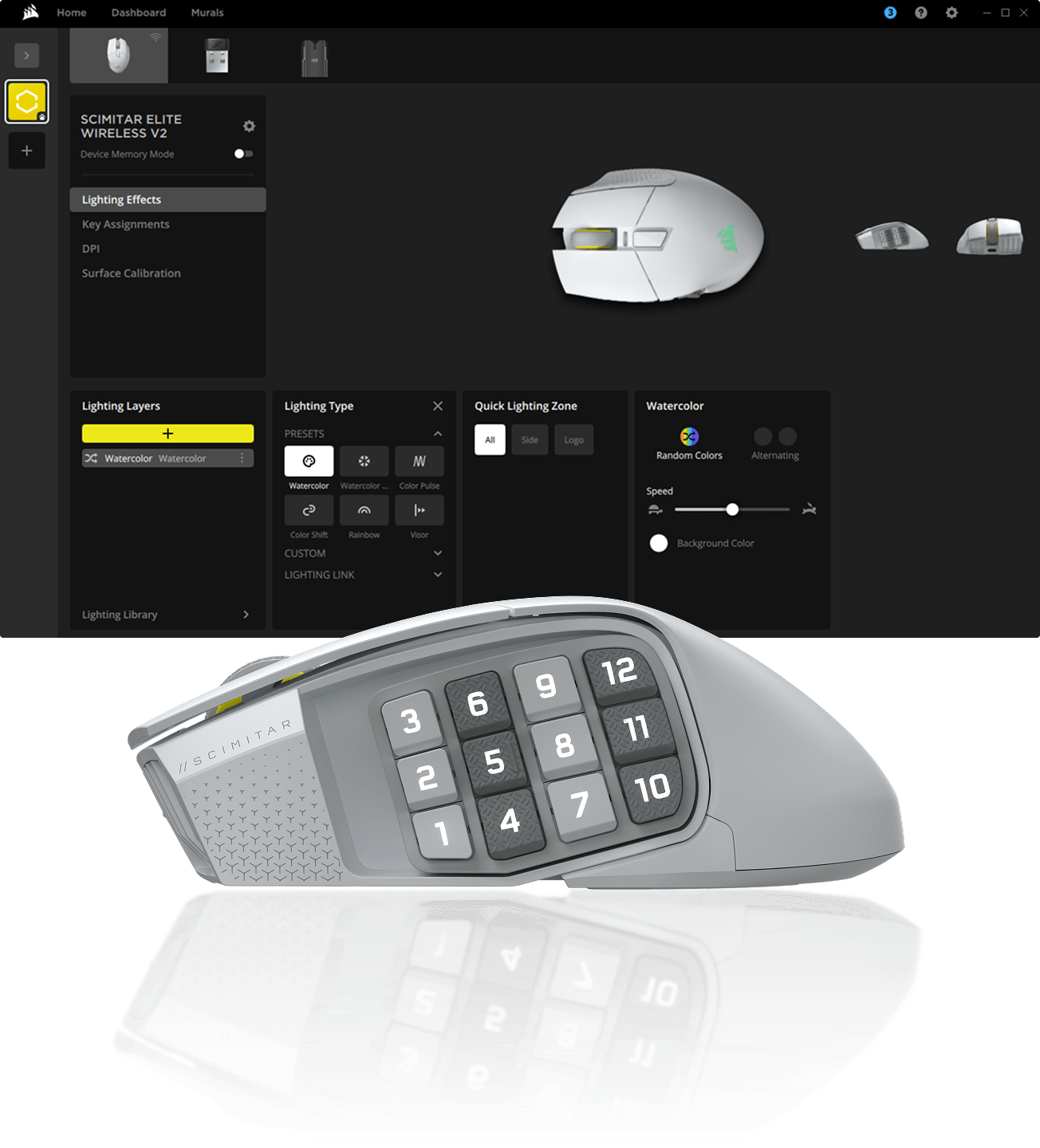
CORSAIR iCUE ソフトウェアで、マクロのプログラミングやボタンマッピングの変更、感度の調整、RGB ライティングのカスタマイズなどを楽しめます。


SCIMITAR ELITE WIRELESS SE 紹介


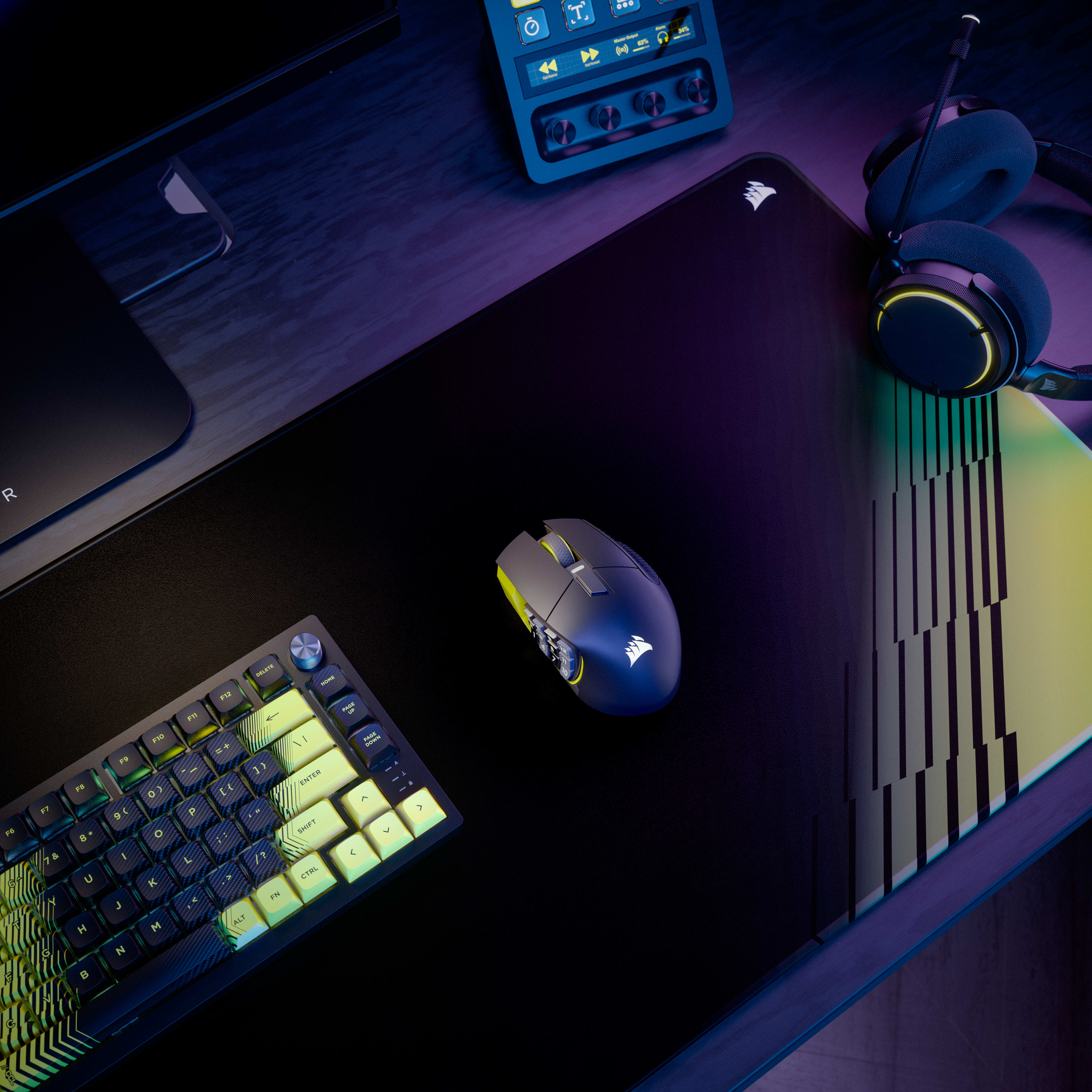
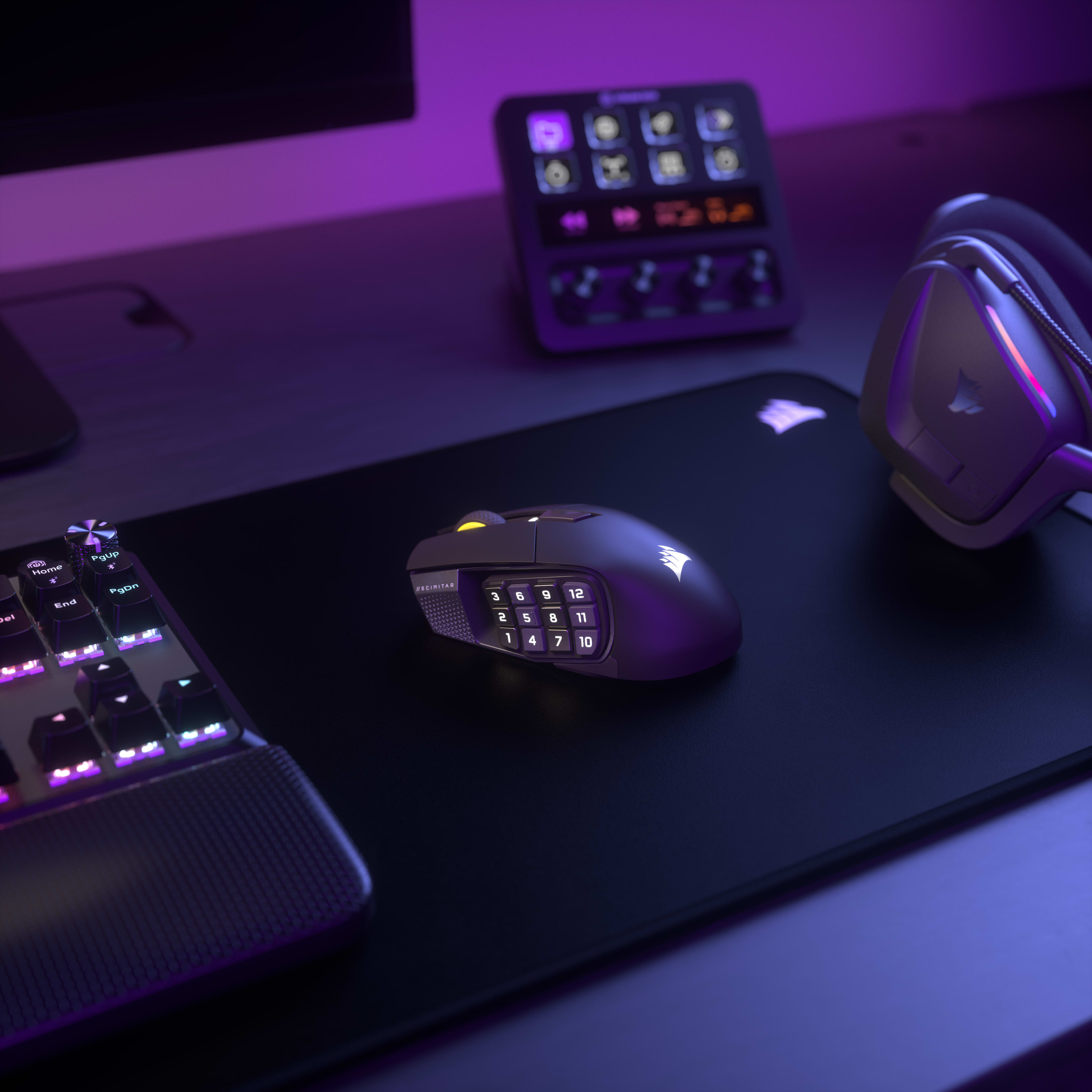
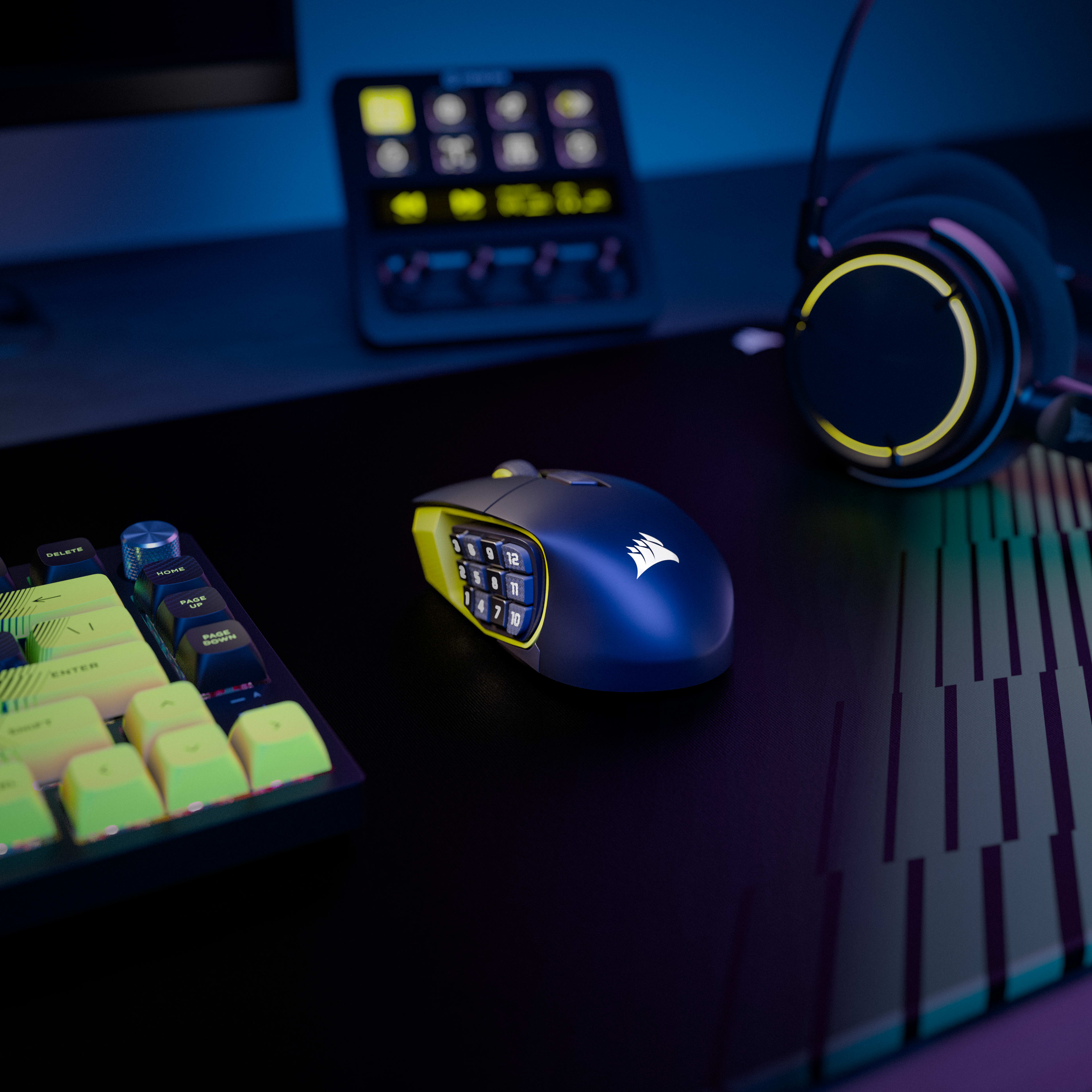
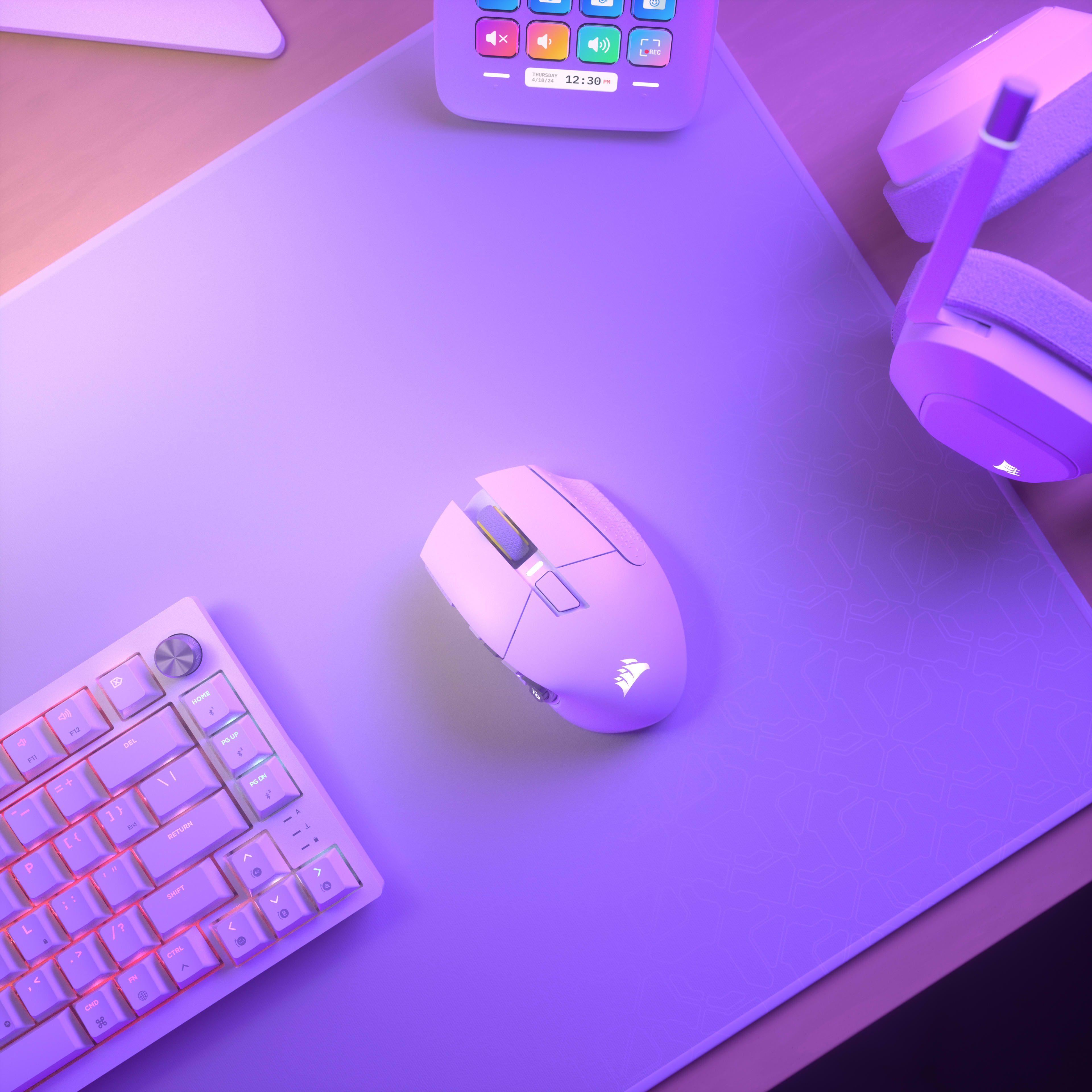

セットアップを統一
Overview
Key Features
-
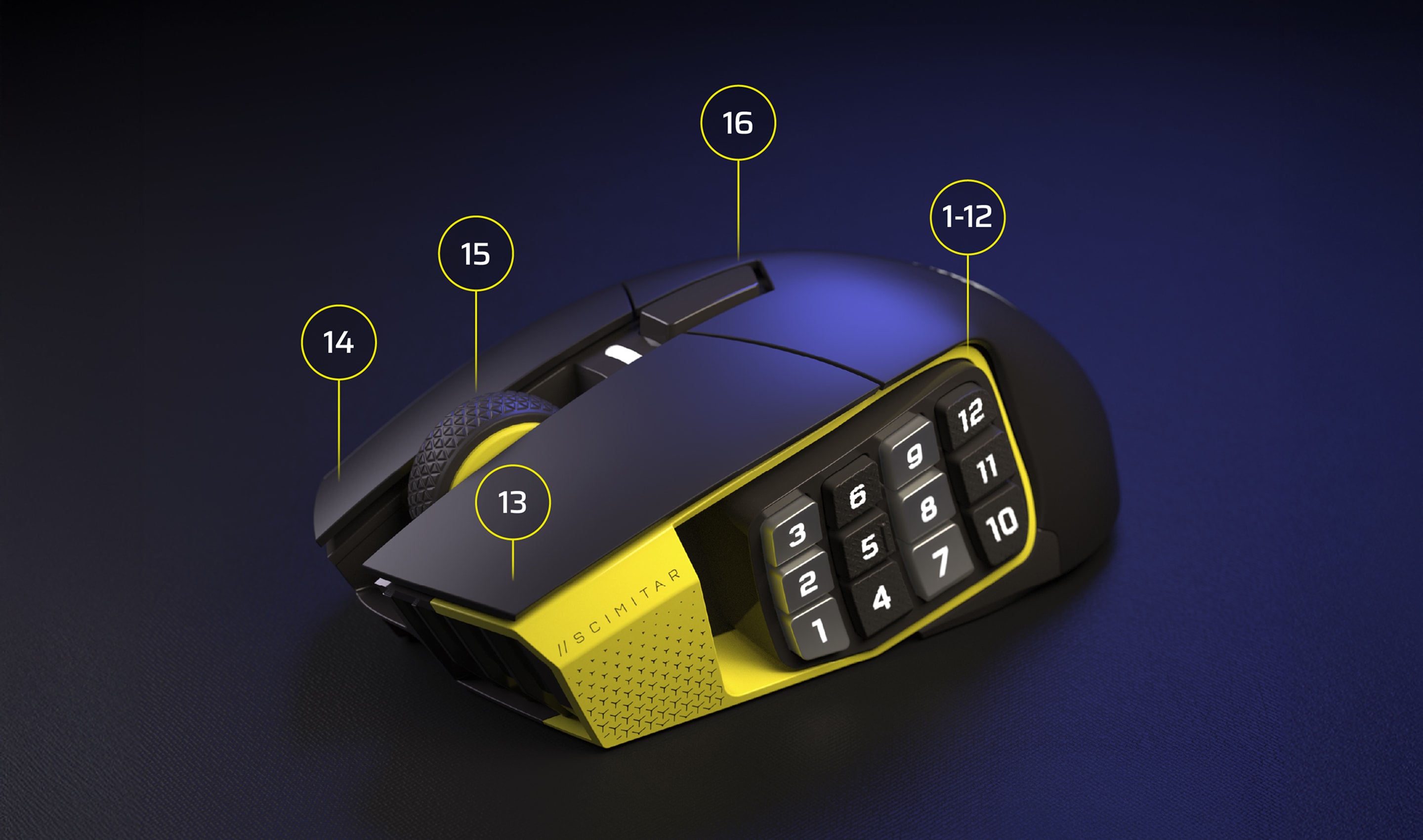
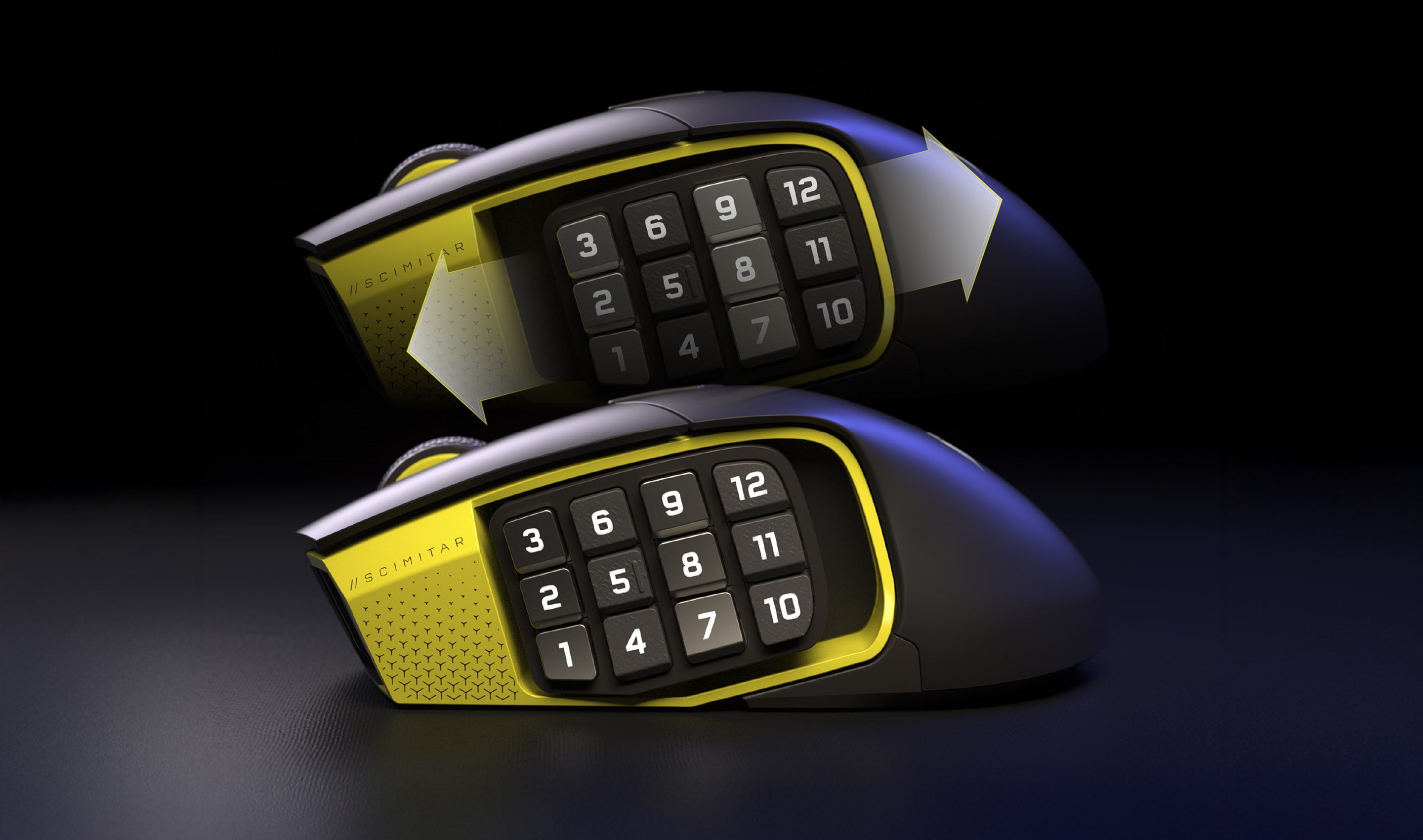
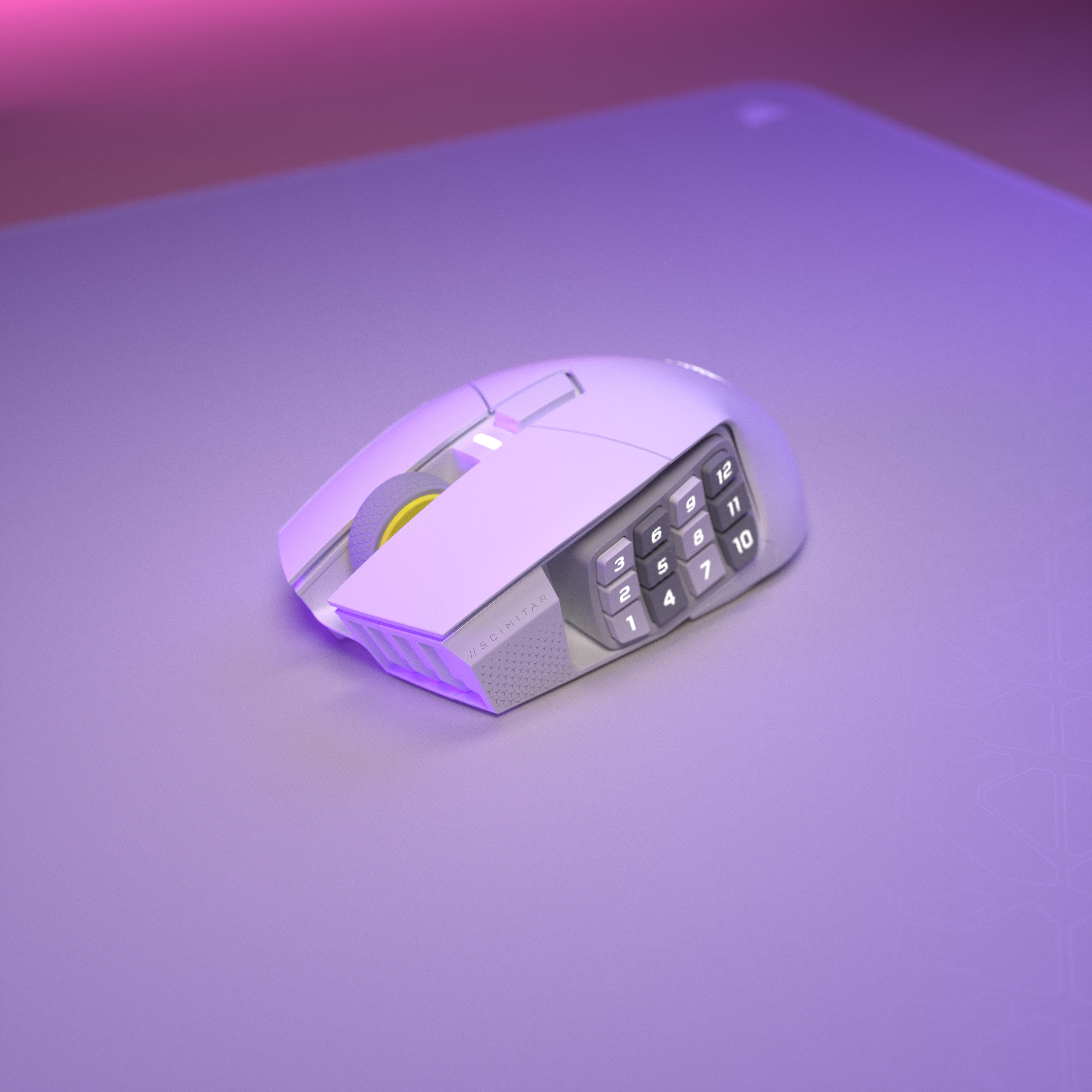
16 Programmable Buttons with Adjustable Key Slider
Features 16 fully programmable buttons including a 12-button side panel positioned on an adjustable Key Slider mechanism that moves forward/backward to match thumb reach. Each button can be assigned to macros, abilities, or keybinds through iCUE software for MMO rotations, MOBA combos, or productivity shortcuts. -
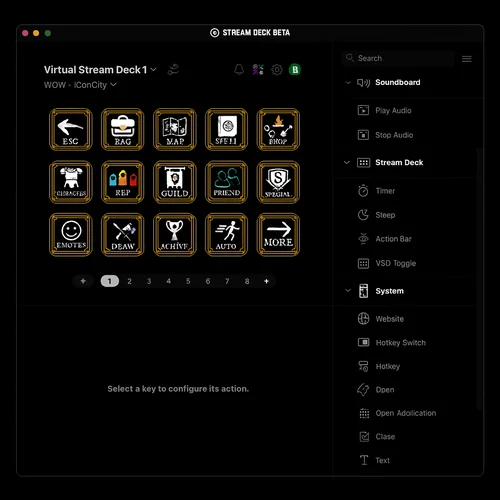
Elgato Virtual Stream Deck
Hit the dedicated launch button to summon a Virtual Stream Deck—clickable on-screen shortcuts for launching apps, executing macros, managing streams, and even controlling smart home devices. This gives you Stream Deck functionality without buying separate hardware, maximizing your space and keeping you focused on the screen. -
MARKSMAN S 33K DPI Optical Sensor
The MARKSMAN S sensor provides 33,000 DPI maximum sensitivity with 750 inches-per-second tracking speed and 50G acceleration tolerance. This optical sensor maintains accuracy during rapid mouse movements while consuming less power than previous generation sensors for extended wireless battery life. -
Dual Wireless Connectivity (SLIPSTREAM + Bluetooth)
Supports both SLIPSTREAM WIRELESS 2.4GHz (1000Hz polling for gaming) and Bluetooth connectivity (multi-device compatibility). Battery lasts up to 150 hours on 2.4GHz with RGB off, or up to 500 hours on Bluetooth with RGB off, with physical switch on bottom to toggle between modes. -
Optical Switches with QuickStrike Buttons
Optical switches eliminate mechanical debounce delay for instant click registration, rated for 100 million clicks. QuickStrike button design removes the gap between left/right mouse buttons and switches, reducing the distance fingers travel for faster consecutive clicks.
Use Cases
-
MMO and MOBA Gaming with Complex Rotations
The 16 programmable buttons enable mapping entire ability rotations, item slots, and communication commands without keyboard dependency. The adjustable Key Slider positions 12 side buttons within comfortable thumb reach, while optical switches ensure instant ability activation without click delay. -
Wireless Multi-Device Productivity
Bluetooth connectivity enables switching between gaming PC and work laptop without cable swapping or dongle repositioning. The 500-hour Bluetooth battery life (RGB off) provides weeks of use between charges, while 16 programmable buttons can store productivity macros for applications like Photoshop or Excel. -
Palm Grip Gamers with Large Hands
The 114g weight and contoured palm-grip shape provide stability for precision aiming during extended sessions. The adjustable Key Slider accommodates larger thumb reach spans, while the 33K DPI sensor enables high-sensitivity settings without lift-off issues on larger mousepads. -
Stream Deck Integration for Content Creation
Native Elgato Stream Deck integration maps streaming controls directly to the 12 side buttons without separate Stream Deck hardware. Virtual Stream Deck functionality enables multiple virtual decks, multiplying available functions per button through mode switching for scene transitions, audio control, and social media posting.
技術仕様
| Weight In Grams | 114 |
|---|---|
| Sensor Type | Optical |
| Grip Type | Palm |
| Cable | 1.8m Braided Fiber |
|---|
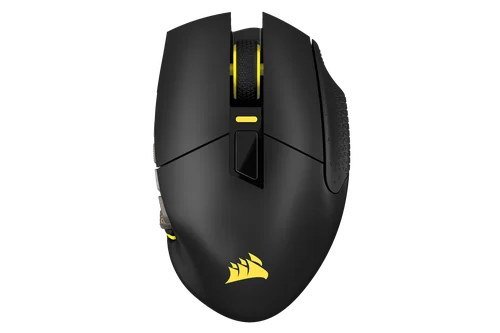
QUICK START GUIDE
SCIMITAR ELITE WIRELESS SE
BLOG
マウスグリップの説明: フィンガーティップvsパームvsクロー
マウスの握り方の3つの主なタイプの違いを説明します。
BLOG
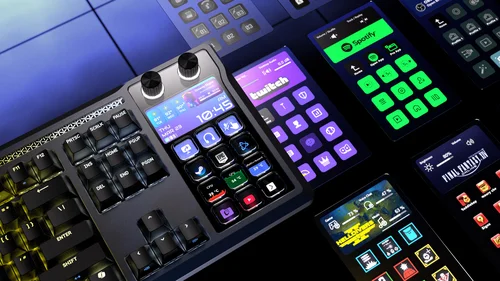
Stream Deck 統合の多くの利点
製品がStream Deckエコシステムの一部となる意味と、Virtual Stream Deckが強力な効率向上機能を実現する仕組みについて学びましょう。
HOW TO
Elgato Virtual Stream Deck を Scimitar Elite Wireless SE と一緒に使用する方法は以下の通りです。
エルガトのバーチャル・ストリーム・デッキとScimitar Elite Wireless SEマウスを使用した実践的なガイド
BLOG
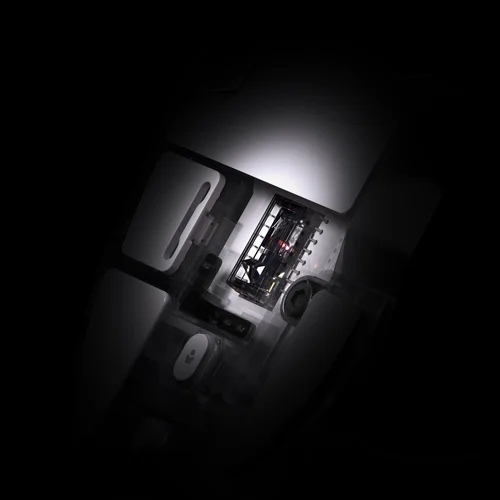
CORSAIR Marksman S 33K DPI センサーについて詳しく知る
新しいMarksman Sセンサーの機能とメリットを説明します。
BLOG
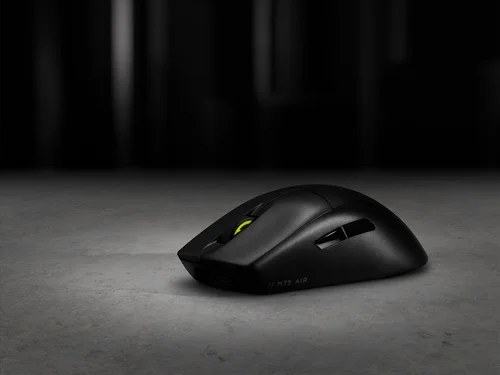
NVIDIA Reflexとは何ですか?有効にするべきですか?
NVIDIA Reflexとは何か、その仕組み、そして競争的なゲーム体験にどのようなメリットをもたらすかについて説明します。