Building a PC for local AI isn’t the same as building one for gaming. VRAM and memory bandwidth matter more than clock speeds. RAM capacity matters more than RGB. And storage needs to handle models that can be tens of gigabytes each. Here’s what actually makes a difference at three budget tiers and what you can realistically run on each one.
What Makes a PC Good for Local AI?
Before picking parts, it helps to know what local AI inference actually demands from your hardware:
- GPU VRAM: This is the single biggest factor. The more VRAM you have, the larger the models you can run entirely on the GPU which is where you get the best speed.
- System RAM: If a model doesn’t fit in VRAM, it spills into system RAM. More RAM means you can still run bigger models, just slower.
- Memory bandwidth: How fast data moves between memory and processor directly affects token generation speed. GPU memory bandwidth is typically 10–20x faster than system RAM.
- Storage: Models can be 4–50+ GB each. You want fast storage (NVMe SSD) so loading models doesn’t take forever.
- CPU: Matters less than you’d think for inference, but a solid modern CPU keeps everything running smoothly and handles CPU-only fallback well.
Starter Tier: Get Your Feet Wet
This is for someone who wants to try local AI without rebuilding their entire system. You’re running small models 3B to 7B parameters and you want them to actually work without constant crashes or swapping.
What to aim for
- GPU: 8GB VRAM (e.g. RTX 5060 or similar)
- RAM: 16–32GB DDR4/DDR5
- Storage: 500GB–1TB NVMe SSD
- CPU: Modern 6-core or better (e.g., Intel Core Ultra 5 235, AMD Ryzen 5 9600X)
- PSU: 550–650W 80+ Bronze or better
What you can run
Quantized 7B models (like Llama 3 8B Q4) fit comfortably in 8GB VRAM and generate tokens at a usable speed. You can chat, summarize documents, and do basic code assistance. Smaller 3B models will feel snappy.
You’ll hit limits with anything above 7B the model will partially offload to CPU/RAM and slow down noticeably. But for getting started and learning the tools (LM Studio, Ollama), this tier is solid.
Mid Tier: Serious Local AI
This is where local AI starts to feel genuinely useful for real work. You can run 13B models fully on GPU, handle longer context windows, and multitask without everything grinding to a halt.
What to aim for
- GPU: 12–16GB VRAM (e.g., RTX 5070 Ti or similar)
- RAM: 32–64GB DDR5
- Storage: 1–2TB NVMe SSD
- CPU: Modern 8-core or better (e.g., Intel Core Ultra 7 265K, AMD Ryzen 7 9700X)
- PSU: 750W 80+ Gold

What you can run
Quantized 13B models run entirely in VRAM with room to spare. You get noticeably better output quality than 7B models more coherent responses, better reasoning, and more reliable instruction following.
70B models become possible with partial offloading (some layers on GPU, rest in RAM), though they’ll be slower. The 64GB RAM option is worth it here if you want to experiment with larger models.
This tier handles most practical local AI tasks: writing assistance, coding, document analysis, and running multiple smaller models side by side.
Enthusiast Tier: No Compromises
This is for people who want to run the biggest open models available at speed, with room for large context windows and complex workflows. Think 70B+ models running smoothly, or multiple models loaded simultaneously.
What to aim for
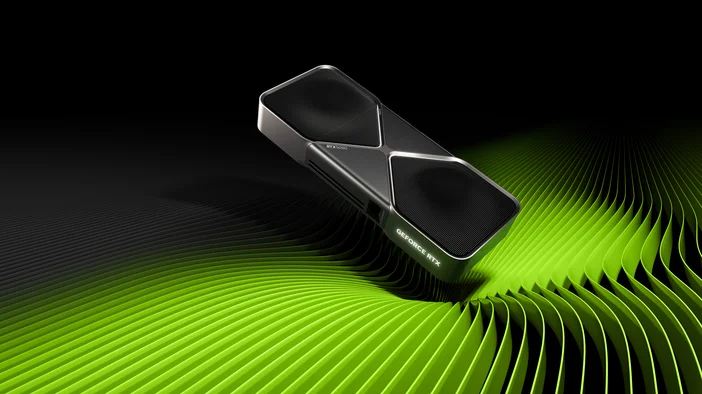
- GPU: 24GB+ VRAM (e.g., RTX 3090, RTX 4090, RTX 5090) or dual GPUs if your tools support it
- RAM: 64–128GB DDR5
- Storage: 2–4TB NVMe SSD (consider a dedicated drive just for models)
- CPU: Modern 16–24 core (e.g., Intel Core Ultra 9 285K, AMD Ryzen 9 9950X3D)
- PSU: 1000W+ 80+ Gold or Platinum
What you can run
Quantized 70B models can fit entirely (or nearly entirely) in 24GB VRAM depending on the quantization level. This is where you get output quality that rivals cloud APIs the difference between a 13B and 70B model is substantial.
With 128GB of system RAM as a fallback, even the largest open models become accessible via partial offloading. And the fast NVMe storage means loading and switching between models takes seconds, not minutes.
At this tier, you’re not just running AI locally you’re running it well enough that you might stop reaching for cloud APIs entirely.
Don’t Overlook These
A few things that matter more than people expect:
Cooling:
- GPUs run hot under sustained AI inference loads. A case with strong airflow makes a real difference, more on that below
- For CPUs, A quality CPU cooler keeps everything stable, something like the CORSAIR iCUE LINK TITAN RX RGB 360mm will be able to handle sustained loads.
Power supply:
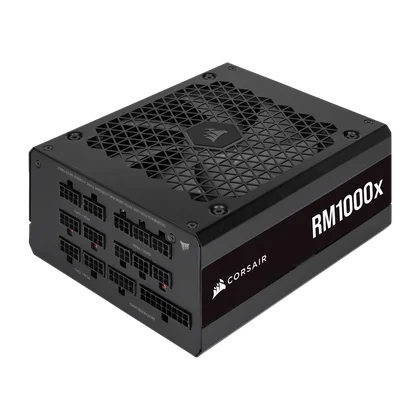
- A reliable PSU with enough headroom prevents crashes during heavy inference loads. Don't cheap out here. The CORSAIR RMx RM1000x is a great all-rounder for most builds, and the HX1500i is the move if you're running a power-hungry enthusiast rig.
Case airflow:
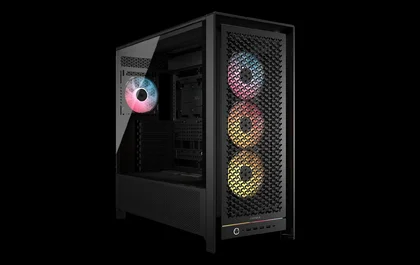
- Your system will be running at high load for longer stretches, so good airflow is important for longevity. The CORSAIR FRAME 4000D gives you solid airflow in a mid-tower, or step up to the FRAME 5000D if you need room for larger radiators and more storage.
Storage speed:
- Loading a 30GB model from an HDD vs an NVMe SSD is the difference between a minute and a few seconds. If you're experimenting with different models regularly, fast storage saves a lot of time. The CORSAIR MP700 PRO delivers Gen5 speeds for the fastest model loads, or the MP600 ELITE is a strong Gen4 option that won't break the bank.

CORSAIR VENGEANCE Pre-Builts
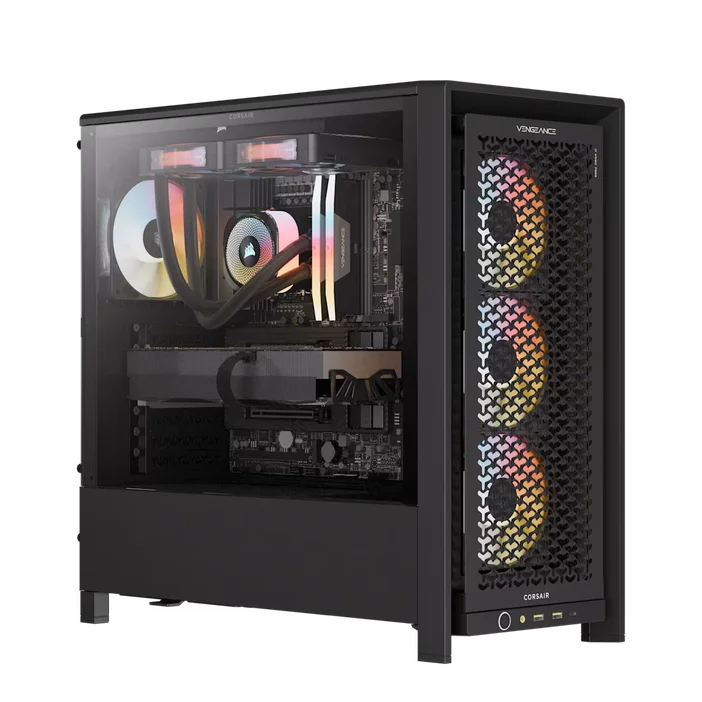
If you’d rather skip the parts list and get straight to running models, CORSAIR VENGEANCE Gaming PCs come with the hardware you need already assembled, tested, and backed by a two-year warranty. While they’re built for gaming, the specs line up well for local AI too especially the higher-tier configurations with plenty of VRAM and DDR5 memory.
Here’s how some of the current VENGEANCE lineup maps to the tiers in this guide:
Starter-equivalent:
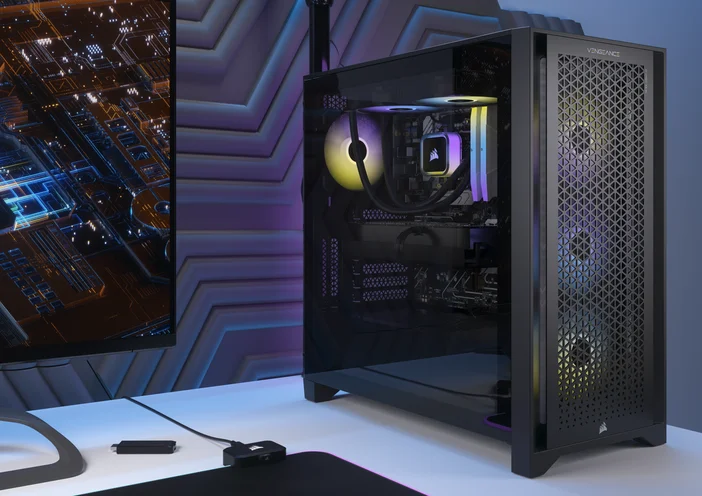
- The VENGEANCE i7500 with a Core i5-14600K, RTX 5060, and 16GB DDR5 is a solid entry point. The 8GB VRAM on the RTX 5060 handles quantized 7B models comfortably, and you can upgrade the RAM later if you want to push into larger models.
Mid-equivalent:
- The VENGEANCE a7500 with a Ryzen 7 9800X3D, RTX 5070 Ti, and 32GB DDR5 hits the sweet spot. The 5070 Ti gives you 16GB VRAM enough for 13B models running fully on GPU. And the 9800X3D is one of the best consumer CPUs available, so CPU fallback performance is strong too.
Enthusiast-equivalent:
- The VENGEANCE a7500 AIR with a Ryzen 9 9950X3D, RTX 5090, and 64GB DDR5 is the no-compromise option. The RTX 5090’s 32GB VRAM fits 70B quantized models with room for context, and 64GB of DDR5 gives you a generous fallback for anything that spills out of VRAM.
Every VENGEANCE system comes with NVMe storage, CORSAIR liquid cooling, and is assembled in the USA. You get a fully built, warranty-backed machine without the compatibility guesswork just install your runner app, download a model, and go.
CORSAIR AI300
If you want a designated AI workstation the CORSAIR AI Workstation 300 (AI300) is a compact, purpose-built workstation designed for local AI from the ground up.
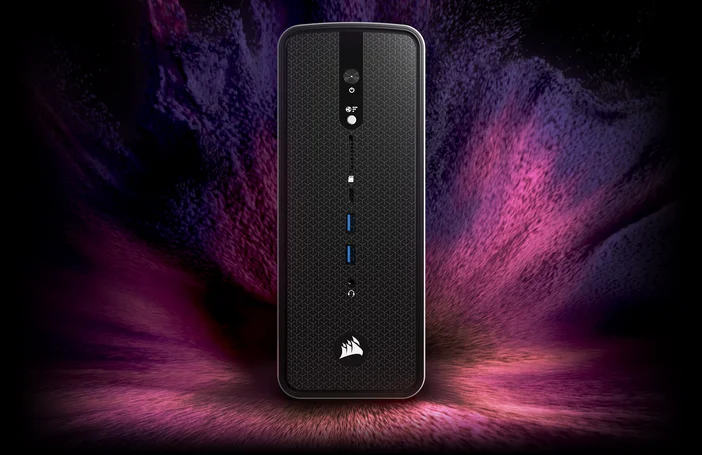
It ships with a high-memory configuration optimized for AI inference, graphics memory that scales for large models, and the CORSAIR AI Software Stack so you can start running models out of the box instead of spending a weekend on setup.
PRODUCTS IN ARTICLE
JOIN OUR OFFICIAL CORSAIR COMMUNITIES
Join our official CORSAIR Communities! Whether you're new or old to PC Building, have questions about our products, or want to chat about the latest PC, tech, and gaming trends, our community is the place for you.