


Skip to Content
Corsair
Corsair
  • CORSAIR: EXPLORER

    Browse how-to guides, support articles, and other content related to CORSAIR products.

  • CORSAIR FOR BUSINESS

    Trust the precision engineering and performance innovation that has made Corsair an industry leader for decades. Corsair for Business provides specialized hardware solutions for your industry. Want in?

Home / Gaming Mice / Wireless Gaming Mice / M75 AIR WIRELESS Ultra-Lightweight G...
Out Of Stock

M75 AIR WIRELESS Ultra-Lightweight Gaming Mouse – Black (EU)

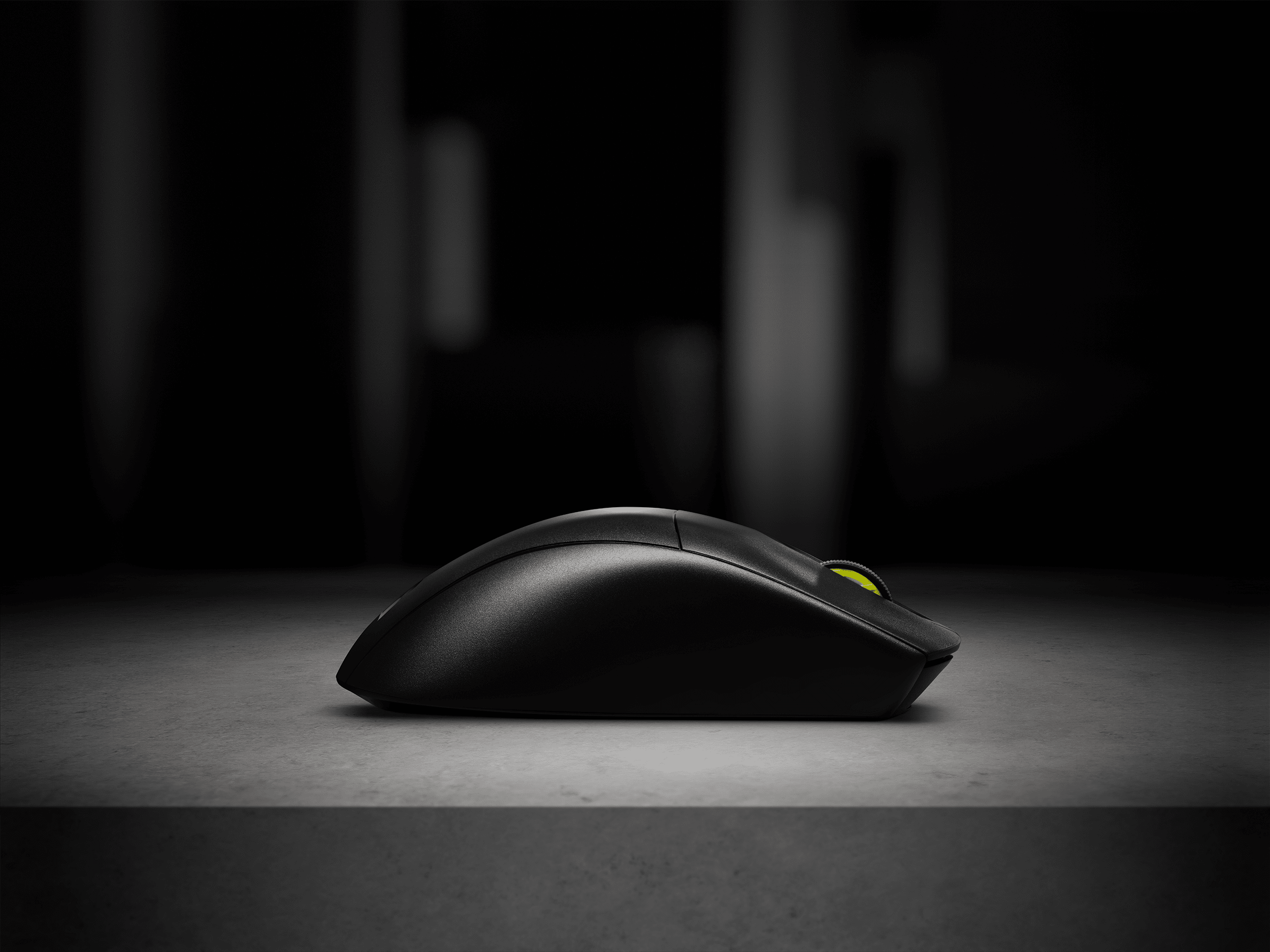
Defined in ambition. Built through rigor. M75 AIR deploys an ultra-lightweight, symmetrical mouse shape, expertly crafted to let nothing come between you and top-tier play.
£99.99Current price: £99.99

Mice Color

Black
Out Of Stock
Gray
Out Of Stock

Color:

Black

MORE TO CONSIDER

M75 Performance Glass Mouse Skates for M75 AIR WIRELESS

£22.99Current price: £22.99

M75 Performance Mouse Grip Tape for M75 AIR WIRELESS

£8.99Current price: £8.99

Features

iCUE Enabled Product

CORSAIR iCUE software brings your entire setup together, creating a fully immersive ecosystem with intuitive control.LEARN MORE

SKU: CH-931D100-EU
£99.99Current price: £99.99
  • Overview
  • Tech Specs
  • Downloads
  • Accessories | Parts
  • Guides

SCULPTED BY VICTORY

M75 AIR WIRELESS ULTRA-LIGHTWEIGHT FPS GAMING MOUSE

Every Detail Matters

PERFORMANCE TAKES SHAPE

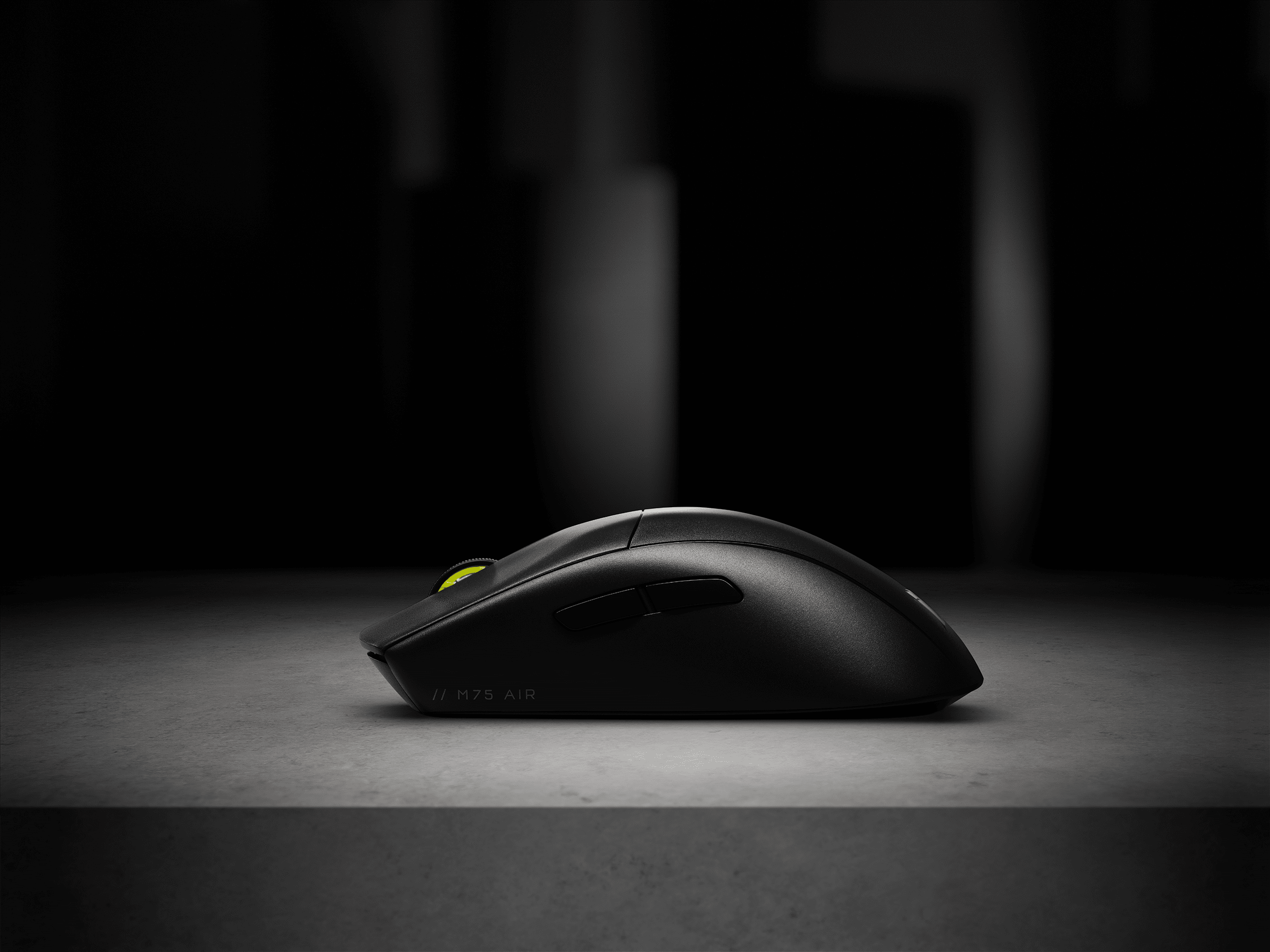
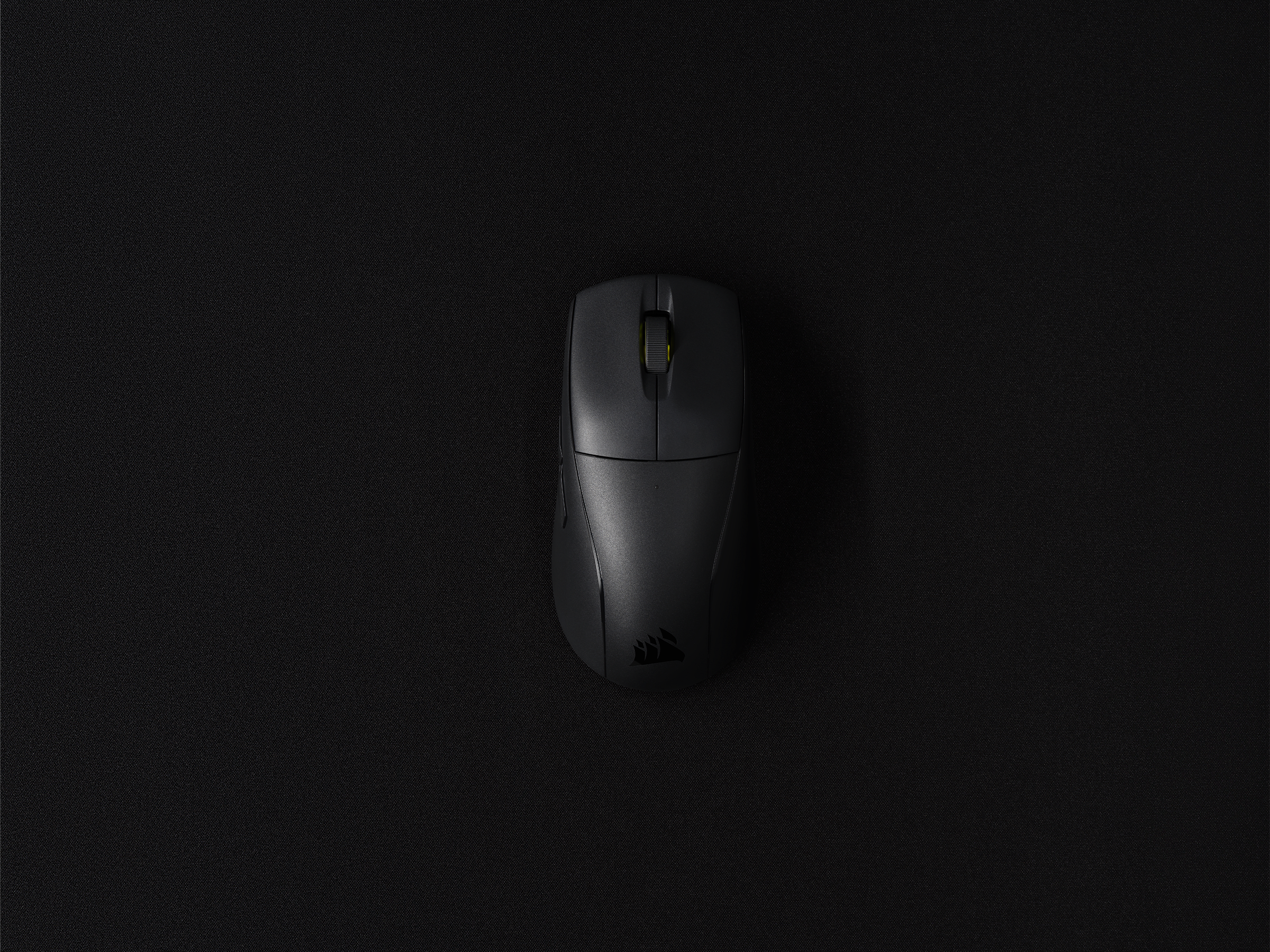
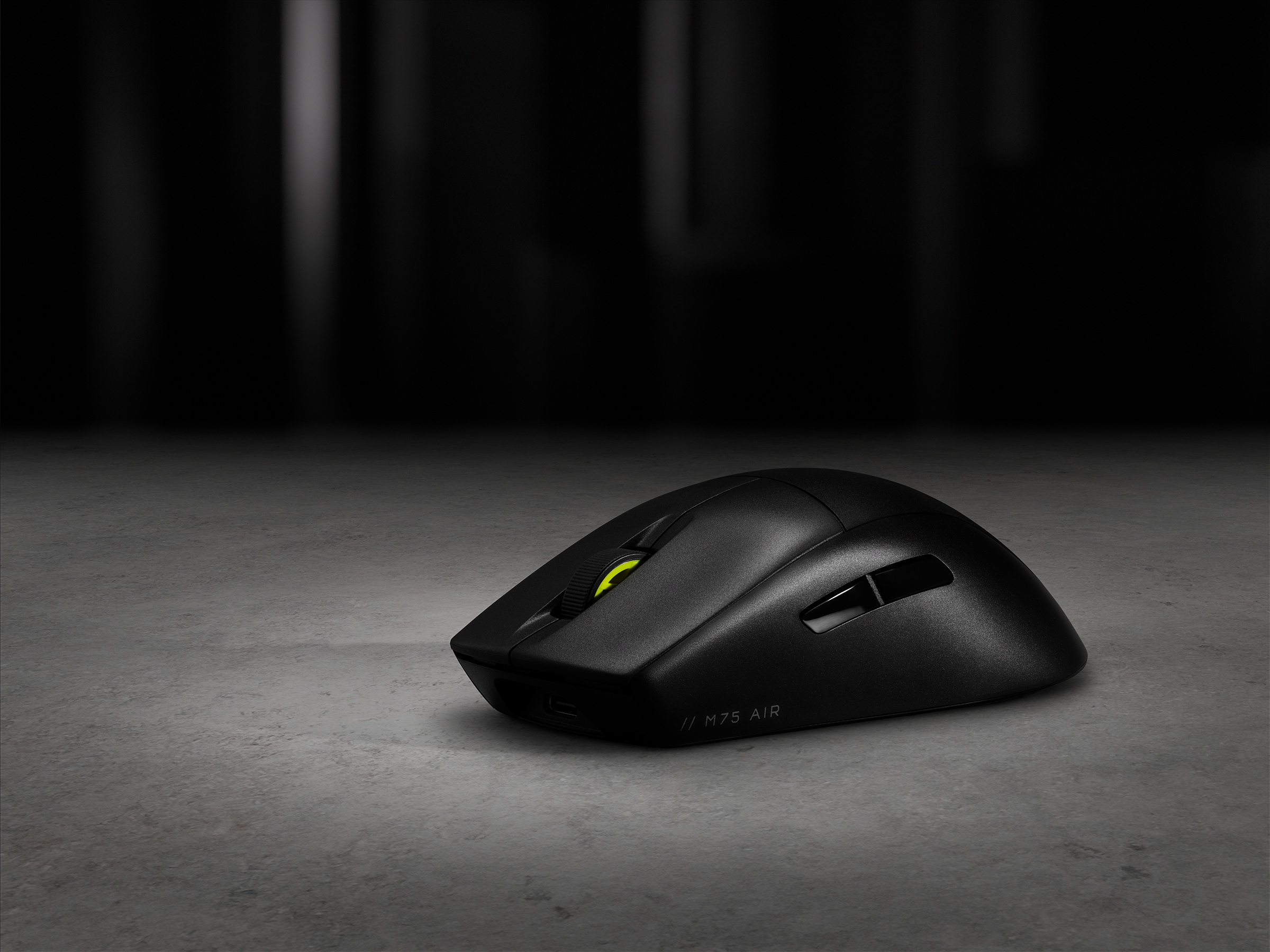
Every contour, feature, and detail of M75 AIR was designed and reworked to help you achieve one thing: Victory. We tested dozens until we arrived at the best shape. With M75 AIR’s symmetrical design, the comfort and control you gain are simply unrivaled.

ULTRA-LIGHTWEIGHT AND AGILE

LESS IS MORE

Free of unneeded frills to achieve the lightest mouse possible, M75 AIR provides you only what you need to win. And at 60g, nothing weighs it down, so you can make the fast, controlled movements with ease.

RIGHT PLACE, RIGHT TIME

PIXEL-PERFECT

The ultra-accurate CORSAIR MARKSMAN optical sensor captures your every moment with pinpoint precision. From quick flicks to micro-adjustments, M75 AIR is designed to go right where you need it.

The zero-delay CORSAIR QUICKSTRIKE technology delivers zero gaps between the primary buttons and their optical switches, registering your inputs instantly for lightning-fast responsiveness and consistency. By utilizing the M75 AIR, you’ll gain an undeniable edge in any competition.

26,000 DPI

650 IPS TRACKING

UP TO

50G ACCELERATION

100 MILLION CLICKS
GUARANTEED

HYPER-FAST ADVANTAGE

SLIPSTREAM WIRELESS

When every millisecond counts, SLIPSTREAM WIRELESS offers a no-lag, sub-1ms connection and relays inputs 2x faster than the closest competitor. With M75 AIR, you can win for up to 34 hours* on a single charge.
*Up to 100 hours via Bluetooth®

MEET M75 AIR WIRELESS

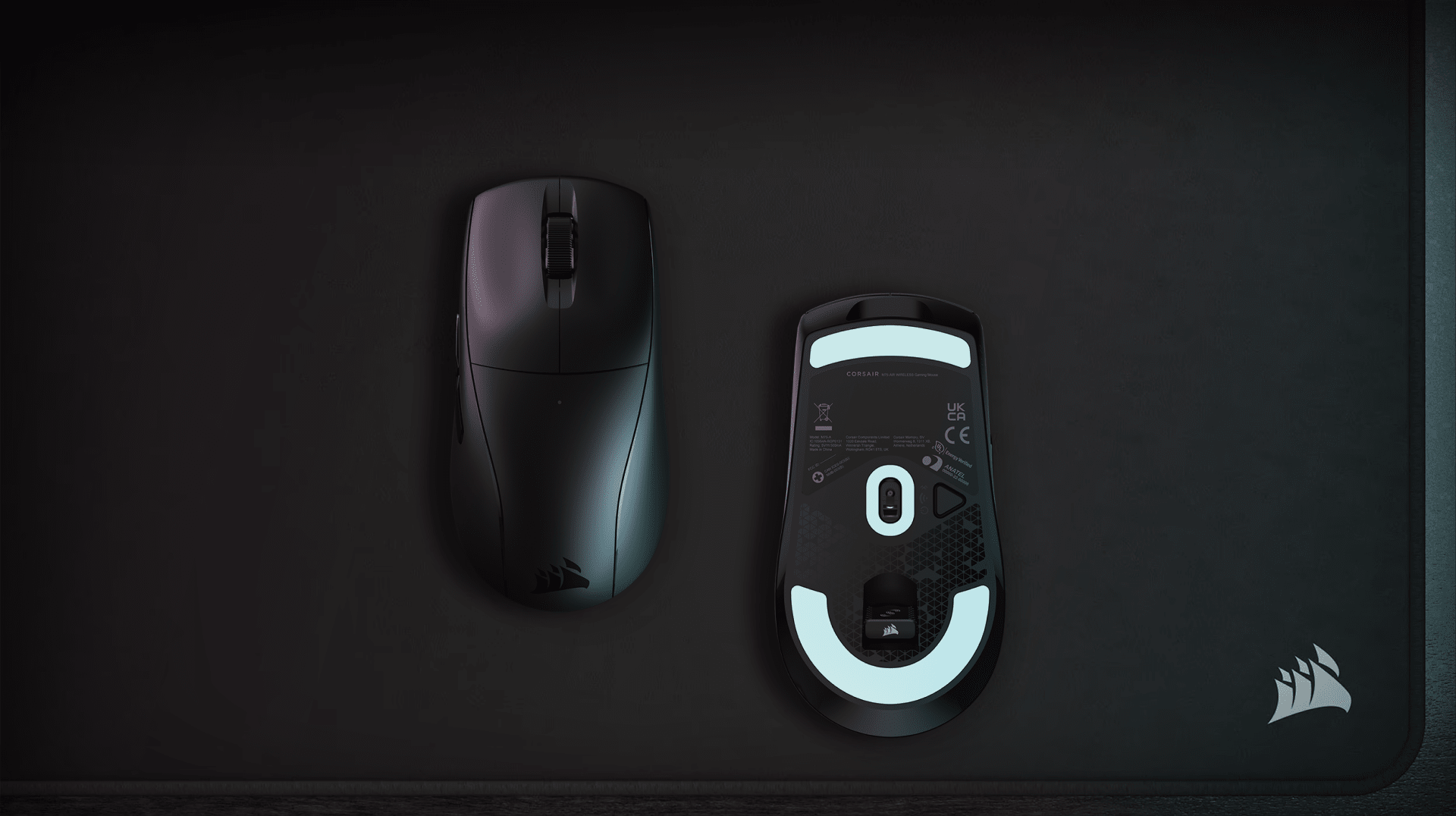
Power and Connectivity Button
Easily switch between Wireless Mode, Bluetooth, or Power Off mode
SYMMETRICAL MOUSE SHAPE
Optimal design for maximum comfort and control
ULTRA-LIGHTWEIGHT 60g
Make the most agile moves and mouse sweeps
CORSAIR MARKSMAN 26K DPI Optical Sensor
Register every move and flick with pinpoint precision
CORSAIR QUICKSTRIKE buttons
Zero gap and zero delay on every click for ultra-fast inputs
100% PTFE Mouse Feet
Enjoy a smooth glide on nearly any surface
Sub-1ms SLIPSTREAM WIRELESS and Bluetooth®
Play up to 100 hours on a single charge and fully recharge in just 75 minutes or less
Instantaneous Optical Switches
Instant clicks and actions, guaranteed for 100 million clicks
USB Receiver Storage Compartment
Conveniently store your SLIPSTREAM receiver under the M75 AIR
Power and Connectivity Button
Easily switch between Wireless Mode, Bluetooth, or Power Off mode
SYMMETRICAL MOUSE SHAPE
Optimal design for maximum comfort and control
ULTRA-LIGHTWEIGHT 60g
Make the most agile moves and mouse sweeps
CORSAIR MARKSMAN 26K DPI Optical Sensor
Register every move and flick with pinpoint precision
CORSAIR QUICKSTRIKE buttons
Zero gap and zero delay on every click for ultra-fast inputs
100% PTFE Mouse Feet
Enjoy a smooth glide on nearly any surface
Sub-1ms SLIPSTREAM WIRELESS and Bluetooth®
Play up to 100 hours on a single charge and fully recharge in just 75 minutes or less
Instantaneous Optical Switches
Instant clicks and actions, guaranteed for 100 million clicks
USB Receiver Storage Compartment
Conveniently store your SLIPSTREAM receiver under the M75 AIR
Power and Connectivity Button
Easily switch between Wireless Mode, Bluetooth, or Power Off mode

UNITE YOUR SETUP

CORSAIR iCUE software brings your entire setup together, creating a fully immersive ecosystem with intuitive control.
EXPLORE

Tech Specs

Weight In Grams60
ConnectivityWireless
Sensor TypeOptical
Hand SizeLarge
Grip TypeAny
Battery Life2.4GHz SLIPSTREAM: Up to 34hrs | Bluetooth®: Up to 100hrs
Game TypeFPS;MOBA;Battle Royale
On Board Memory Profiles1
Game GenreFPS;MOBA;Battle Royale
SensorMARKSMAN 26K
DPI26,000
Mouse CompatibilityPC or Mac® with a USB 2.0 Type-A port | Windows® 10, Windows® 11| macOS® 10.15 or later | Internet connection for iCUE software download
Mouse Warranty2 Year

Documentation

Declaration of Conformity (DoC) document - CE-000595
UKCA Declaration of Conformity (DoC) document - UKCA-000317

M75 Performance Glass Mouse Skates for M75 AIR WIRELESS
£22.99Current price: £22.99
M75 Performance Mouse Grip Tape for M75 AIR WIRELESS
£8.99Current price: £8.99
M75 AIR WIRELESS

QUICK START GUIDE

M75 AIR WIRELESS

Battlefield 6 Flick Look Tutorial: How to Instantly Shoot Backwards

GAME GUIDES

Battlefield 6 Flick Look Tutorial: How to Instantly Shoot Backwards

Flick Look is a keybind in Battlefield 6 that allows you to rotate 180 degrees in an instant. Here's how to use it and some examples.

Is the K65 PLUS compatible with Mac PCs and iPads?

BLOG

Is the K65 PLUS compatible with Mac PCs and iPads?

The CORSAIR K65 PLUS WIRELESS is compatible with the likes of the Mac mini, Mac Studio, iMac, Mac Pro, MacBook Pro MacBook Air, and iPads. Here's how to get it up and running.

How to Install iCUE for macOS

HOW TO

How to Install iCUE for macOS

CORSAIR iCUE unlocks a full suite of features for your peripherals and with iCUE for macOS, the features you enjoy with your peripherals on Windows are available for your Mac setup!

Best headset and mouse to go with the CORSAIR K65 PLUS WIRELESS

BLOG

Best headset and mouse to go with the CORSAIR K65 PLUS WIRELESS

The CORSAIR K65 PLUS is a very special keyboard. But what use is a keyboard without some backup? This is the best mouse and headset combo for the K65 PLUS.

How to: Reset your computer mouse

HOW TO

How to: Reset your computer mouse

Experiencing issues with your Corsair mouse? Learn how to reset wired and wireless models—including Scimitar Pro RGB and Dark Core RGB/SE—to resolve unresponsiveness, lighting glitches, and button malfunctions.

How to Open Windows Task Manager

HOW TO

How to Open Windows Task Manager

There's more than one way to open this vital tool for keeping your applications behaving themselves.

Corsair MM500 v2: Everything you need to know

BLOG

Corsair MM500 v2: Everything you need to know

Take a quick peek at this simple refresh of the MM500. Improved materials and texture in new sizes make this the new baseline for mouse pads.

view all guides
Corsair
Corsair

Get special offers, exclusive product news, and event info straight to your inbox.

TwitterTik TokFacebookInstagramYouTubeTwitchDiscordReddit

Shop

New ProductsSpecial OffersCorsair.com ExclusivesWhere to BuyCertified RefurbishedBusiness Solutions

Explore

AI Software StackPC BuilderCORSAIR InnovationDesign Your LoopAmbassadorsWallpaper

Corsair

AboutInvestor RelationsSupply Chain DisclosureCareersSocial ImpactPress RoomContact UsBlogImprint

Support

DownloadsCorsair Web HubFirmware Update UtilityCustomer SupportWarrantyShipping/RMA/ReturnsTerms of Sale
Copyright © 1996 - 2026 CORSAIR. All rights reserved.
SitemapPrivacy PolicyTerms of Use
Cookie Settings