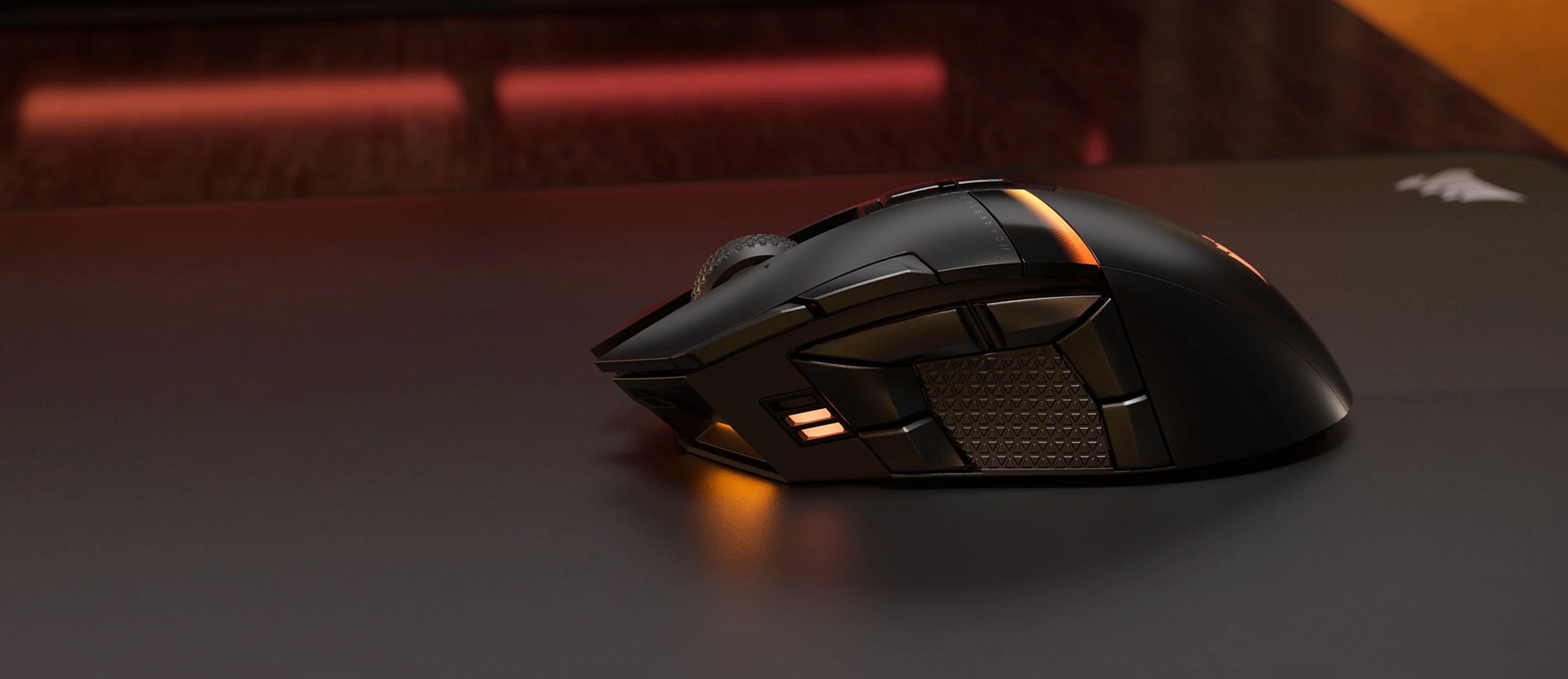
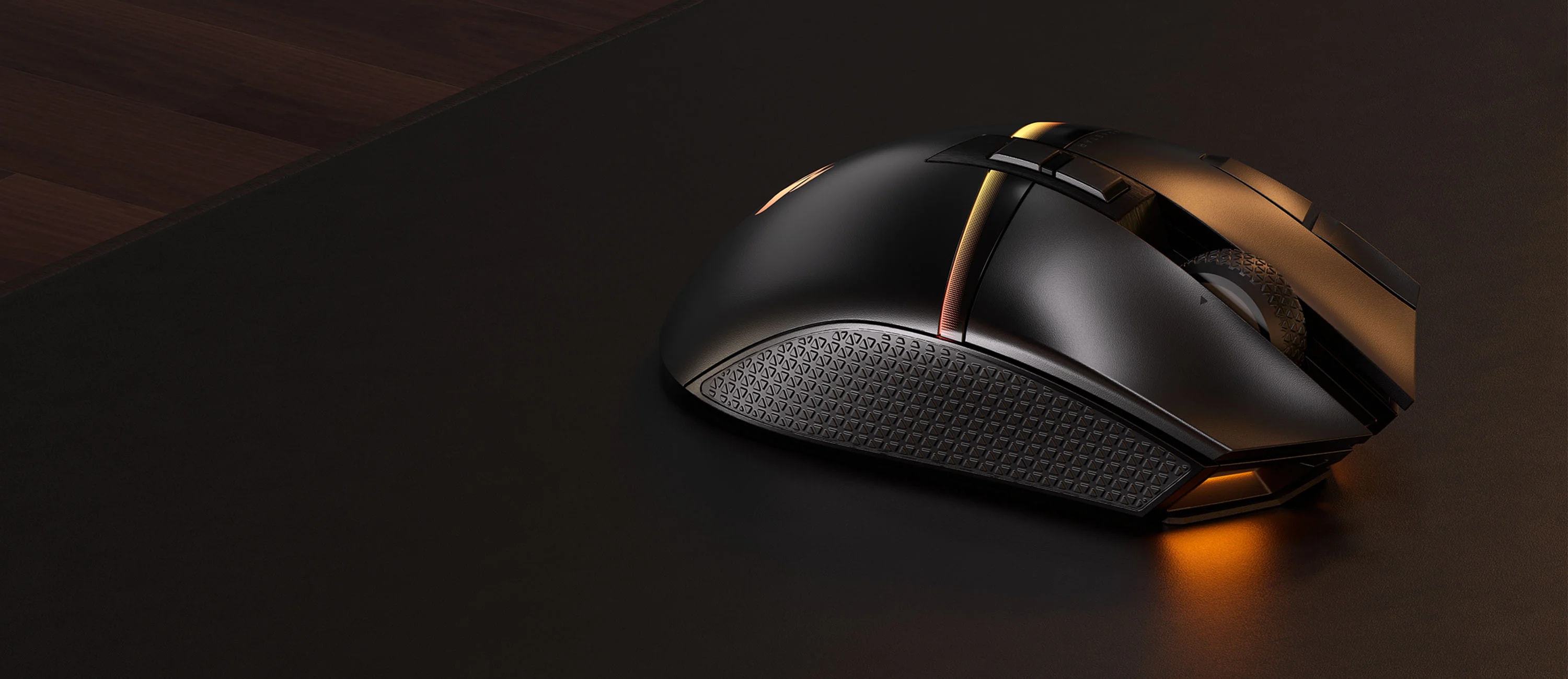
DARKSTAR WIRELESS RGB MMO Gaming Mouse
- 15 Programmable buttons
- Unique six-button side cluster
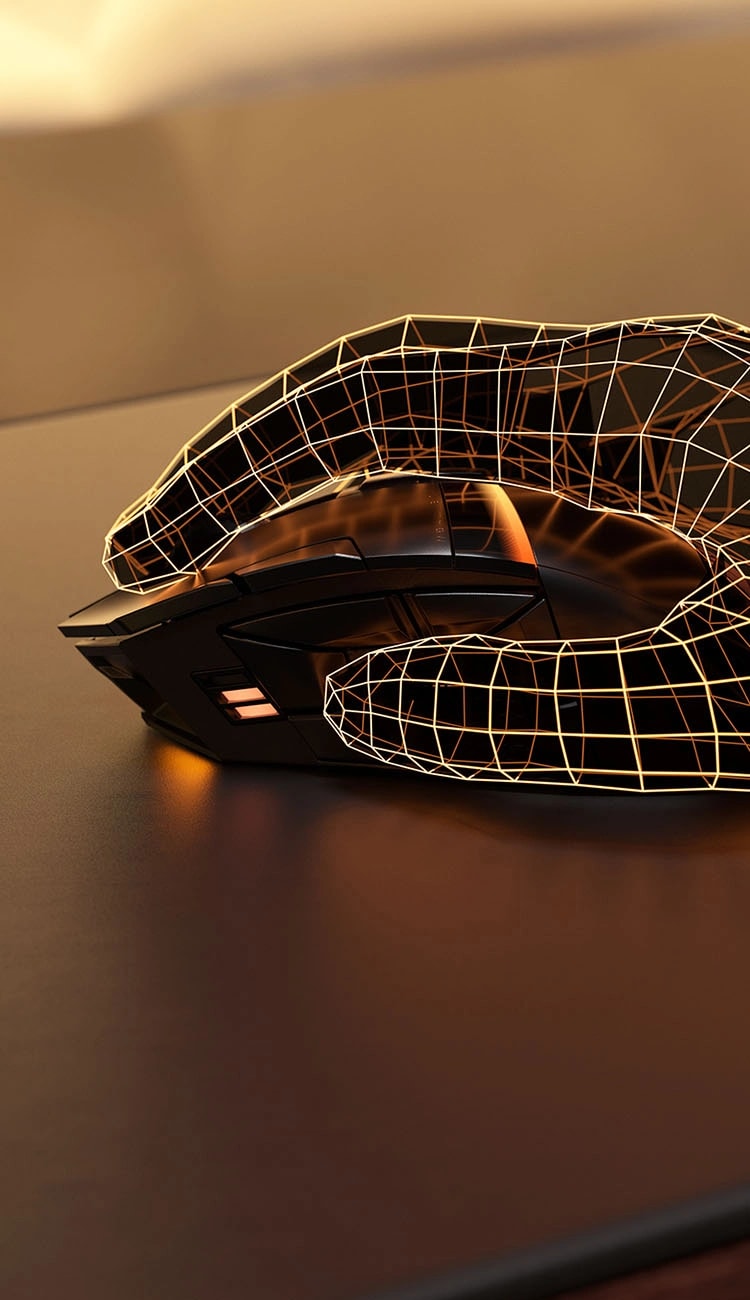
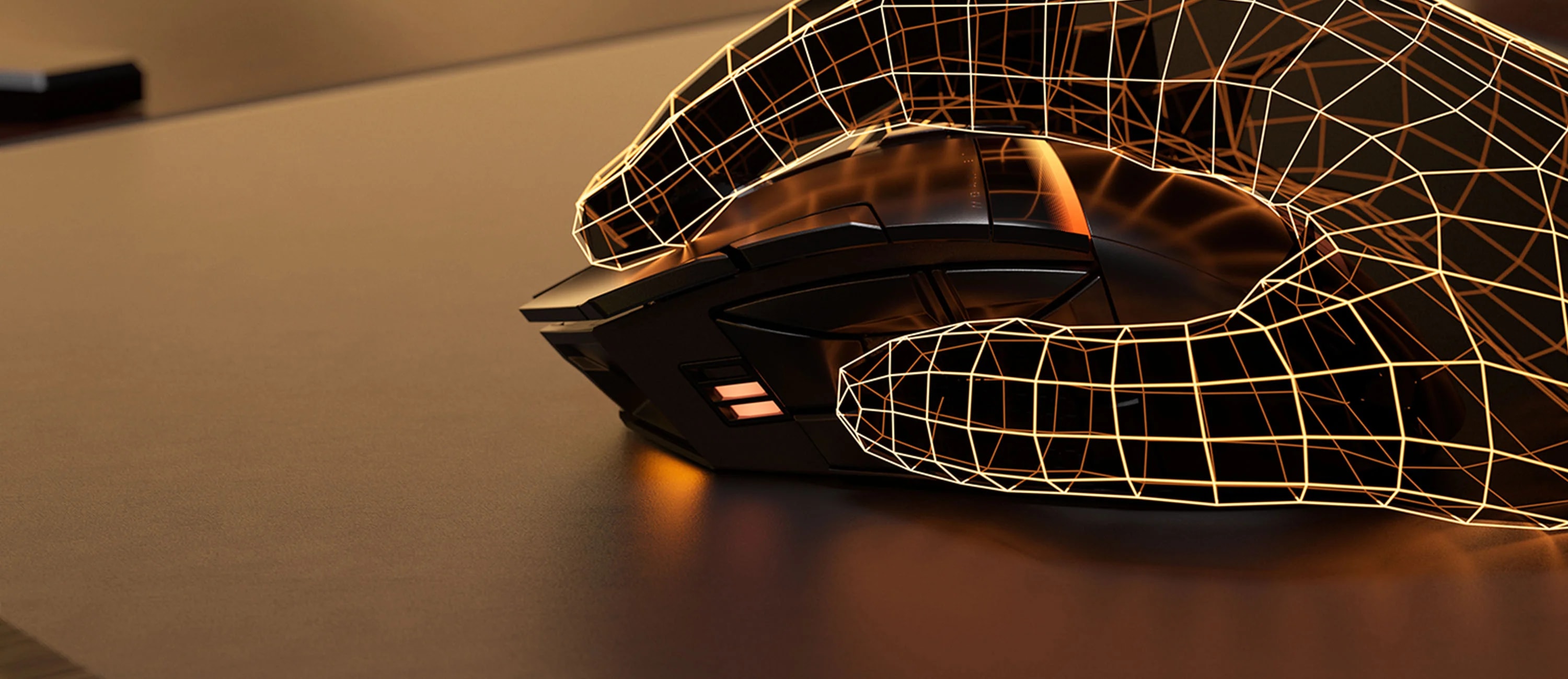
- Ideally placed side thumb grip to alleviate strain
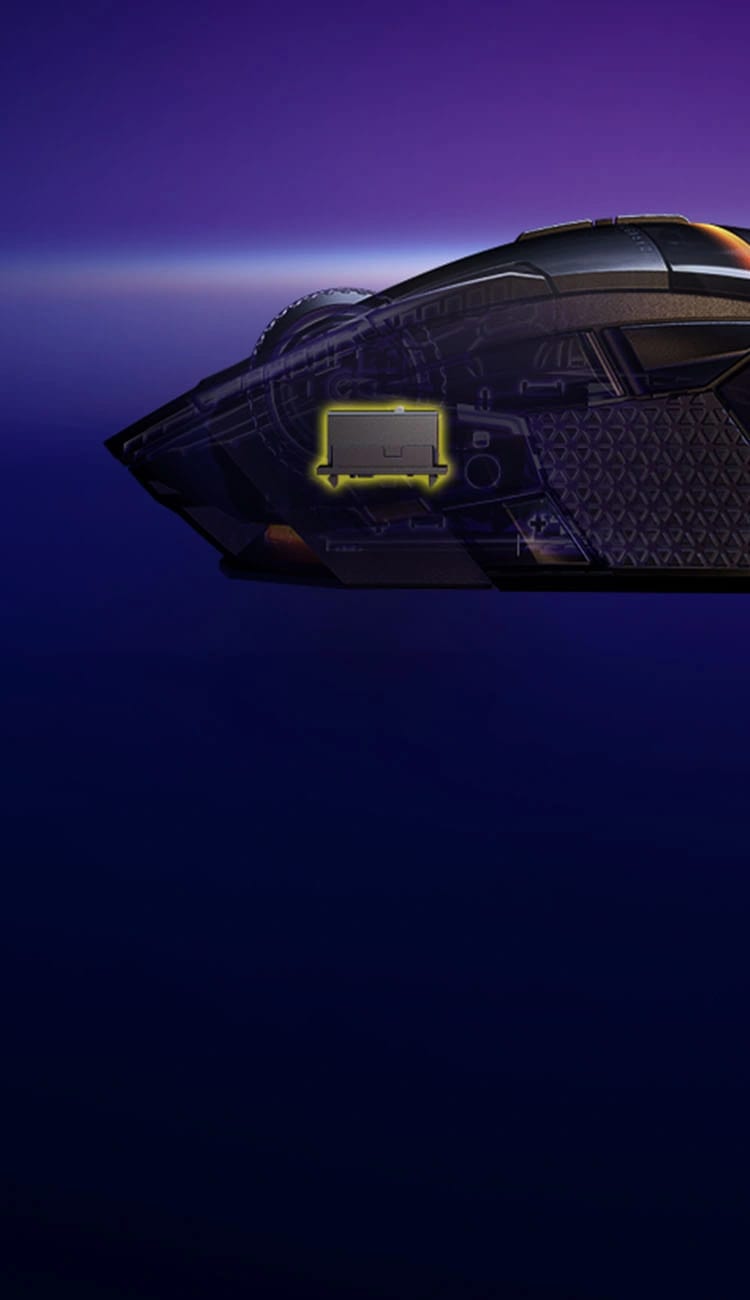
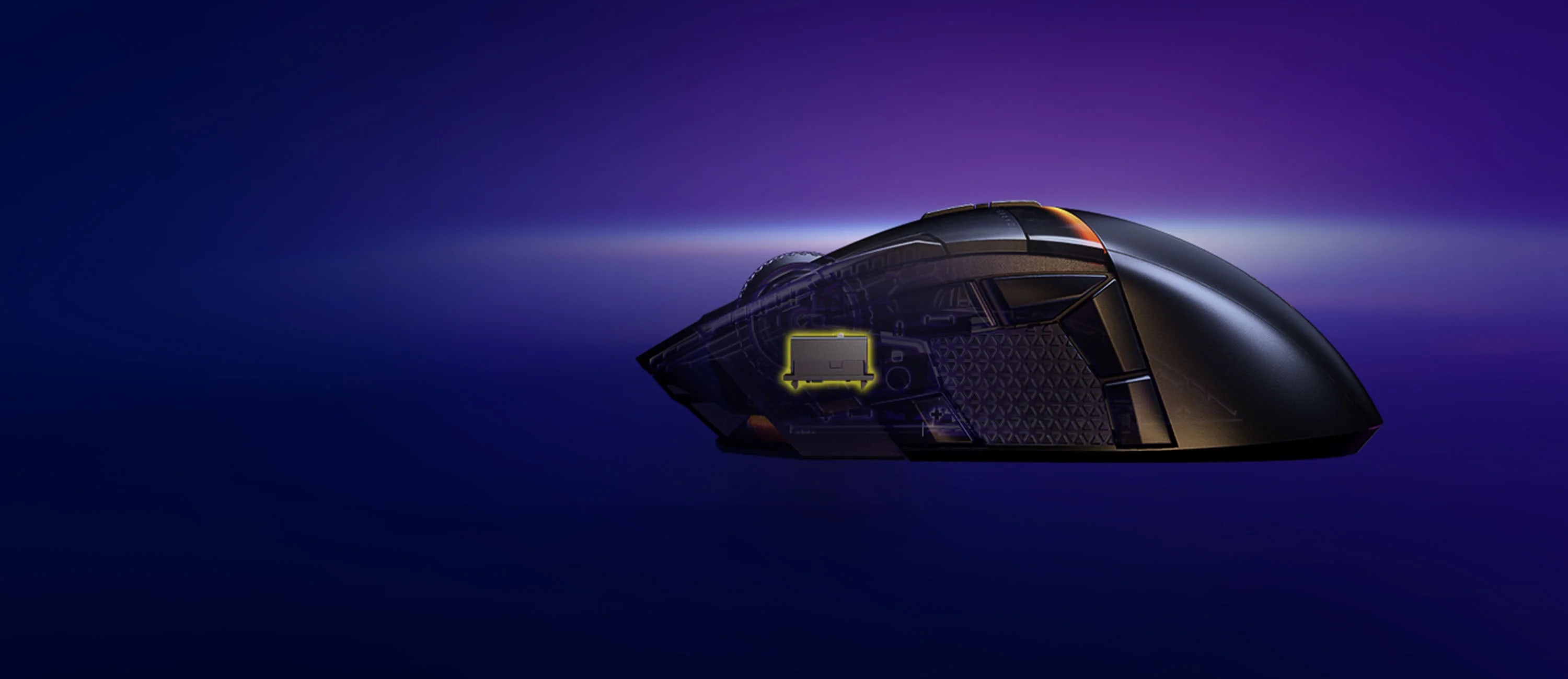
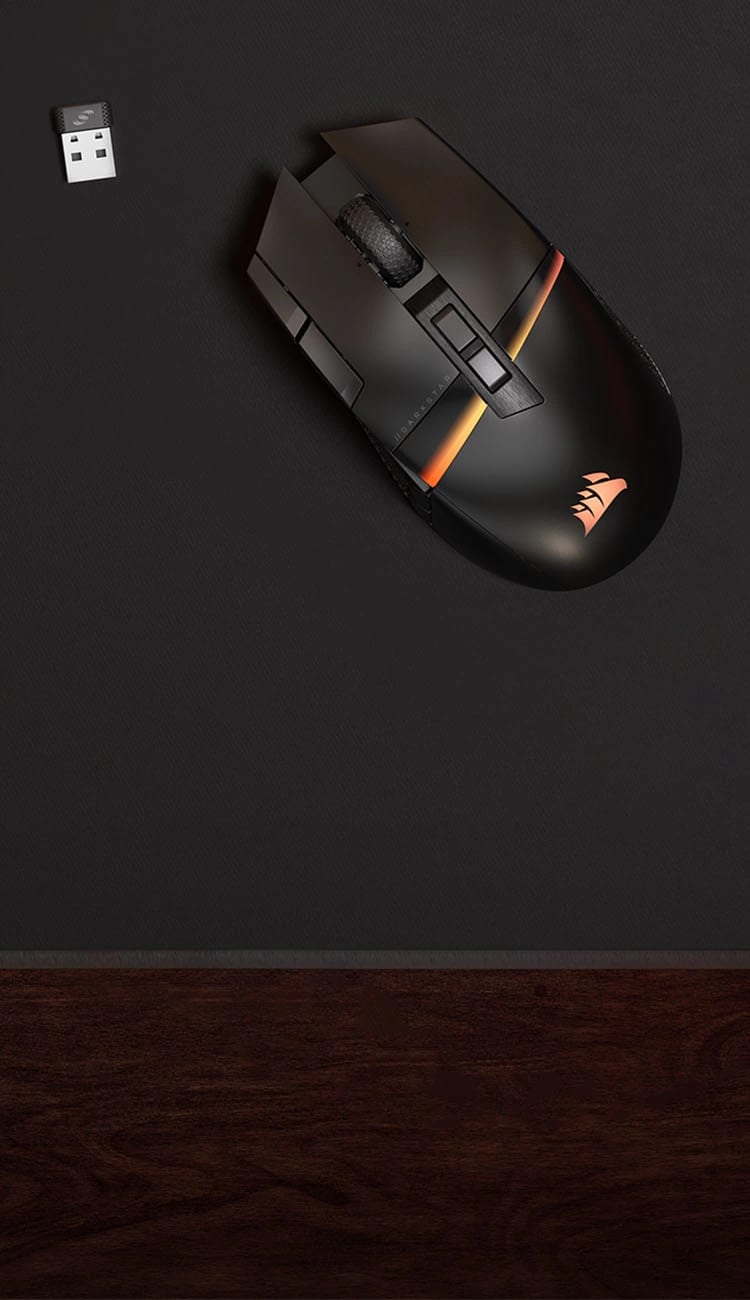
- Sub-1ms SLIPSTREAM WIRELESS or Bluetooth®
- CORSAIR MARKSMAN 26,000 DPI optical sensor
- Lightning-fast CORSAIR QUICKSTRIKE buttons
- Up to 80 hours of battery life*
MORE TO CONSIDER


MM350 PRO Premium Spill-Proof Cloth Gaming Mouse Pad – Extended XL, Black

iCUE NEXUS Companion Touch Screen
Save$50.00
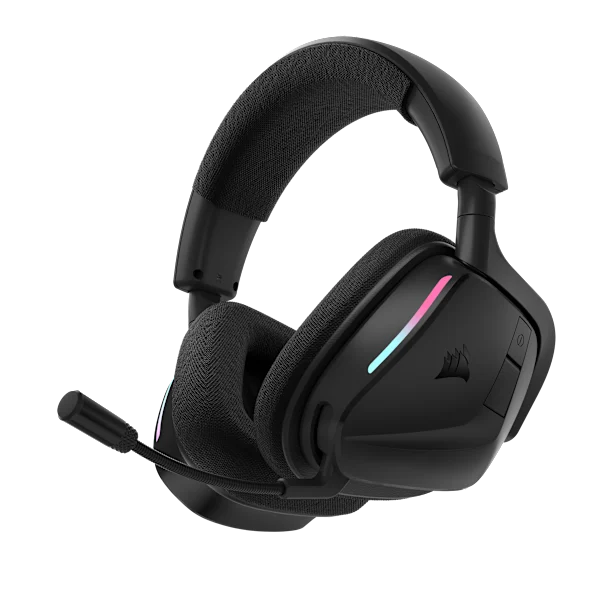
VOID WIRELESS v2 Gaming Headset - Carbon

VANGUARD 96 Mechanical Gaming Keyboard, CORSAIR MLX Plasma
Save$40.00
Features
iCUE Enabled Product
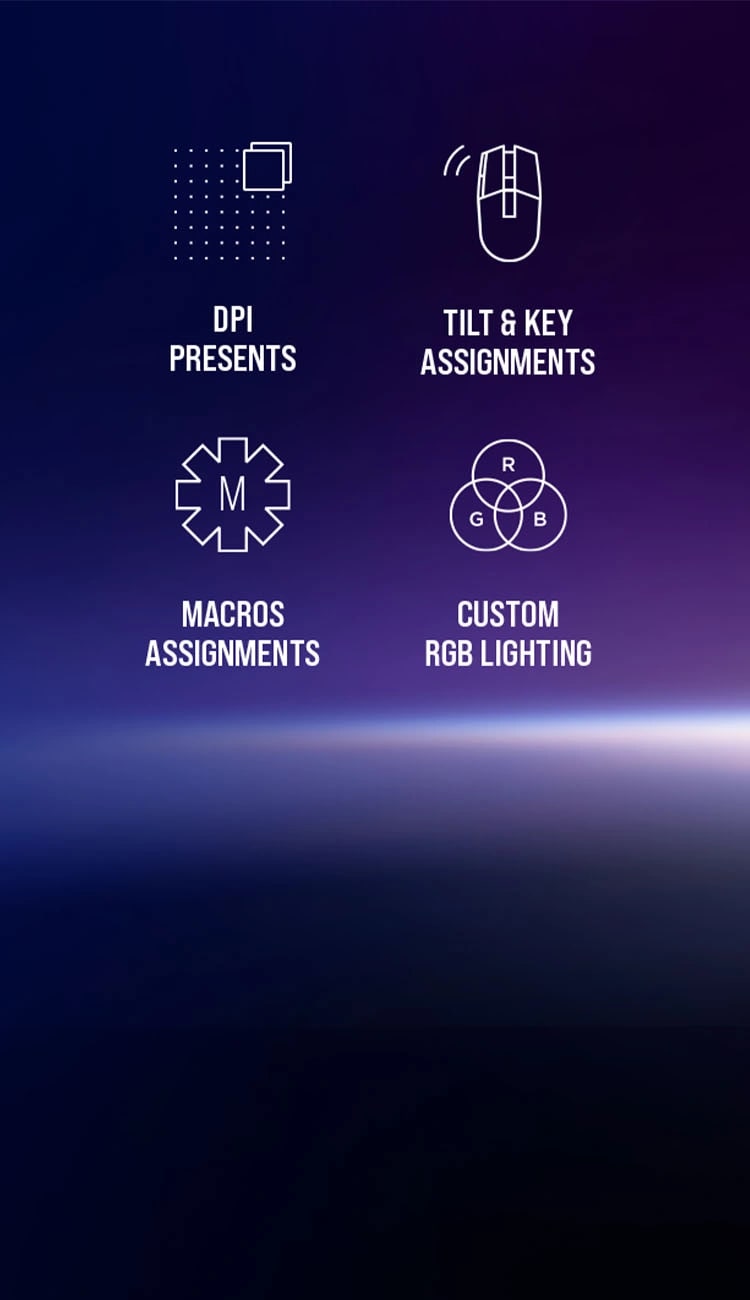
CORSAIR iCUE software brings your entire setup together, creating a fully immersive ecosystem with intuitive control.LEARN MORE


- Overview
- Downloads
- Guides
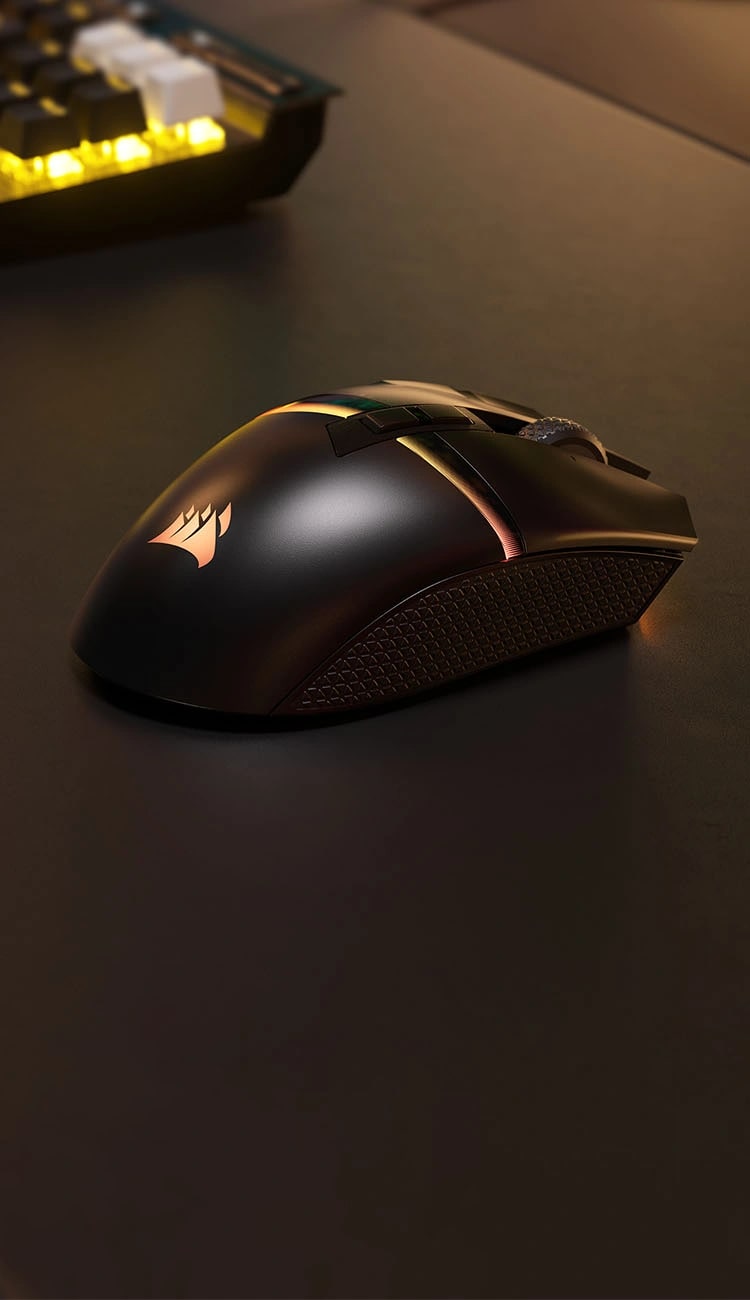
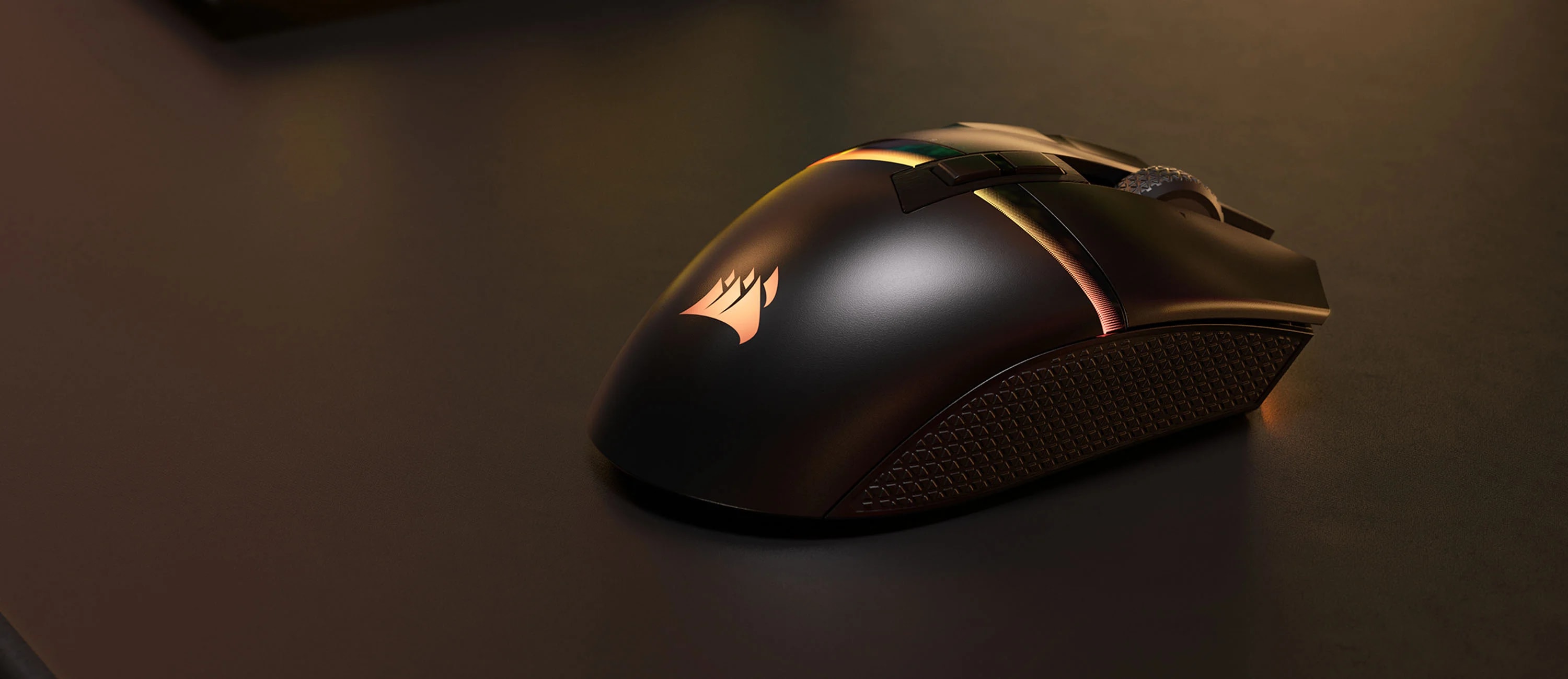
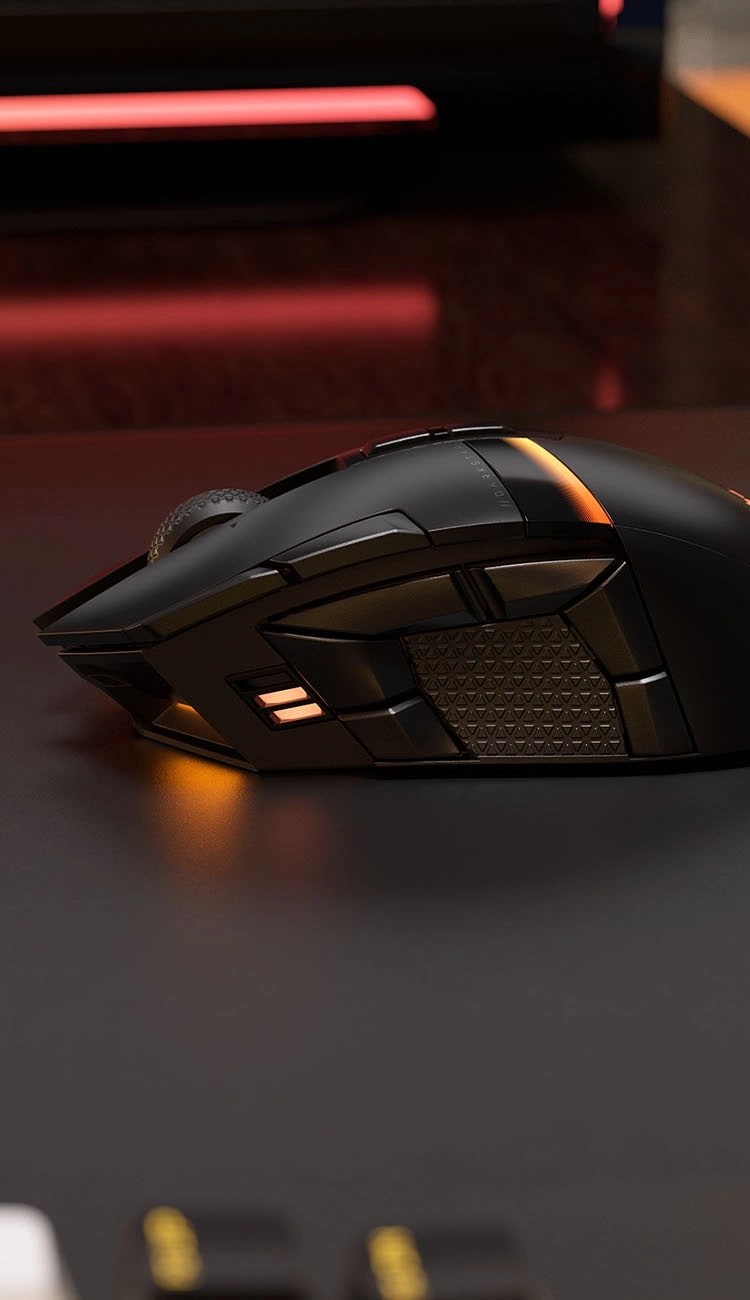
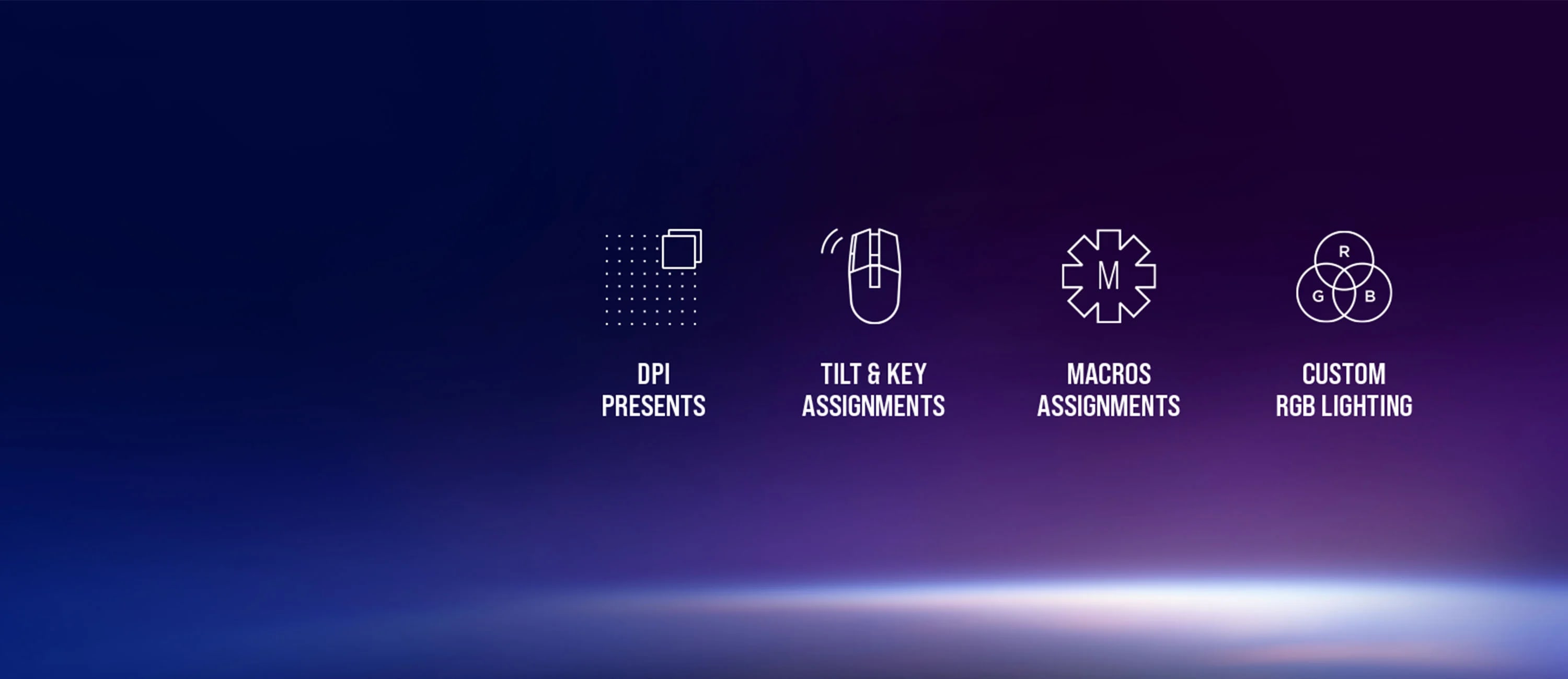
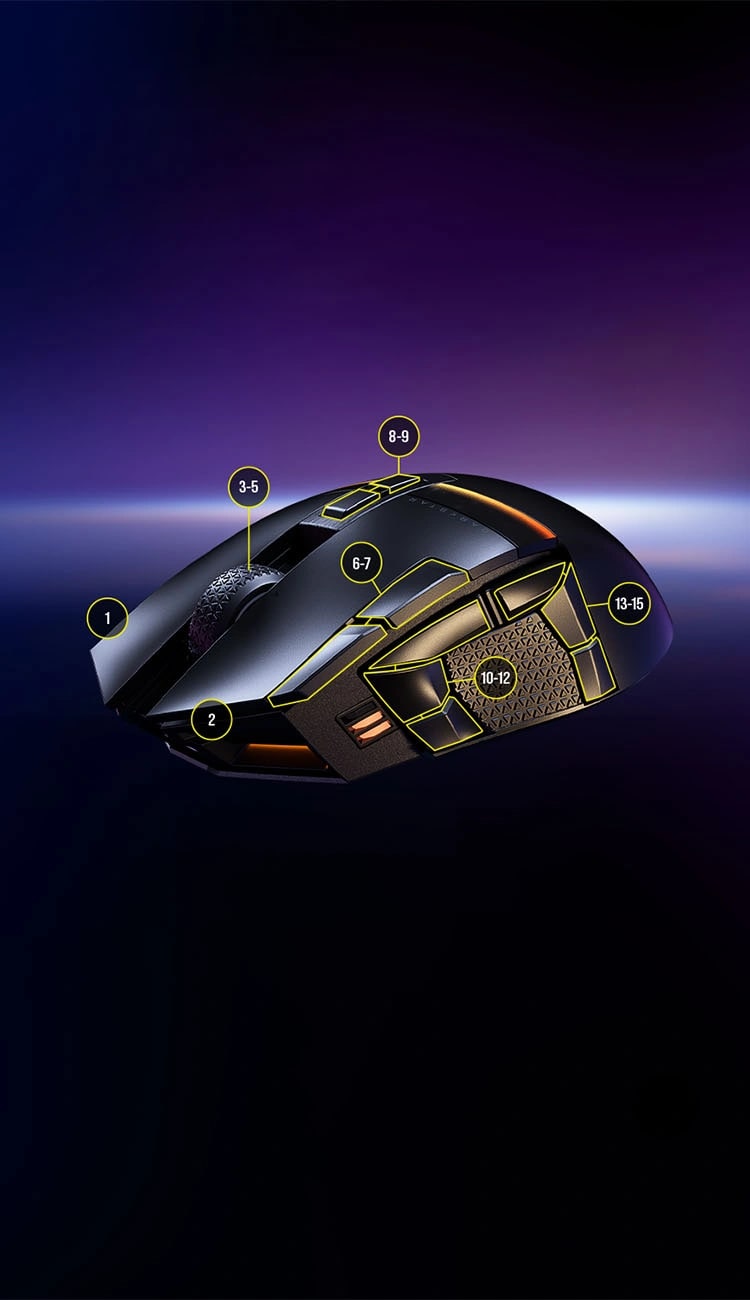
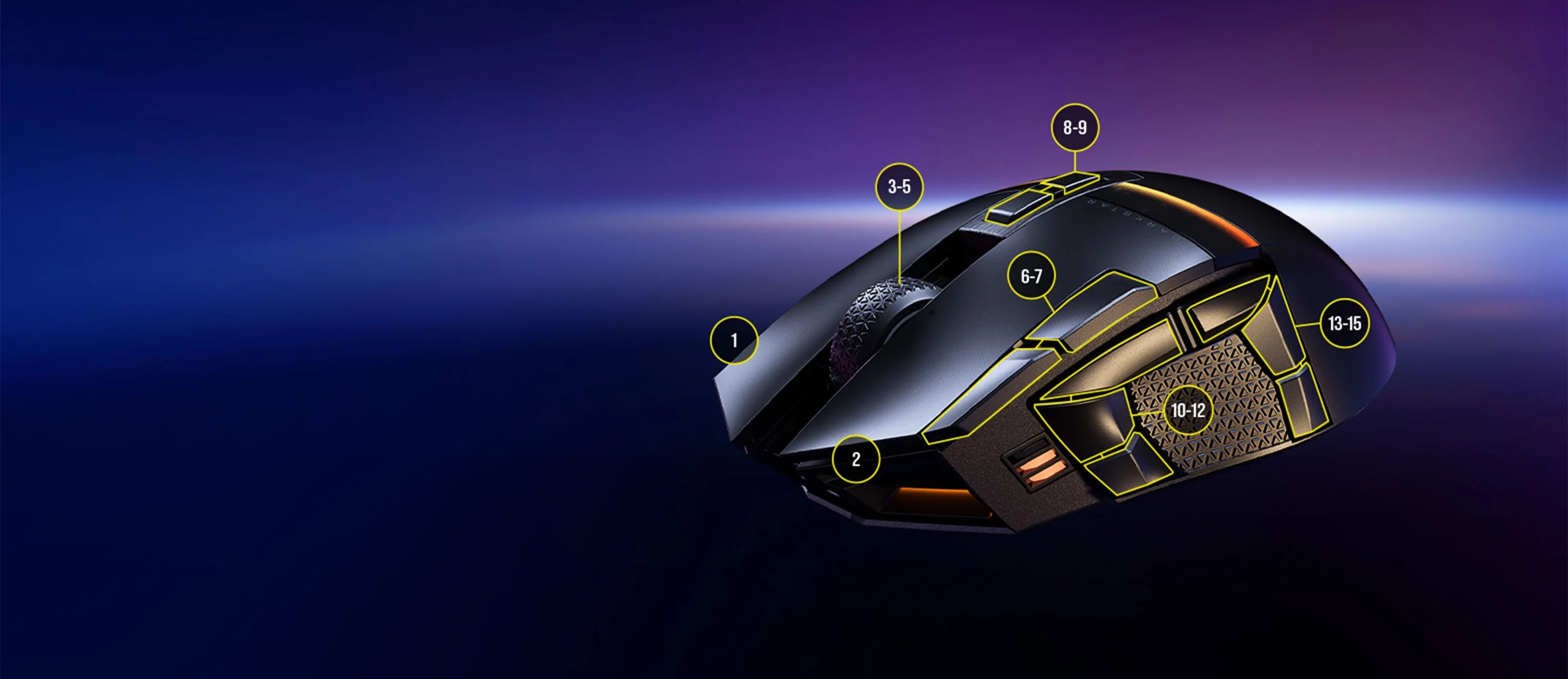
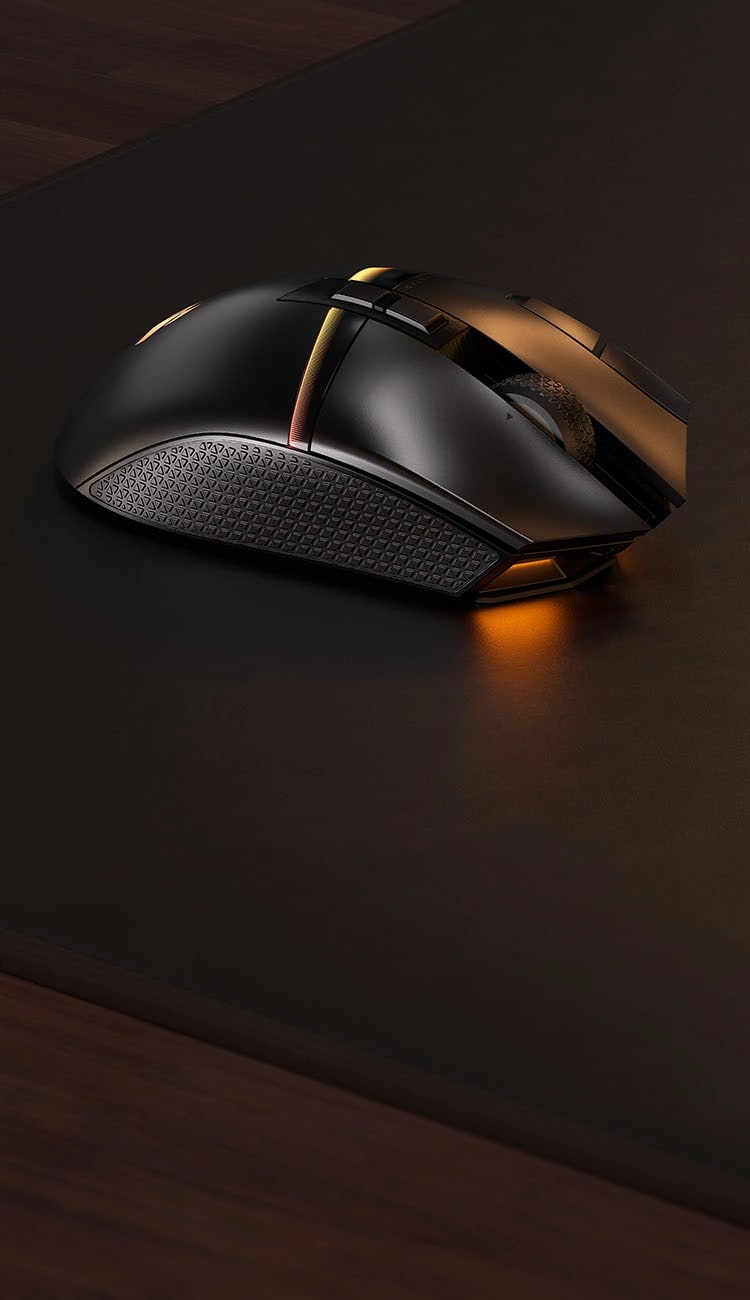
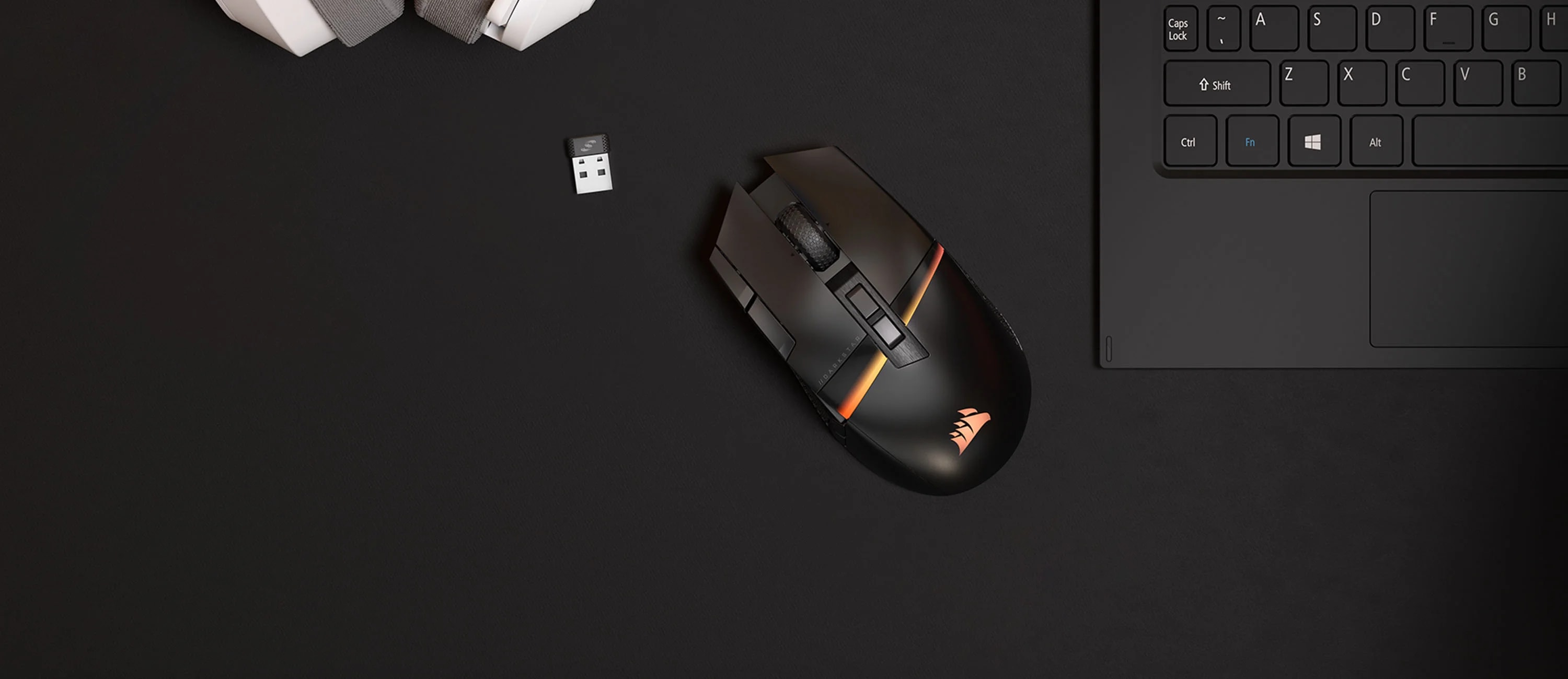
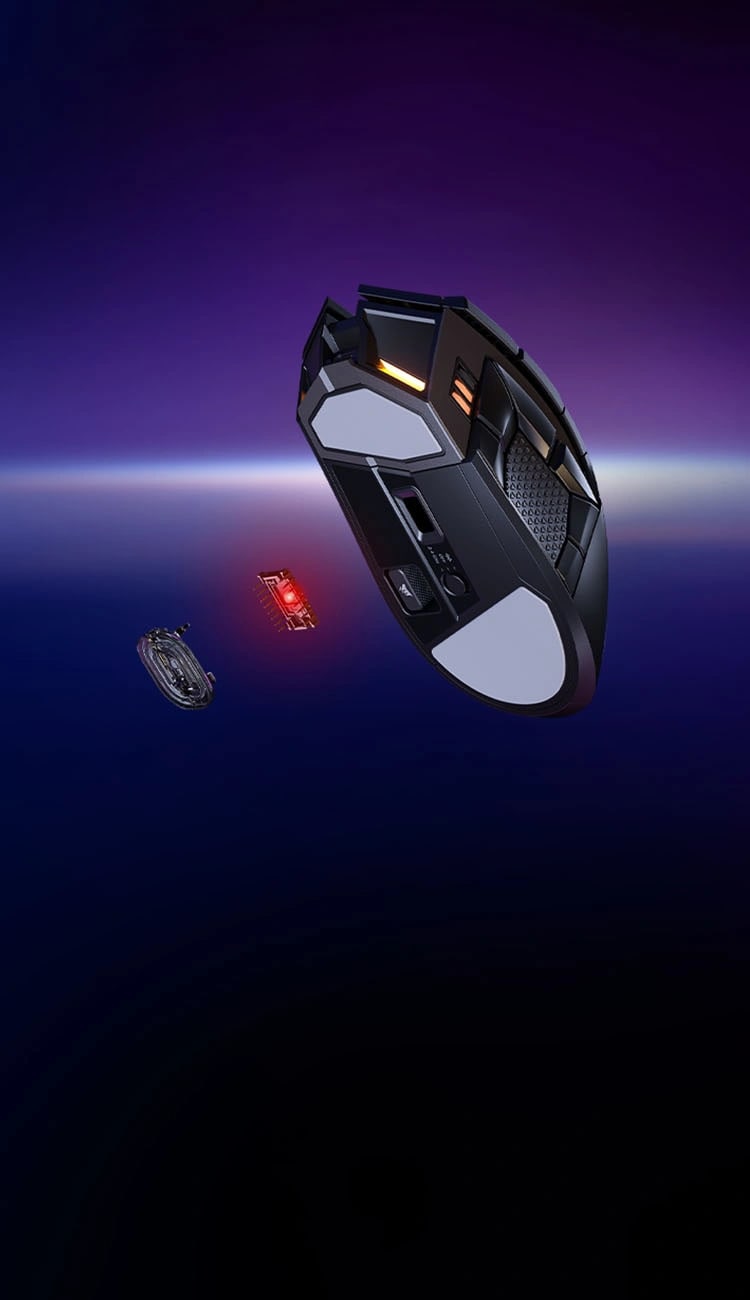
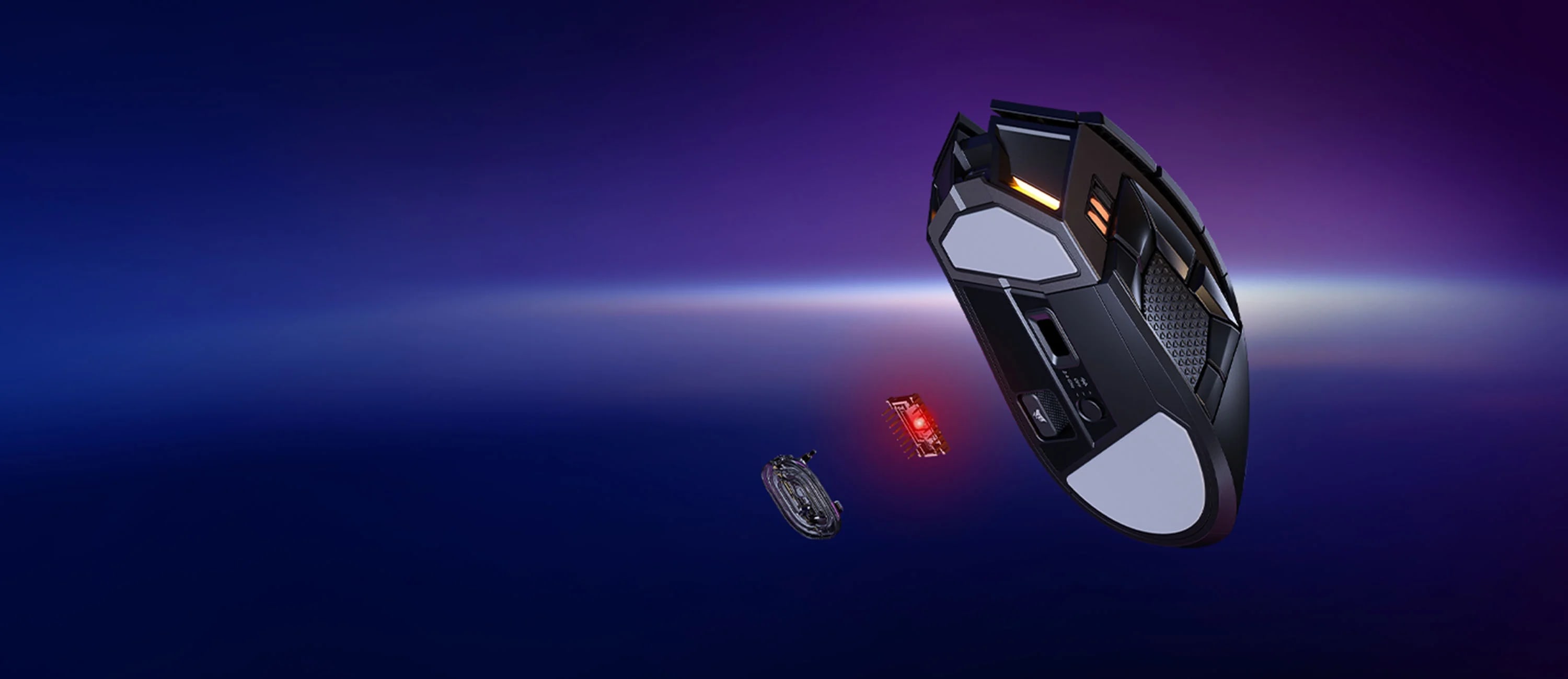
MEET DARKSTAR WIRELESS

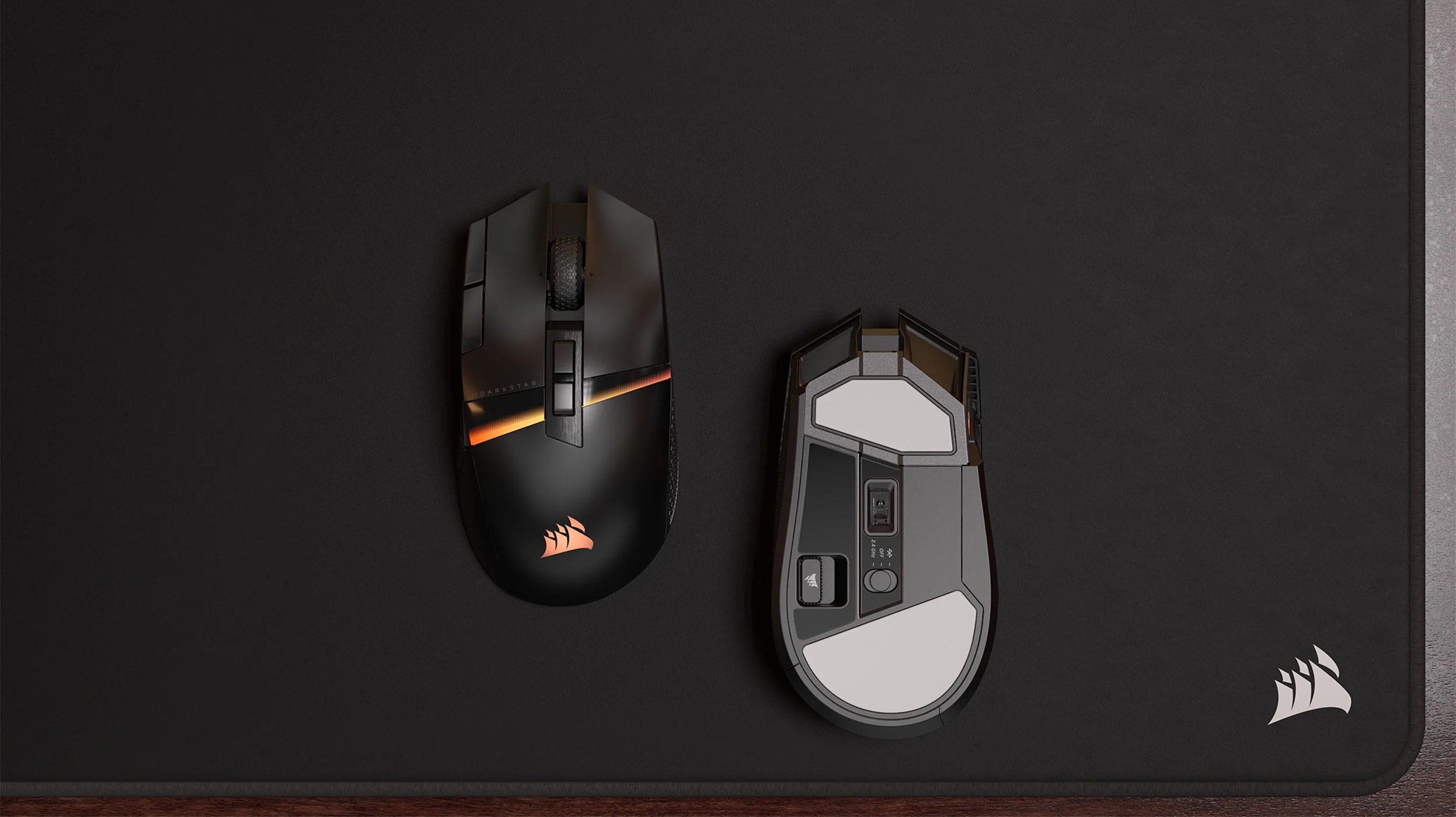




UNITE YOUR SETUP
HOW TO
How to: Reset your computer mouse
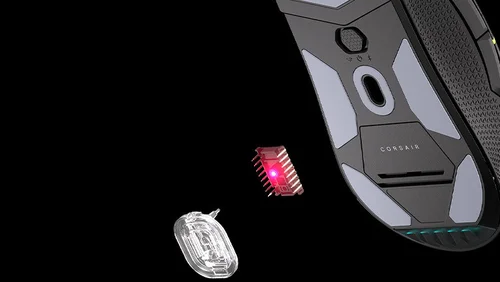
Experiencing issues with your Corsair mouse? Learn how to reset wired and wireless models—including Scimitar Pro RGB and Dark Core RGB/SE—to resolve unresponsiveness, lighting glitches, and button malfunctions.
HOW TO
What is polling rate? Does it affect gaming?
We take a look at polling rates for gaming mice, what it means, and how it can affect your PC gaming experience.

HOW TO
How to set up Hardware Lighting in iCUE
When iCUE is not running or your PC is starting up, here is how to change the RGB effect/colour on your CORSAIR iCUE devices.
HOW TO
How to install a clean Windows 11 for gaming
The best way to get the perfect Windows 11. If you want to install Windows 11 the easiest way, follow this guide.

HOW TO
How to easily customize your RGB lighting in iCUE
Lighting is one of iCUE's specialities. Here's how it works and how you can customize it.

BLOG
CORSAIR SCIMITAR ELITE WIRELESS vs DARKSTAR: What’s the difference?
DARKSTAR? or SCIMITAR? Let's see how they stack up in which is the best option for your next mouse.

BLOG
Best Gaming Gear for Diablo IV
For the best experience in Diablo IV, we've got you on the proper gear.
HOW TO
How To: Save Settings to Your Mouse or Keyboard with Hardware Playback
Hardware Playback lets you take your custom lighting and actions with you, giving you access to custom settings in situations where you may not have iCUE running.