THE EASIEST WAY TO UPGRADE YOUR PC

MEMORY

For over 20 years, enthusiasts have trusted CORSAIR memory more than anyone else to help them get the most from their PCs.
image
NOT SURE WHICH MEMORY IS RIGHT FOR YOU? Search memory by motherboard and PC model compatibility or scan your system to get instant upgrade recommendations.

DDR5 MEMORY

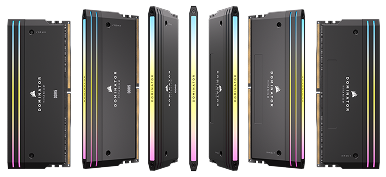
DOMINATOR TITANIUM RGB DDR5

DOMINATOR TITANIUM RGB DDR5

SPEED

< 8000MT/s

LIGHTING

11-Zone

LIGHTBAR DESIGN

Customizable

IC PERFORMANCE BIN

Plus

VENGEANCE RGB DDR5

VENGEANCE RGB DDR5

SPEED

< 8400MT/s

LIGHTING

10-Zone

LIGHTBAR DESIGN

Single-piece Panoramic

IC PERFORMANCE BIN

Standard

VENGEANCE DDR5

VENGEANCE DDR5

SPEED

< 8400MT/s

LIGHTING

None

LIGHTBAR DESIGN

None

IC PERFORMANCE BIN

Standard

BENEFITS OF HIGH-SPEED DDR5
% Improvement upgrading from DDR5-4800 to DDR5-7200

WHY UPGRADE YOUR SPEED?

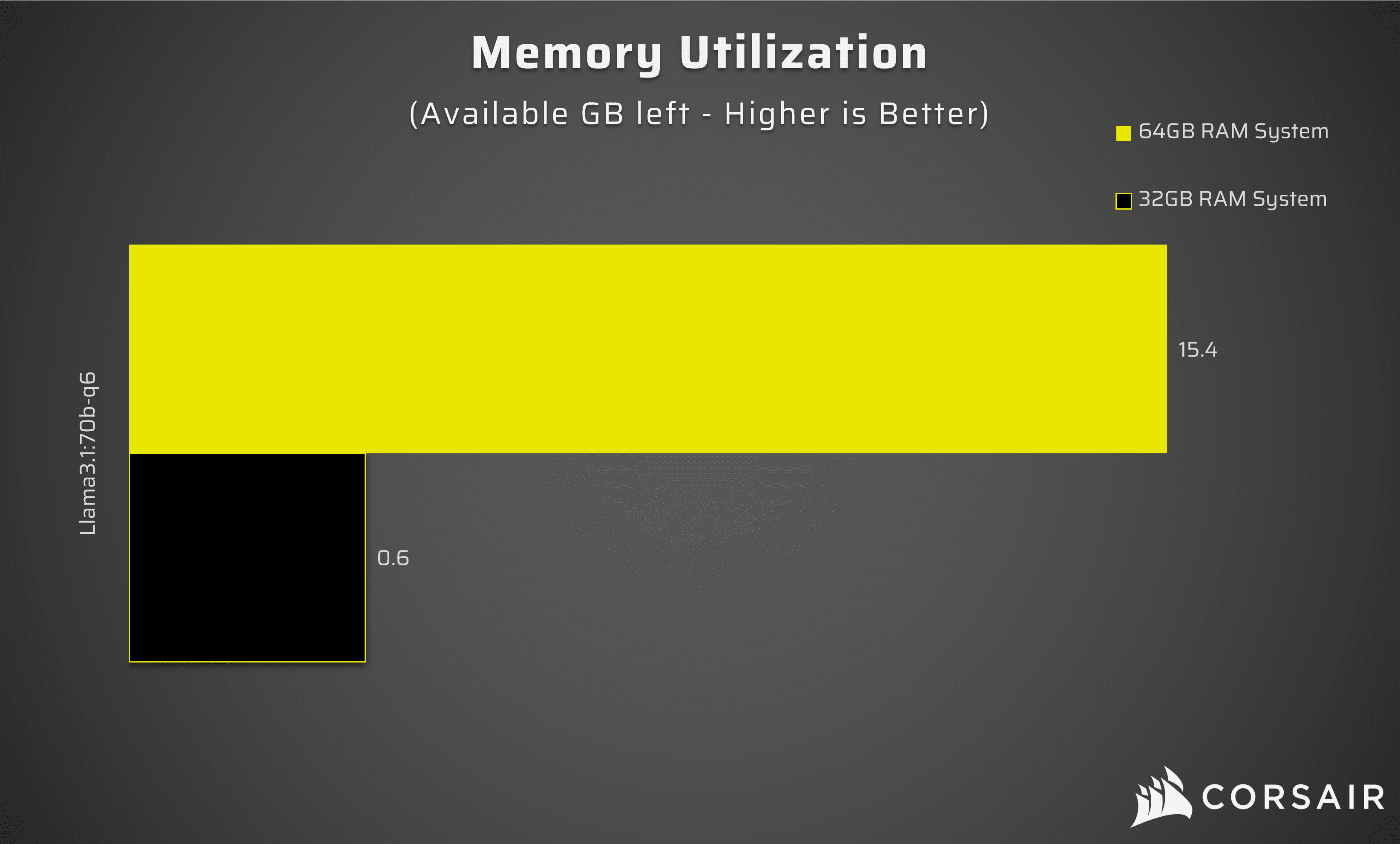
A memory upgrade can breathe new life into your PC, allowing you to run more applications and tabs smoothly, increase frame rates in games, and boost productivity tools. The more you do with your desktop, the more beneficial a memory upgrade will feel.

Increasing memory capacity can also enable higher in-game detail settings that weren’t possible before, while CPU-intensive applications will benefit from faster operating frequencies.

DDR4 MEMORY

VENGEANCE RGB PRO SL DDR4

SPEED

> 3200

LIGHTING

10-Zone

LIGHTBAR DESIGN

Single-piece Panoramic

HEAT SPREADER

Standard Aluminum

VENGEANCE RGB PRO DDR4

SPEED

> 3200

LIGHTING

10-Zone

LIGHTBAR DESIGN

Single-piece Panoramic

HEAT SPREADER

Standard Aluminum

VENGEANCE DDR4

SPEED

> 3200

LIGHTING

None

LIGHTBAR DESIGN

None

HEAT SPREADER

Standard Aluminum

LAPTOP & NOTEBOOK SODIMM Memory

VENGEANCE SODIMM DDR4

SPEED

> 4800

Module Density

8GB, 16GB & 32GB

VENGEANCE SODIMM DDR5

SPEED

> 4800

Module Density

16GB & 32GB

GUIDES, TIPS & TRICKS

CORSAIR EXPLORERright facing arrow