Computer Gaming Memory (RAM)


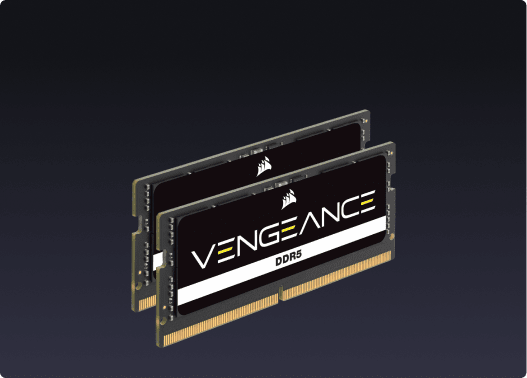


Computer Gaming Memory (RAM)
Your PC's performance starts with memory. Whether you're building a new rig from scratch, upgrading an existing system, or pushing your setup for competitive gaming and content creation, choosing the right PC RAM makes a real difference in how your system handles workloads. CORSAIR memory is engineered to meet the demands of gamers, PC builders, and creators who expect reliable, high-performance computer RAM at every level.
DDR4 vs. DDR5: Choosing the Right Generation
The two main generations of desktop RAM sticks on the market are DDR4 and DDR5. DDR4 remains a strong, widely compatible choice for systems built around older Intel and AMD platforms. DDR5 offers higher speeds and greater bandwidth for newer platforms, making it the direction to consider if you're building on a current-generation platform. Before you buy RAM, check your motherboard's supported memory type — mixing generations is not possible.
How Much RAM Do You Actually Need?
Capacity is one of the most practical decisions when buying computer RAM:
- 16GB: Covers the needs of most PC gamers running current titles alongside everyday applications.
- 32GB: Gives you more headroom for multitasking, live streaming, running applications in the background, and gaming simultaneously.
- 64GB and above: Suits content creators, video editors, and users running memory-intensive professional workloads.
Speed and Timings: What the Numbers Mean
RAM speed is measured in megatransfers per second — for example, DDR5-6000MT/s. Higher speeds can improve performance in tasks that are sensitive to memory bandwidth. Latency timings, shown as a series of numbers like CL30, affect how quickly your RAM responds to requests. For gaming RAM, a balance of speed and tight timings tends to produce the most responsive experience.
Gaming RAM with RGB: Performance and Style
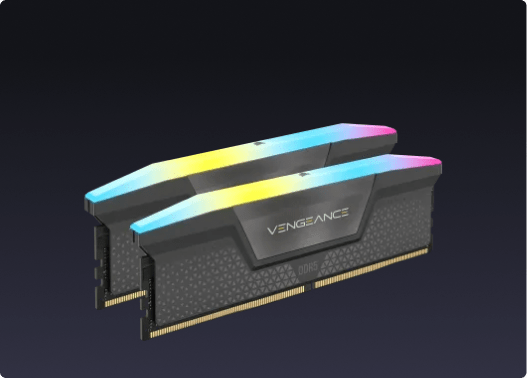
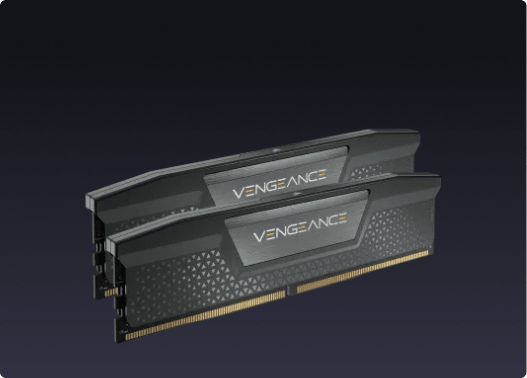
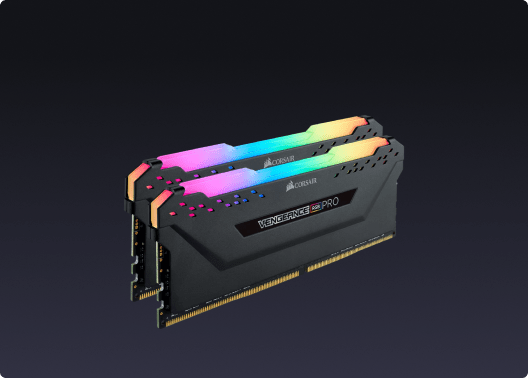
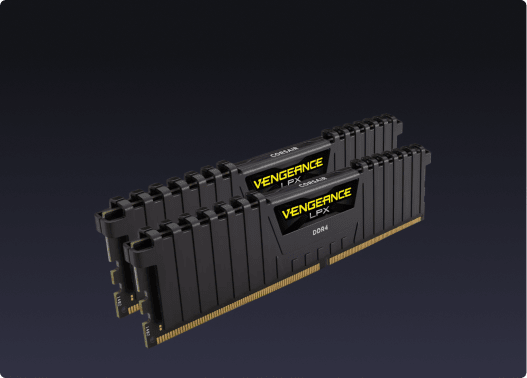
CORSAIR offers RAM sticks with and without RGB lighting. RGB memory modules let you customise your build's aesthetic through iCUE software, syncing lighting across your entire setup. If you prefer a cleaner look, non-RGB options deliver the same performance in a lower-profile design.
Single Kit vs. Multi-Channel Configurations
Running two RAM sticks in a dual-channel configuration unlocks more memory bandwidth compared to a single stick of the same capacity. Most modern builds benefit from a matched dual-channel kit. CORSAIR memory kits are tested and sold as matched pairs or sets, so you get consistent performance across the modules.
Browse the full CORSAIR memory range to find the right RAM for your build, whether you're upgrading a current system or starting fresh.