BLOG
GALLEON 100 SD: Plugins and Ready-Made Profiles on the Elgato Marketplace Enhance Your Stream Deck Experience
Last updated:
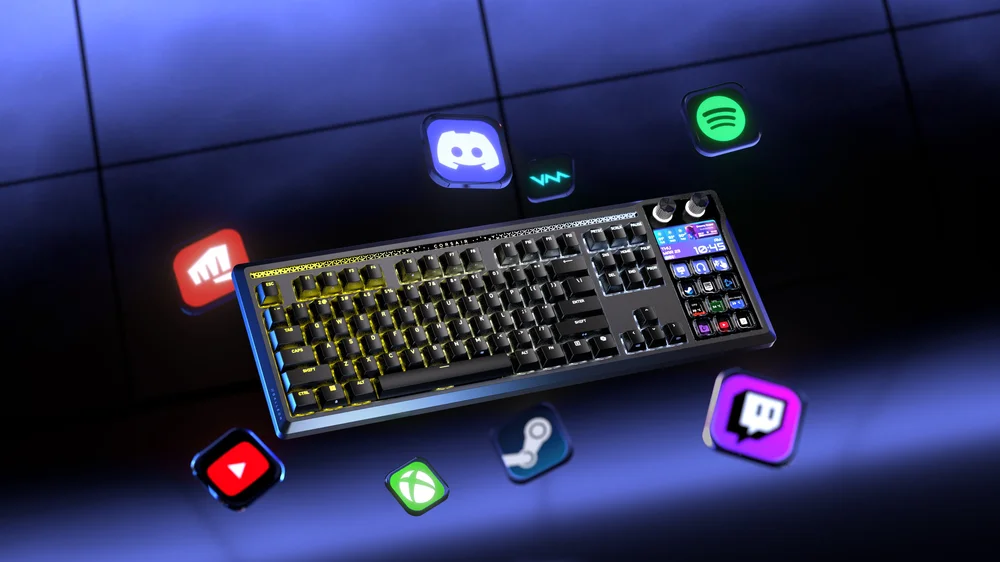
The Elgato Marketplace is the central hub for expanding the capabilities of your Stream Deck-enabled devices like the CORSAIR GALLEON 100 SD keyboard. Whether you’re a streamer, content creator, gamer, or productivity enthusiast, Marketplace offers a growing ecosystem of plugins, ready-made profiles, icons, and other digital assets that elevate how you interact with applications and workflows.
At its core, the Marketplace provides community-driven and official assets that can be easily installed and integrated directly into the Elgato Stream Deck app. Once added, these assets let you unlock deeper application control, automate common tasks, and personalize your on-device buttons and actions far beyond basic shortcuts.
What Are Stream Deck Plugins?
Plugins are add-ons that extend Stream Deck functionality by introducing pre-built actions designed to interact with specific applications or systems. Available plugins cover a wide range of tools and use cases, from broadcast software like OBS Studio or Twitch, to communications apps like Discord, productivity utilities, and even hardware control such as lighting or monitoring utilities.
For example:
- The OBS Studio plugin puts recording, streaming, sources, and scene controls right on your Stream Deck, with keys that update dynamically based on live state.
- The Discord plugin lets you mute, deaf, join channels, and manage voice or video directly.
- Productivity plugins help you control app volumes, toggle windows, or manage workflows without needing hotkeys or menus.
Plugins often include real-time feedback that allows the physical or on-screen button to reflect status changes, such as whether a mic is muted or a stream is live, making them ideal for use with the GALLEON 100 SD’s integrated LCD and dynamic buttons.
Ready-Made Profiles: Instant Setups for Apps and Games
While plugins define actions, ready-made profiles are preconfigured layouts of those actions (plus custom icons, folders, and pages) tailored to specific applications, games, or workflows. Profiles save you the time of building a button layout from scratch by bundling the most useful controls into a ready-to-use setup.
For instance, you might find:
- A profile optimized for video editing with shortcuts for timeline control, cutting, and playback.
- A streaming-centric profile with scene switching, media controls, and chat interactions.
- Game-specific profiles that map frequently used commands and macros to keys or rotary dials.
Profiles can also automatically activate when a specific application is in the foreground, thanks to Stream Deck’s Smart Profiles feature, saving time and providing context-aware control.
How to Discover and Install Marketplace Assets
Using the Marketplace starts with either:
- Clicking the Marketplace icon within the Stream Deck app, or
- Visiting the Elgato Marketplace website and signing in with your account.
Once logged in, you can:
- Search or browse by category (Plugins, Profiles, Icons, etc.).
- Filter assets by application, type, or device compatibility.
- Preview details on features, supported actions, and usage.
- Install or download it! Many plugins and profiles are free to use.
Installation typically adds the asset directly into your Stream Deck software library, where you can drag actions into your layouts, assign them to specific keys or buttons, and customize icons and triggers just as you would with built-in actions.
Maximizing Value with Icons, Audio, and More
Marketplace also offers icon packs, audio effects, VST3/AU effects, LUTs, scene collections, and other digital tools that integrate with your broader creative setup. These assets can unify your visual and auditory control, letting you build immersive and personalized interfaces with consistent branding or workflow enhancements.
Why Use Marketplace Plugins and Profiles?
Using plugins and pre-made profiles from the Elgato Marketplace delivers several benefits:
- Speed of setup: Get up and running with complex layouts in minutes.
- Application depth: Access specialized controls that would otherwise require memorizing hotkeys or switching contexts.
- Dynamic control: Enable real-time status updates and interactive buttons.
- Community and quality: Choose from a wide library of assets vetted by Elgato and contributed by creators worldwide.
For GALLEON 100 SD users, this means the already powerful Stream Deck keys and display become even more capable, adapting to everything from advanced streaming workflows to creative editing and productivity tasks.
Expand Your Workflow With Marketplace Tools
Whether you’re streamlining broadcasting, managing apps, or designing complex multi-step workflows, the Elgato Marketplace makes it easy to extend the value of your Stream Deck experience. Turn a powerful hardware controller into a personalized hub for all your digital tasks.
Plugins and ready-made profiles aren’t just add-ons, they’re pathways to a smarter and more efficient workflow.
PRODUCTS IN ARTICLE
JOIN OUR OFFICIAL CORSAIR COMMUNITIES
Join our official CORSAIR Communities! Whether you're new or old to PC Building, have questions about our products, or want to chat about the latest PC, tech, and gaming trends, our community is the place for you.