CORSAIR iCUE software brings your entire setup together, creating a fully immersive ecosystem with intuitive control.LEARN MORE
AWARDS
SKU: CC-9011337-WW
Current price: $199.99 - Original price: $249.99 - Discount: $50.00$199.99$249.99Save $50.00
This product qualifies for free shipping
Order today for estimated delivery by 10/09/2026-10/12/2026
60-days risk free returns
Overview
Tech Specs
Downloads
Accessories | Parts
Guides
Package Contents
FAQ
A JACK OF ALL DISPLAYS
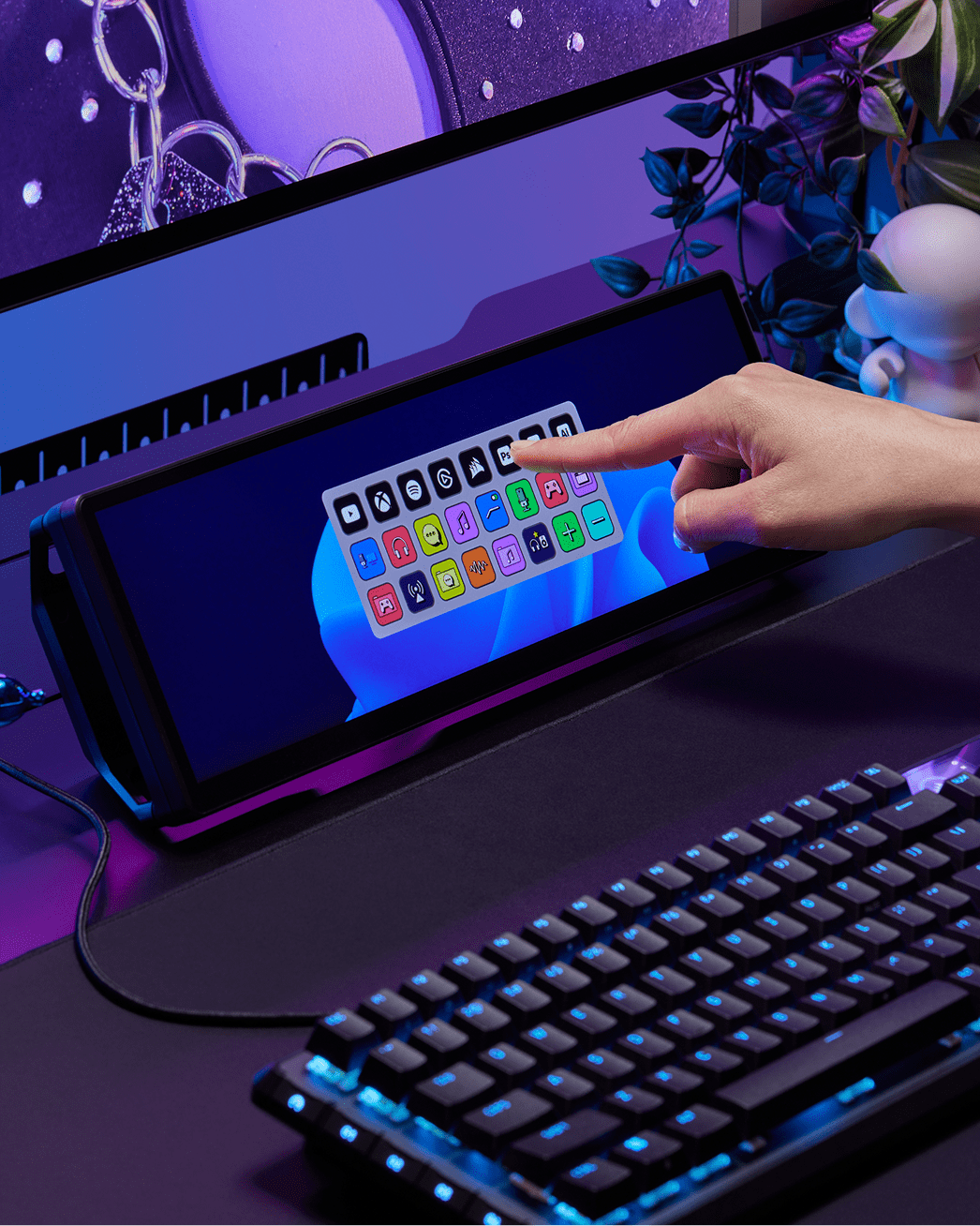
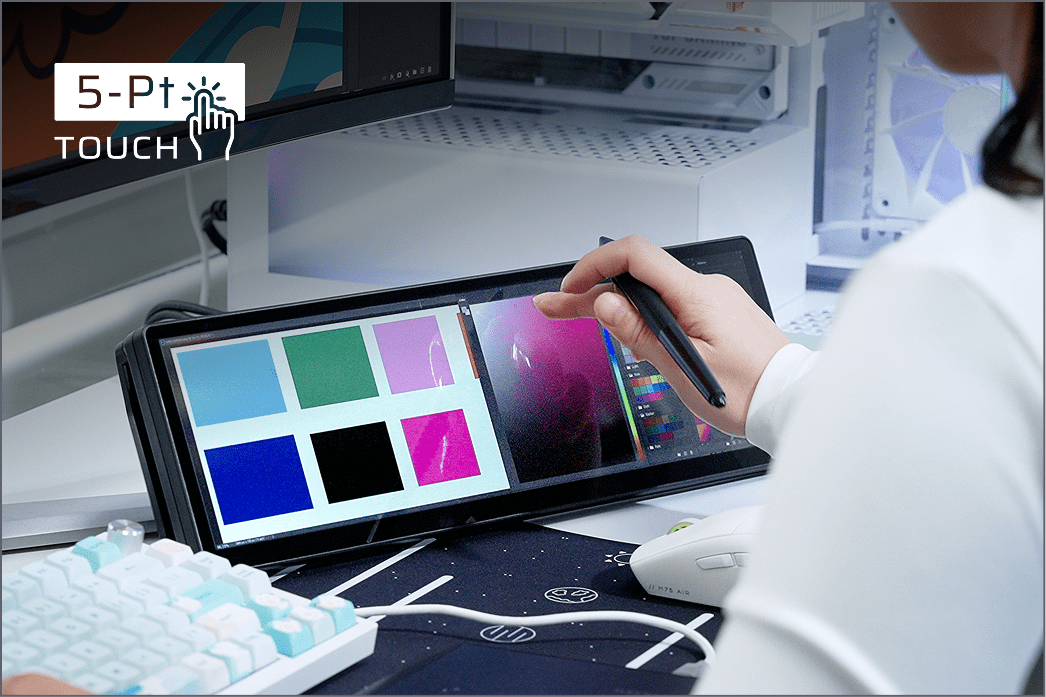
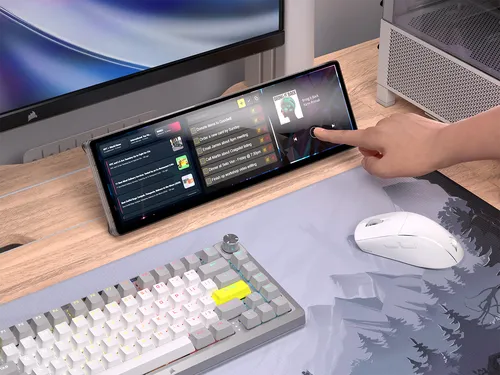
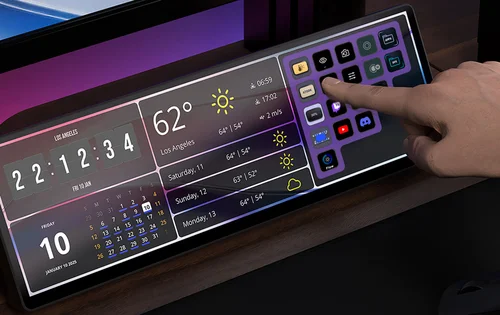
5-POINT CAPACITIVE TOUCHSCREEN
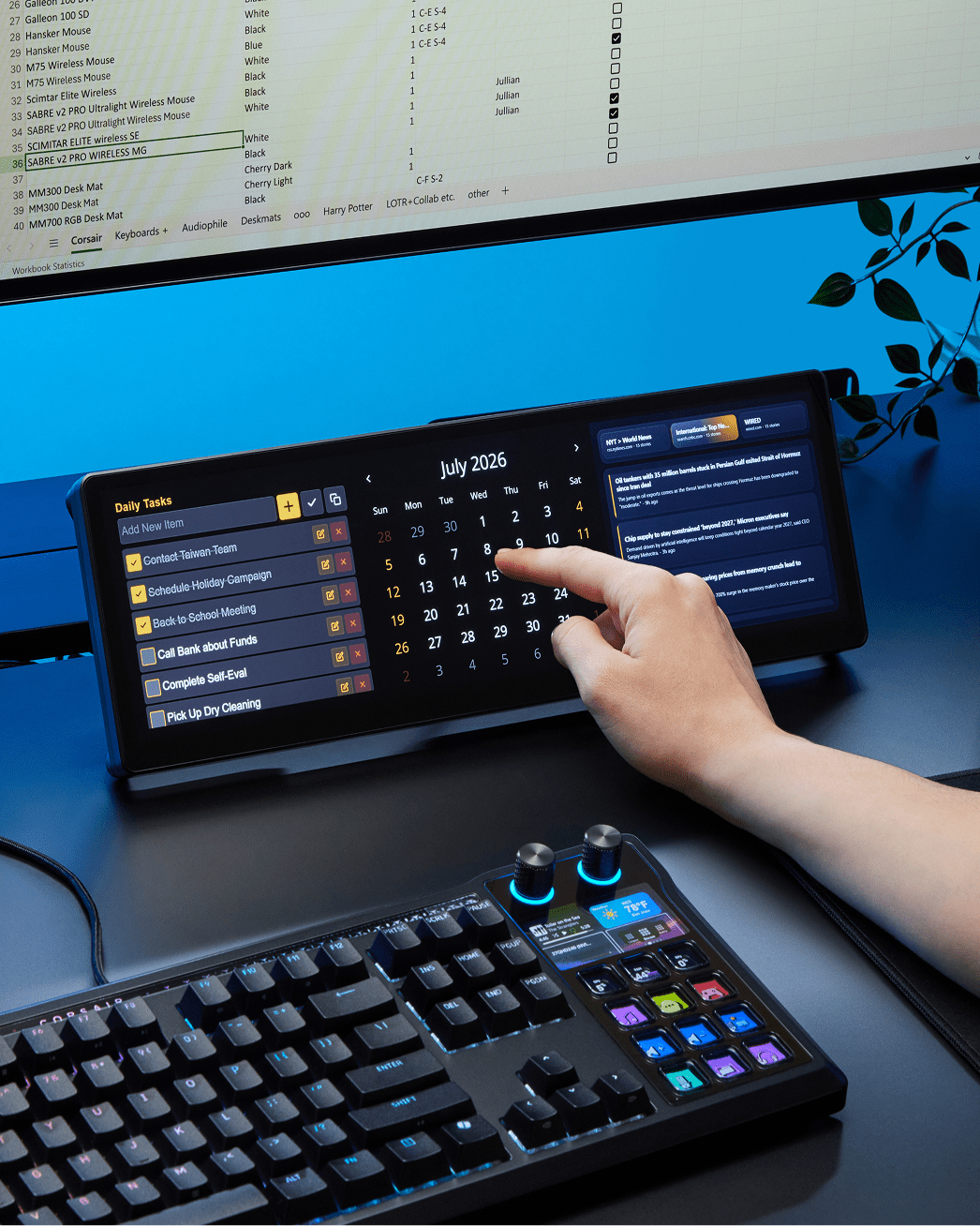
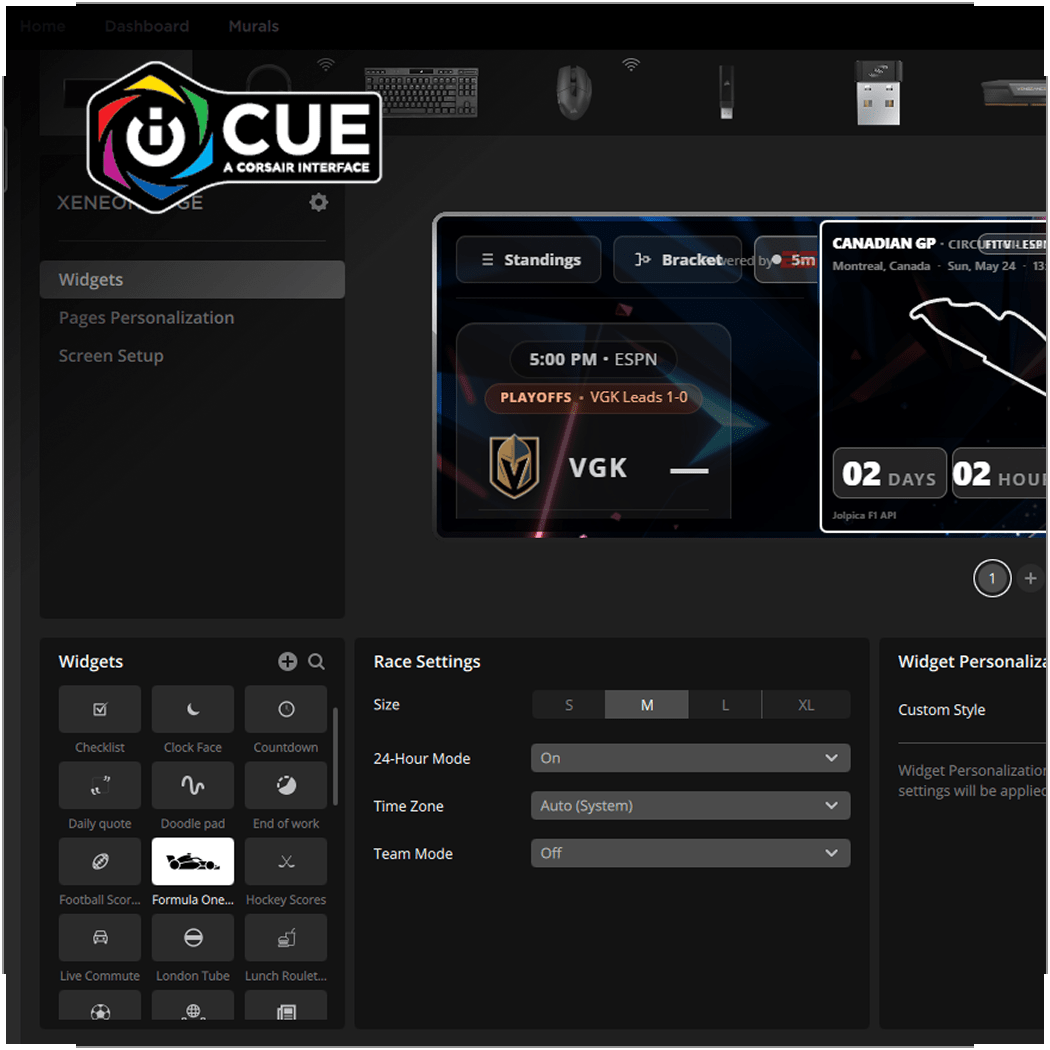
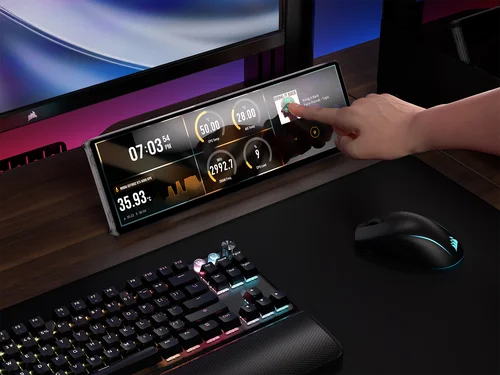
HIGHLY CUSTOMIZABLE WITH EASY-TO-USE WIDGETS
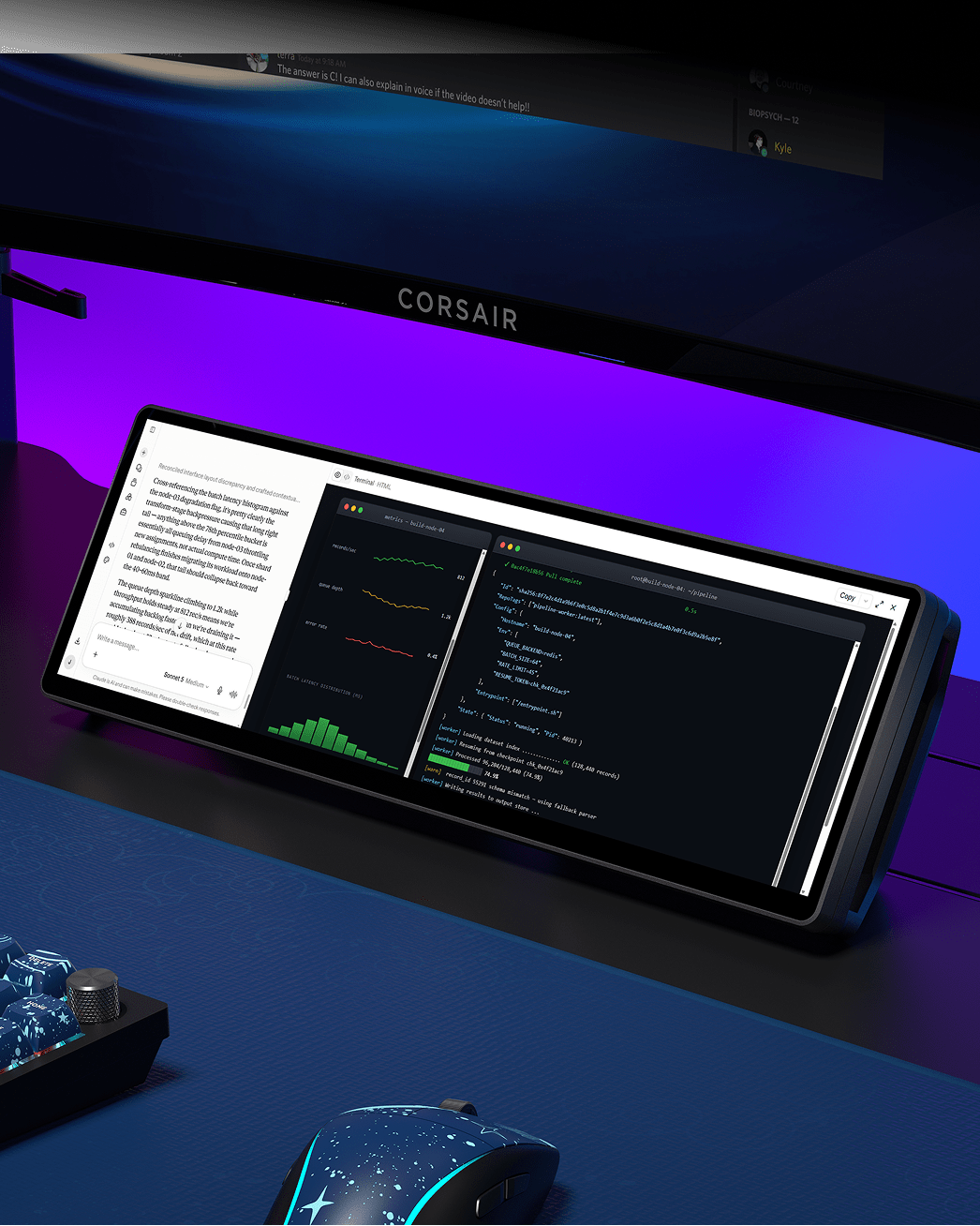
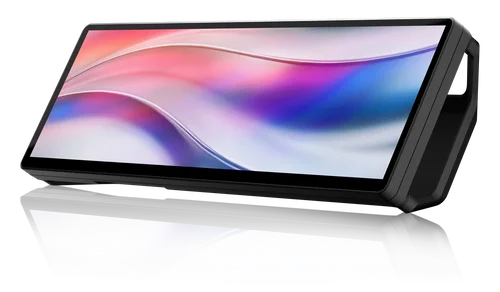
STUNNING 14.5" LCD DISPLAY (2560×720 @ 60Hz)
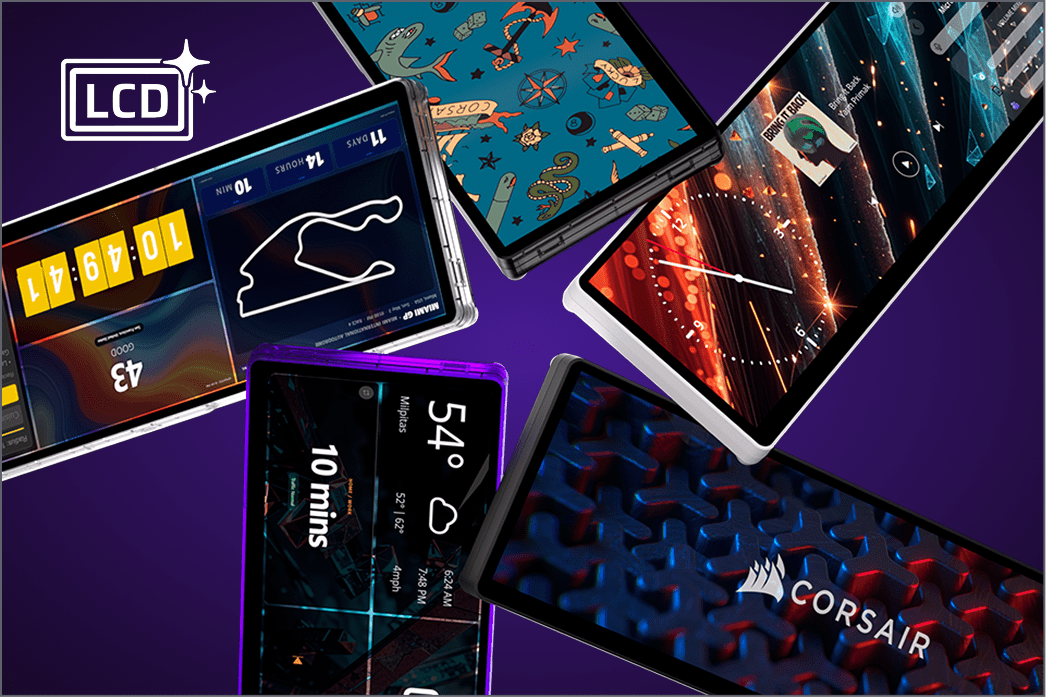
CUSTOMIZE TO YOUR STYLE
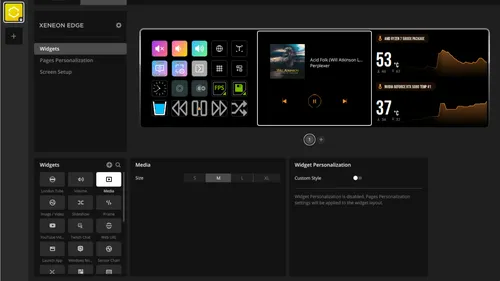
POWERFUL WIDGETS
Unlock the potential of your CORSAIR XENEON EDGE 14.5" LCD Touchscreen with widgets, powerful software extensions to elevate productivity and performance. Explore the Elgato Marketplace and browse a growing collection of useful widgets to expand the functionality of your XENEON EDGE.
FIT YOUR SETUP
UNIVERSAL, VERSATILE, COMPATIBLE
CONTROL WITH iCUE
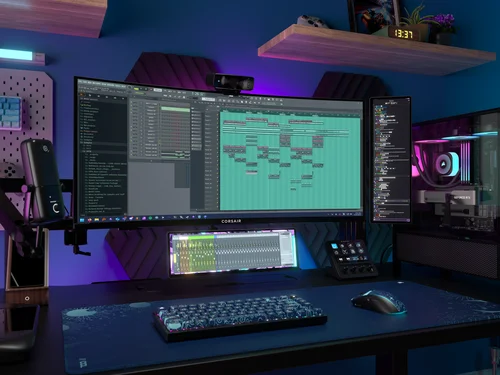
The five-point multi-touch capacitive touchscreen makes interacting with your widgets, apps, and games simple. Use it as an additional monitor in Windows or use CORSAIR iCUE software to create custom layouts and a personalized widget matrix.
PLACE IT ALMOST ANYWHERE
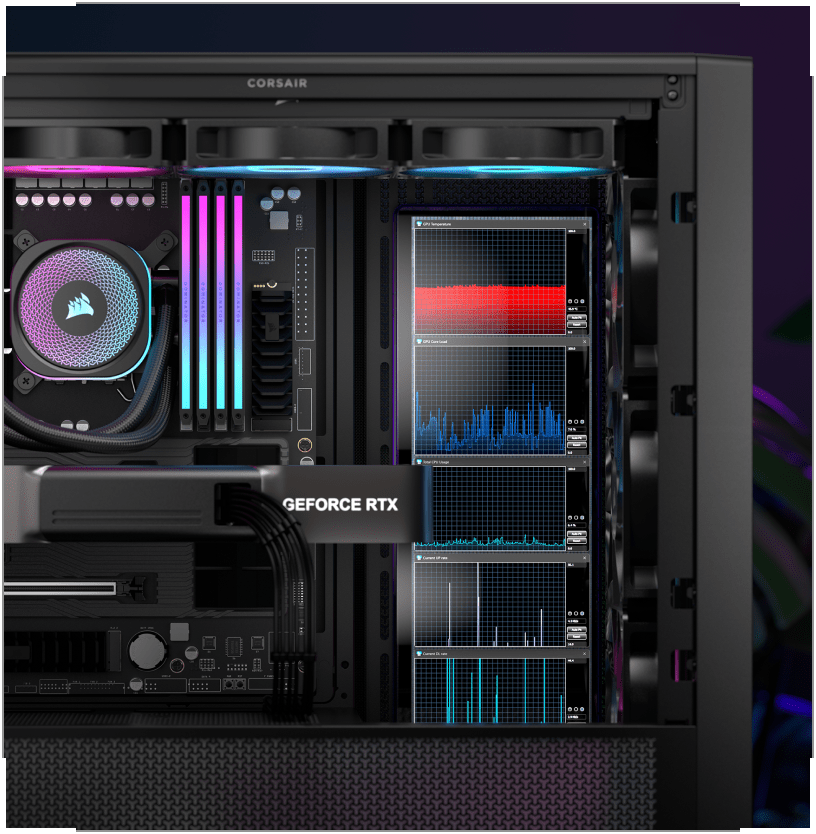
The XENEON EDGE includes 14 built-in magnets which allow it to be mounted to a steel panel, inside your case, or on a PSU shroud.
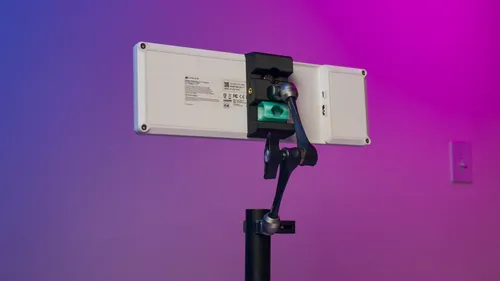
BUILT-IN AV ARM MOUNTS
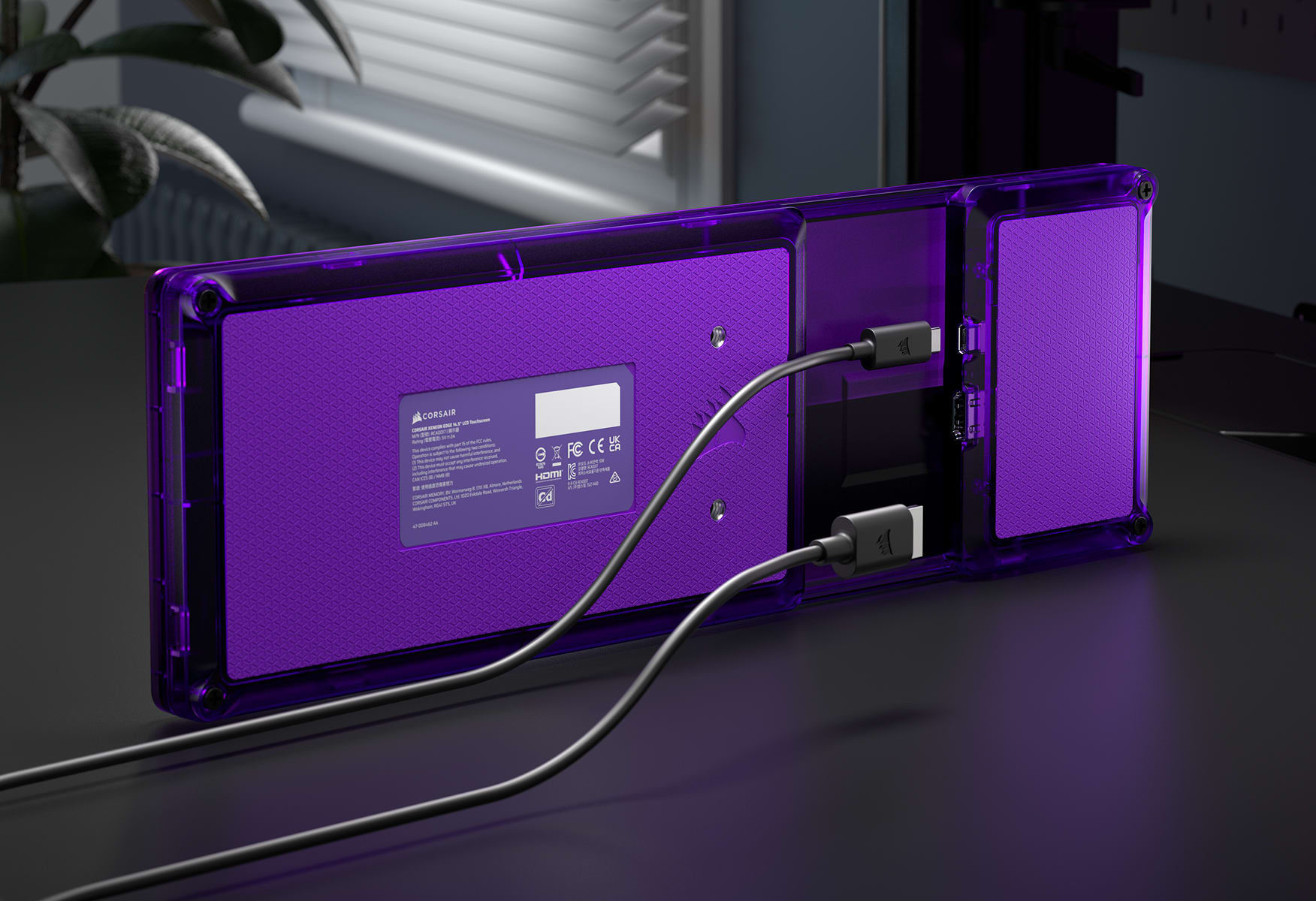
With two included ¼-20” mounting points, the XENEON EDGE can be attached to an Elgato Multi-Mount or any standard AV arm.
BRIGHT AND CRISP
EASY ON THE EYES
With a native resolution of 2560 x 720, 60Hz refresh rate, AHVA wide viewing angles, and vibrant colors, this display looks incredible wherever you can think to use it.
COMPACT COMPANION
EFFORTLESSLY PORTABLE
With its compact form factor, USB-C DP-Alt Mode support, and angled magnetic stand, this display is perfect for on-the-go use. It also supports full-size HDMI connections.
Enhance your XENEON EDGE with wallpapers specifically crafted for its native 2560x720 resolution. Every image is optimized to seamlessly fit with no stretching or scaling. Refresh your look with designs that look as sharp as your screen.
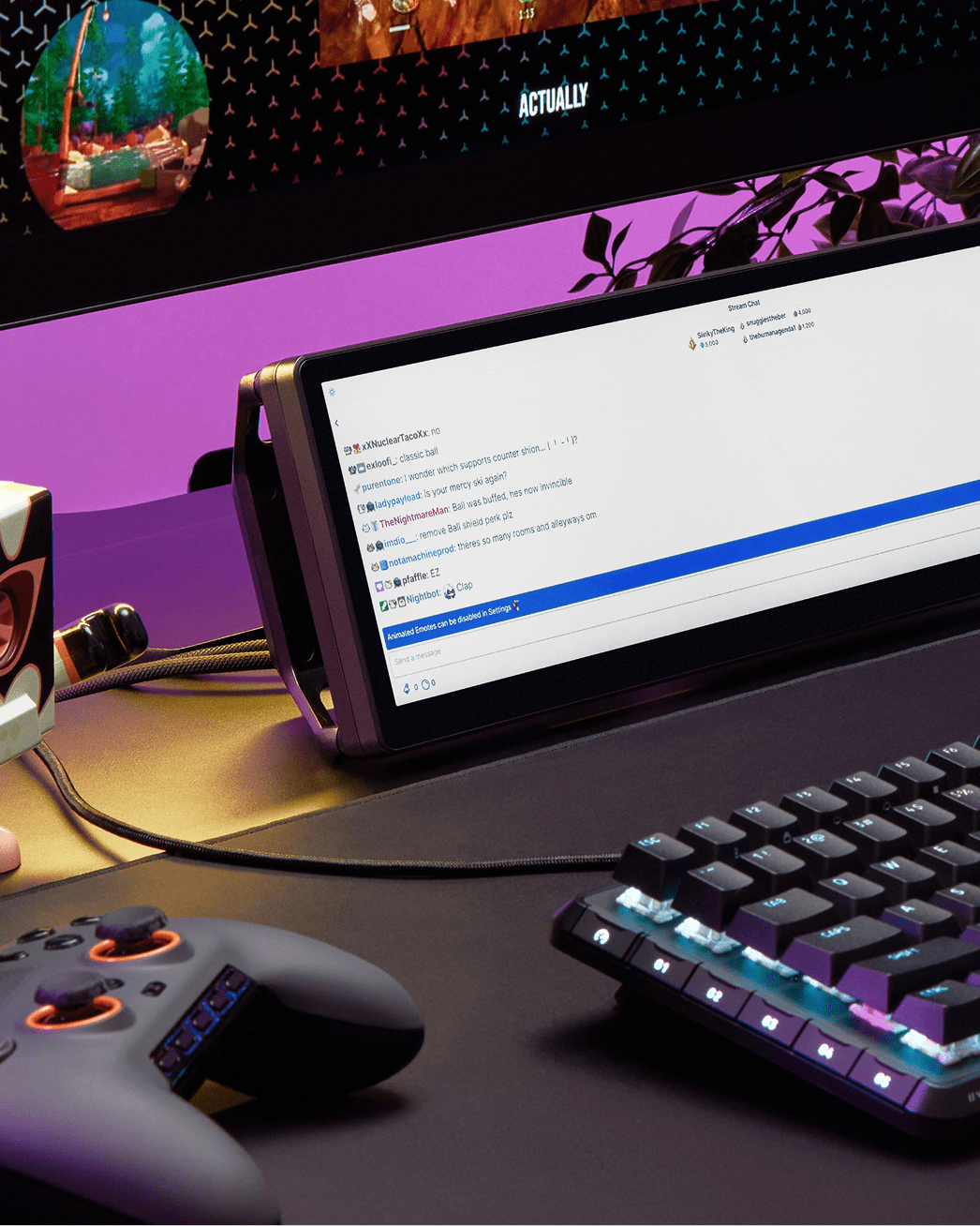
A 14.5-inch touchscreen that mounts magnetically inside your case, on metal surfaces, or sits on your desk. The 2560x720 ultrawide resolution gives you crisp visuals for system stats, Twitch chat, or Stream Deck layouts. Five-point capacitive touch responds instantly. Connect via USB-C DP-Alt Mode or HDMI 2.0. AHVA panel delivers 350 cd/m² brightness and 16.7M colors. Weighs just 1.67 kg with 14 built-in magnets and ¼-20" mounting points.
Key Features
Five-Point Capacitive Touchscreen
Direct interaction with widgets, apps, and virtual Stream Deck layouts. Responsive multi-touch lets you control iCUE settings, launch apps, and manage streams without reaching for a mouse.
Magnetic Mounting System (14 Built-In Magnets)
Attaches to PSU shrouds, inside case panels, or any metal surface. Includes detachable magnetic stand for desktop use and two ¼-20” AV arm mounting points for Multi-Mount compatibility.
2560x720 Ultrawide Resolution
Native ultrawide format maximizes horizontal space for system monitoring, chat windows, and control layouts. AHVA panel with 350 cd/m² brightness delivers crisp text and vibrant colors at 60Hz.
Dual Connectivity (USB-C DP-Alt Mode + HDMI 2.0)
USB-C DP-Alt Mode powers the display and transmits video from a single cable. HDMI 2.0 provides full-size connectivity for desktop setups. Switch between vertical and horizontal orientation.
Use Cases
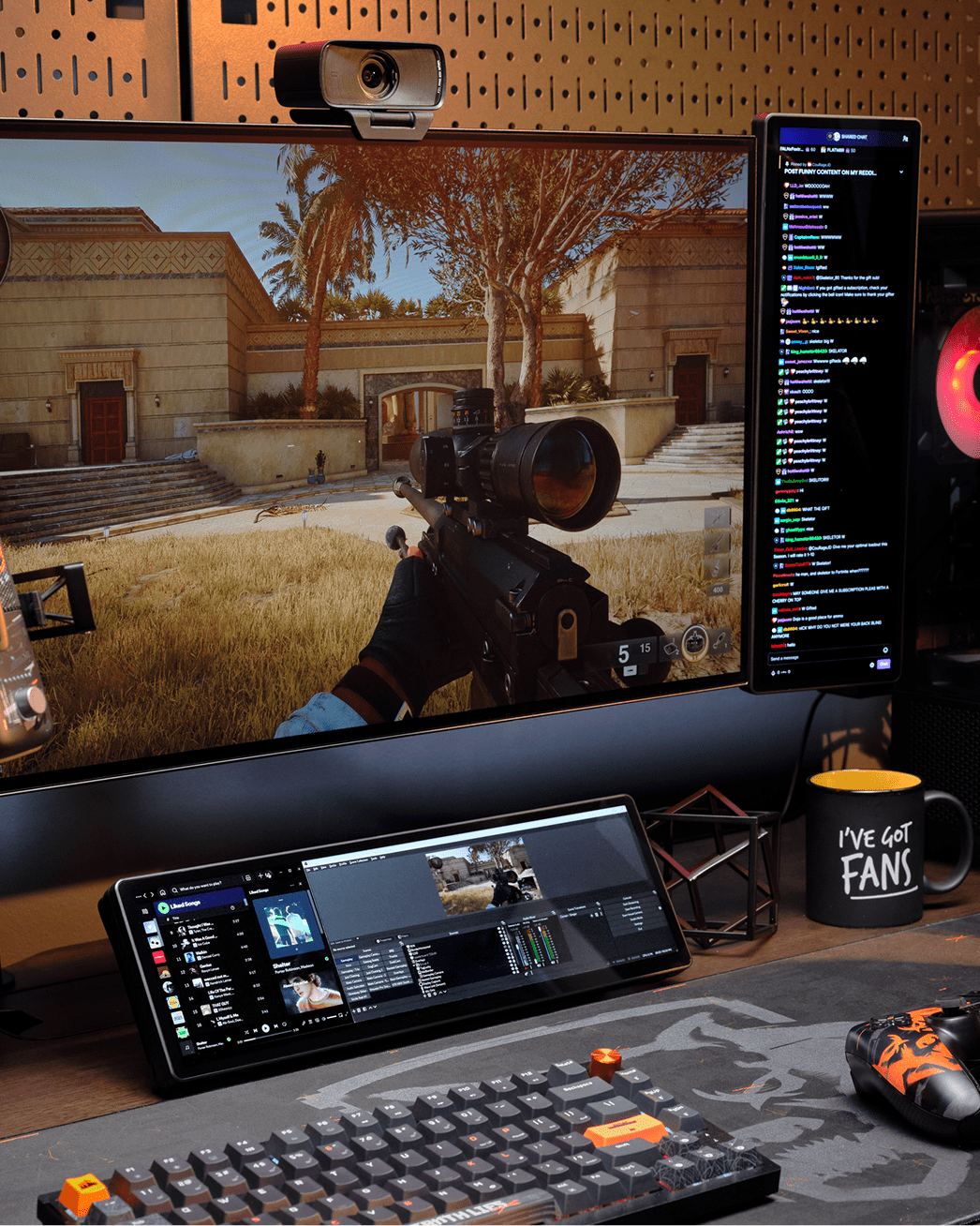
System monitoring / streaming companion
Five-point touchscreen gives instant control over iCUE widgets, Virtual Stream Deck keys, and monitoring apps. 2560x720 ultrawide resolution displays chat, temps, and controls side-by-side. Magnetic mounting or desktop stand keeps it within arm’s reach.
Multi-monitor productivity + gaming
Compact 14.5-inch footprint mounts magnetically to your case or sits on the included stand. USB-C DP-Alt Mode requires just one cable. Touchscreen eliminates the need for mouse interaction with secondary apps, freeing your main display for gaming.
Immersive single-player gamer (visual quality focus)
14 built-in magnets attach to PSU shrouds or metal panels inside your case. AHVA panel with 350 cd/m² brightness and 16.7M colors looks vibrant through tempered glass. iCUE integration syncs with your RGB ecosystem for unified control.
Console + PC hybrid gamer
HDMI 2.0 and USB-C DP-Alt Mode let you connect to PC, laptop, or console. Portable form factor at 1.67 kg makes it easy to reposition. Touchscreen control means you don’t need a separate keyboard or mouse for secondary tasks.
Yes. iCUE lets you create custom widget layouts for system monitoring, control RGB lighting, and design personalized dashboards. You can also use it as a Windows extended display without iCUE for apps like Twitch chat, Discord, or OBS.
Yes, through Virtual Stream Deck. You can create unlimited virtual keys on the touchscreen with drag-and-drop actions, shortcuts, and plug-in controls. This gives you Stream Deck functionality without buying separate hardware.
It depends on your case layout. The display measures 14.5 inches diagonally and attaches magnetically to metal surfaces. CORSAIR provides a case compatibility list on their Explorer site. Cases with PSU shrouds or side panels with metal backing work best.
USB-C DP-Alt Mode powers the display and transmits video through a single cable. If your device doesn't support DP-Alt Mode, you can use HDMI 2.0 for video, but you'll need a separate USB connection for touch functionality.
Yes. The display supports both vertical and horizontal orientation. You can rotate it 90 degrees and configure Windows to recognize the orientation change. This works great for displaying chat, Discord, or vertical content.
The box includes the XENEON EDGE display with 14 built-in magnets, a detachable magnetic desktop stand, USB-C cable, HDMI cable, and quick start documentation. Two ¼-20" mounting points are built into the display for AV arm compatibility.
No, it's designed as an auxiliary display. It requires a video input from a PC, laptop, or device with HDMI 2.0 or USB-C DP-Alt Mode. It's not a standalone device with its own operating system.
Yes, if your system has multiple video outputs. Each XENEON EDGE needs its own HDMI or USB-C connection. You can configure them as extended displays in Windows and create multi-screen layouts for monitoring, streaming, or productivity.
Yes. Windows 10 and 11 both recognize it as a touch-enabled display. The five-point capacitive touchscreen works with native Windows touch gestures, and you can use it with touch-optimized apps and widgets.
60Hz refresh rate at 2560x720 resolution. This is appropriate for an auxiliary display focused on system stats, chat, and control interfaces rather than gaming. The AHVA panel provides wide viewing angles and accurate colors.
Not with the built-in magnets. For non-metal surfaces, use the two ¼-20" mounting points to attach it to an Elgato Multi-Mount or any standard AV arm. The magnetic desktop stand works on any flat surface.
No. It's an SDR display with 350 cd/m² peak brightness and 16.7M colors (8-bit RGB). The focus is on clarity for text, system stats, and UI elements rather than HDR gaming or content consumption.
Two-year warranty backed by CORSAIR's global technical support. The warranty also includes a Zero Dead Pixel Guarantee, meaning CORSAIR will replace the display if even one dead pixel appears during the warranty period.
Yes. The 32:9 ultrawide format is ideal for displaying lap times, speed, RPM, and gear indicators. You can run SimHub, iRacing overlays, or Assetto Corsa apps on it. The touchscreen lets you switch views mid-race.
Yes for basic display output via HDMI or USB-C DP-Alt Mode. Touch functionality and iCUE integration are Windows-only. macOS and Linux will recognize it as a standard external display, but you won't have access to custom widget layouts or iCUE features.